
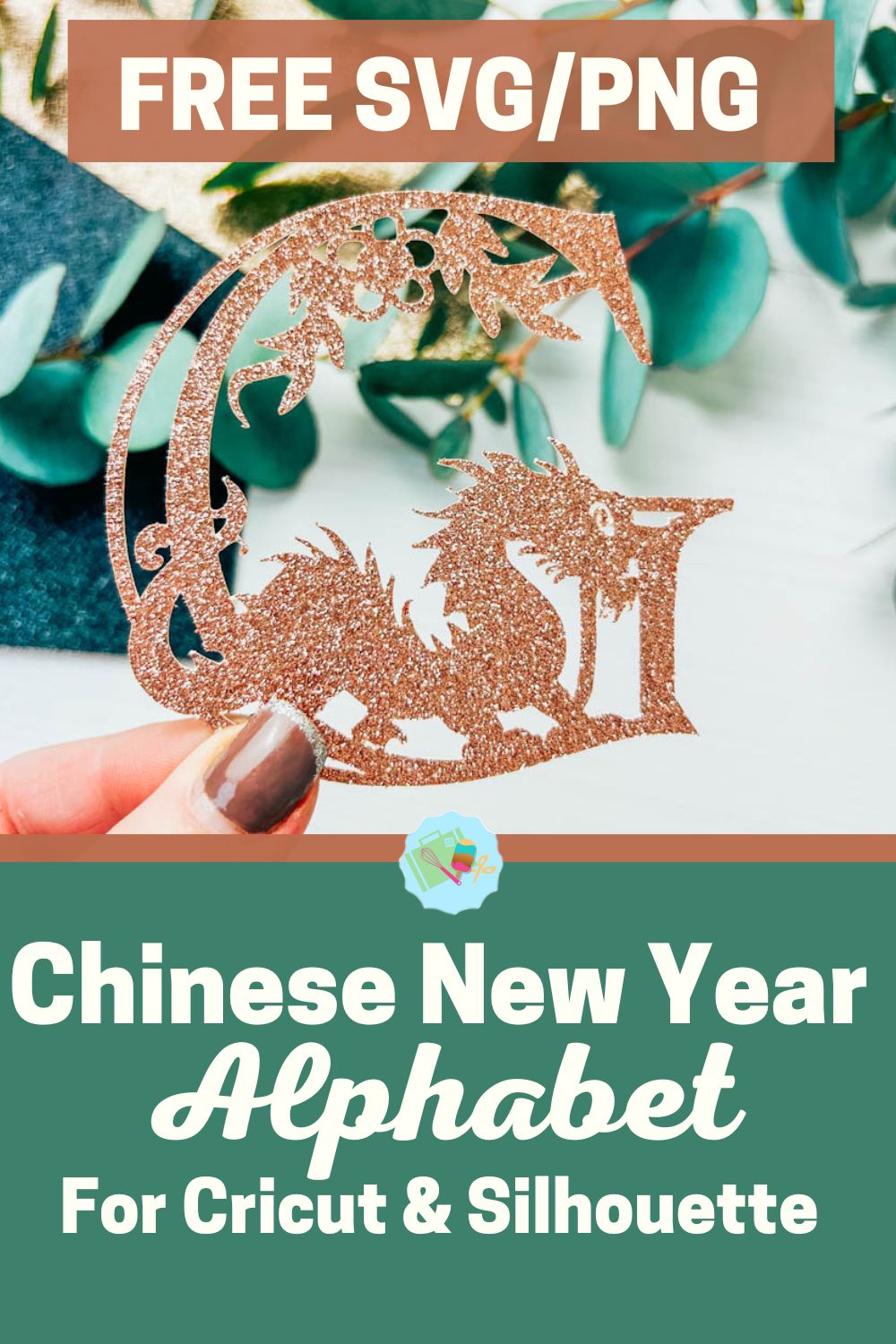
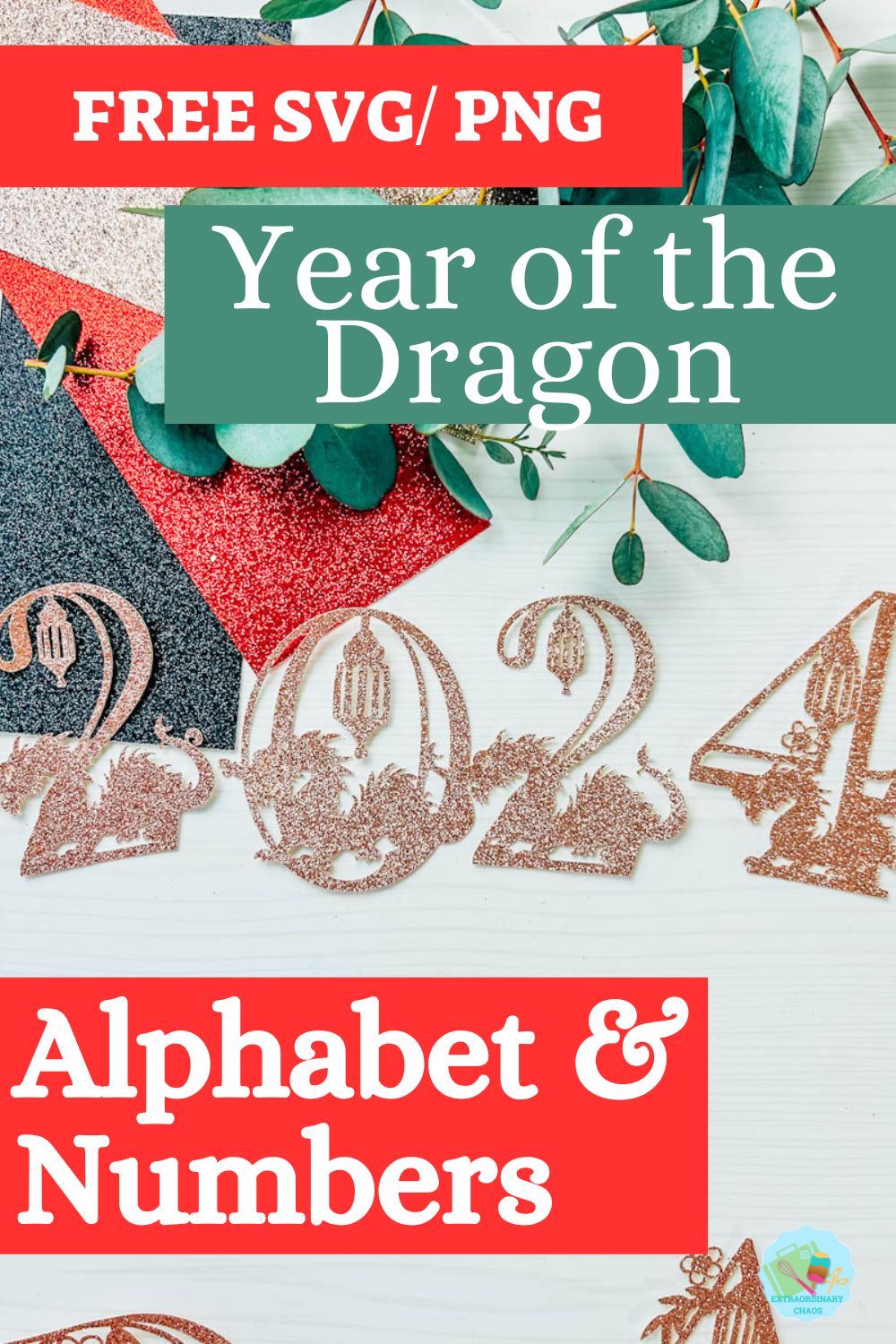
As we are celebrating the Year of the Dragon, today we are sharing our Free Chinese New Year, Year of the Dragon Alphabet And Numbers for Cricut, Silhouette, Glowforge and xTool. This strong and empowering alphabet and number set is perfect for celebrating the season. But first, a bit about the magical mythical Dragon. Also, see our Dragon Mickey.
The Dragon is the 5th Animal in the 12-year cycle of the Chinese Zodiac. Legend has it that the Dragon, a powerful and swift creature, could have easily won the Zodiak race but stopped to help a village suffering from a drought. The Dragon provided rain, helped a rabbit floating on a log from drowning, and then continued. Despite being one of the most powerful animals, the Dragon ended up in the fifth position.
People born in the Year of the Dragon are associated with strength, good fortune, ambition, determination, charm, independence, generosity, occasional temperamental traits, innovation, and comfort with taking risks and pursuing adventurous endeavours.
This post may contain affiliate links. Which means I may receive a small commission if you click a link and purchase something that I have recommended at no extra cost to yourself. As an amazon, Cricut and Glowforge associate, I earn from qualifying purchases.
What You Will Find Here
Craft Ideas For Our Chinese New Year SVG Alphabet Letters & Number Set For Cricut And Glowforge
- Year of the Dragon Cake Toppers, see my step by step tutorial to make your own cake topper.
- Framed Art
- Scrapbooking Layouts
- Cards
- Chinese New Year Decorations
Can I Cut These Year of the Dragon SVG Alphabet SVG Free Alphabet Letters And Numbers On The Cricut Joy?
Yes these Year of the Dragon SVG Alphabet letters and number images can be cut in card or vinyl on the Cricut Joy.

Uploading Your Free Year of the Dragon SVG Alphabet, Letters And Numbers To Cricut Design Space.
I am using my Jubilee Alphabet for illustration purposes, but the concept for my Year of the Dragon SVG Alphabet SVG Letters is the same. Click on upload image at the bottom of the left-hand sidebar; this will open a window; select browse and choose the Year of the Dragon SVG Alphabet Letters Alphabet files, which will most probably be in your download folder.
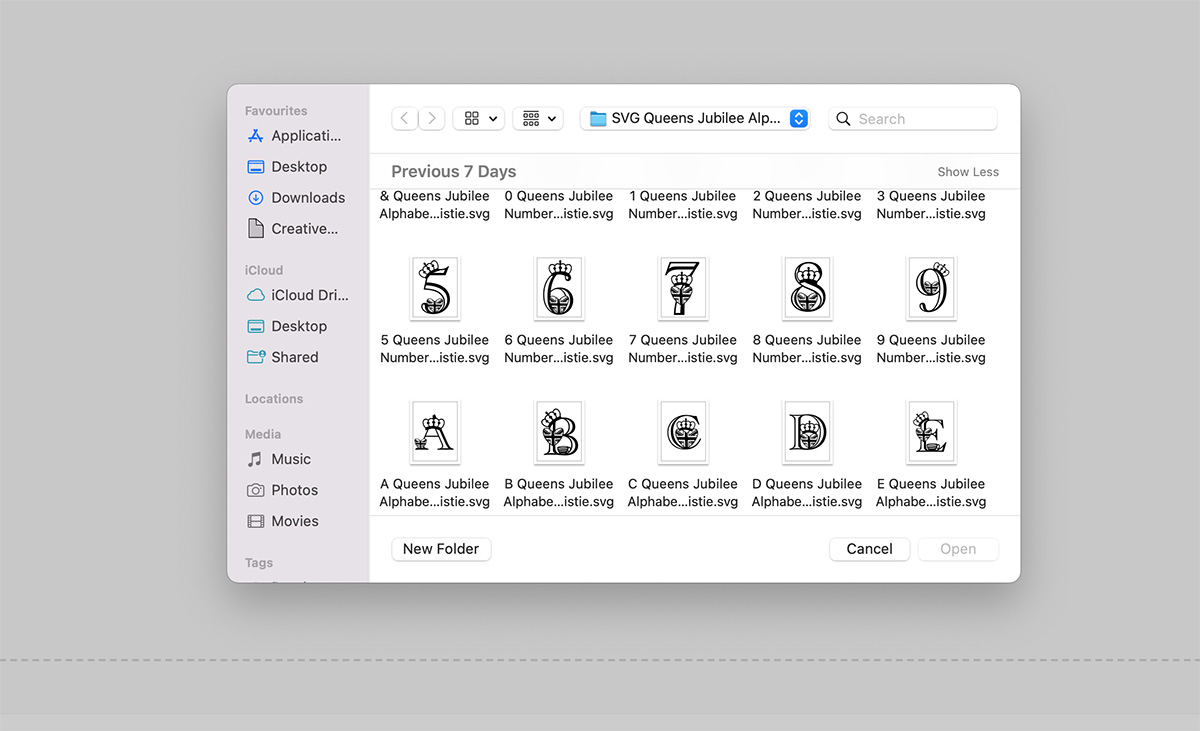
If you are uploading a PNG, you will be brought to a window with options, select complex file, then continue. The next window allows you the take the back off your Year of the Dragon SVG Alphabet Letters and number files, but I have done this for you. If you are uploading SVG the window below will open.
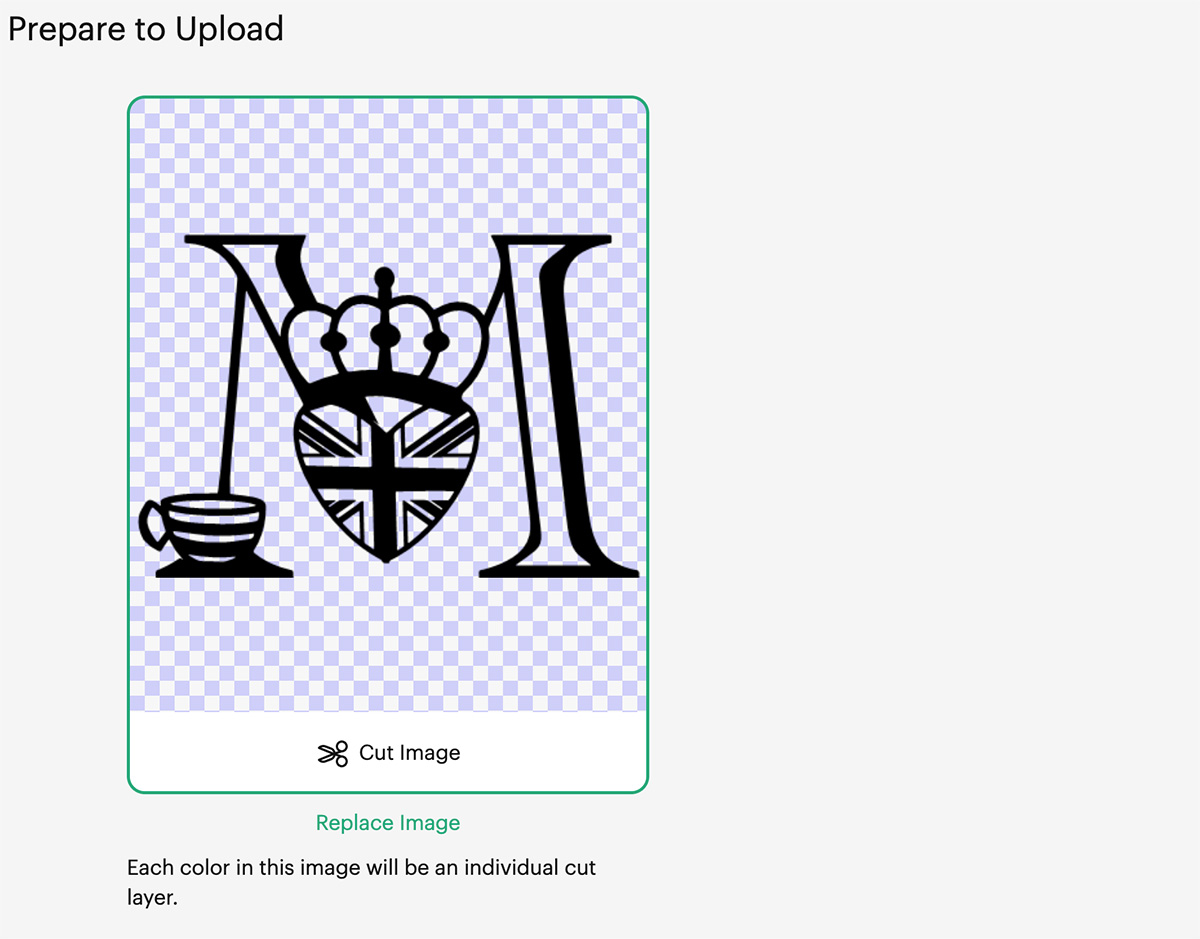
When you reach the save screen click save as a cut image and continue. Do this one by one until you have all of your chosen Year of the Dragon SVG Letters Alphabet letters and numbers. Once this is done, you can select all the letters you have uploaded and pull onto your mat in one go.

Cutting Your Year of the Dragon SVG Alphabet Letters And Numbers On Cricut
When you send your SVG Alphabet SVG Letters and Numbers files to your Cricut to cut, ensure you use your brayer to roll the paper, vinyl or card to adhere to the mat. Movement will affect the cut.
When your Cricut has finished cutting, flip the mat over and reverse weed, i find this works better as you are able to bend the mat slightly and gently peel the letters away.
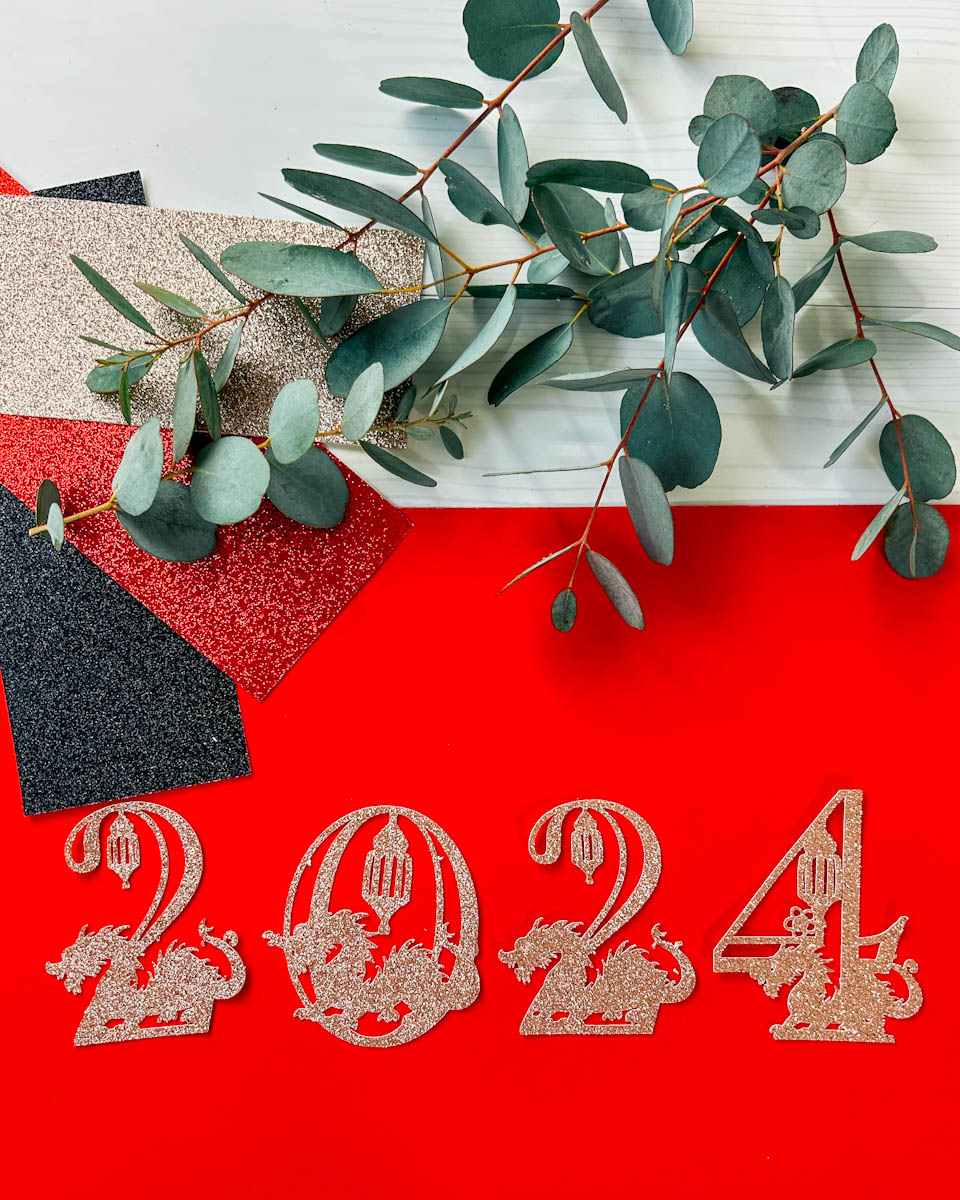
How To Get Your Free Year of the Dragon SVG Alphabet Letters And Numbers
Click here or the image below to get your free downloadable Year of the Dragon SVG Alphabet letter and number files from our shop and follow these instructions to add to Cricut Design Space if you are using a Cricut Machine. Note if you are using Glowforge you need SVG files to cut the image out of wood or acrylic. Or Png or SVG to engrave.

If You’re Having Problems?
Check out my trouble shooting page, hopefully it will answer any questions you may have.
Tips And Advice For Using Your Download For Cricut
This alphabet is also perfect to make cards and cake toppers with your Cricut, check out my guides below.
- How To Add Fonts To Cricut Design Space
- How To Remove Backgrounds On Illustrator
- Cricut Design Space Guide
- How To Slice And Weld In Cricut Design Space
- How to upload to Cricut Design Space
- Using Iron On Vinyl
- Where Else To Get Free SVG Files
Also please do pop over to TikTok or Instagram, and give me a follow and if you make a project tag me! I love seeing everyone else’s makes and chatting crafting. I could do that all day! This is also where I share videos of my makes.

I don’t celebrate Chinese New Year, but I do love dragons! And I just love your alphabet!
Thank you so much Cheryll