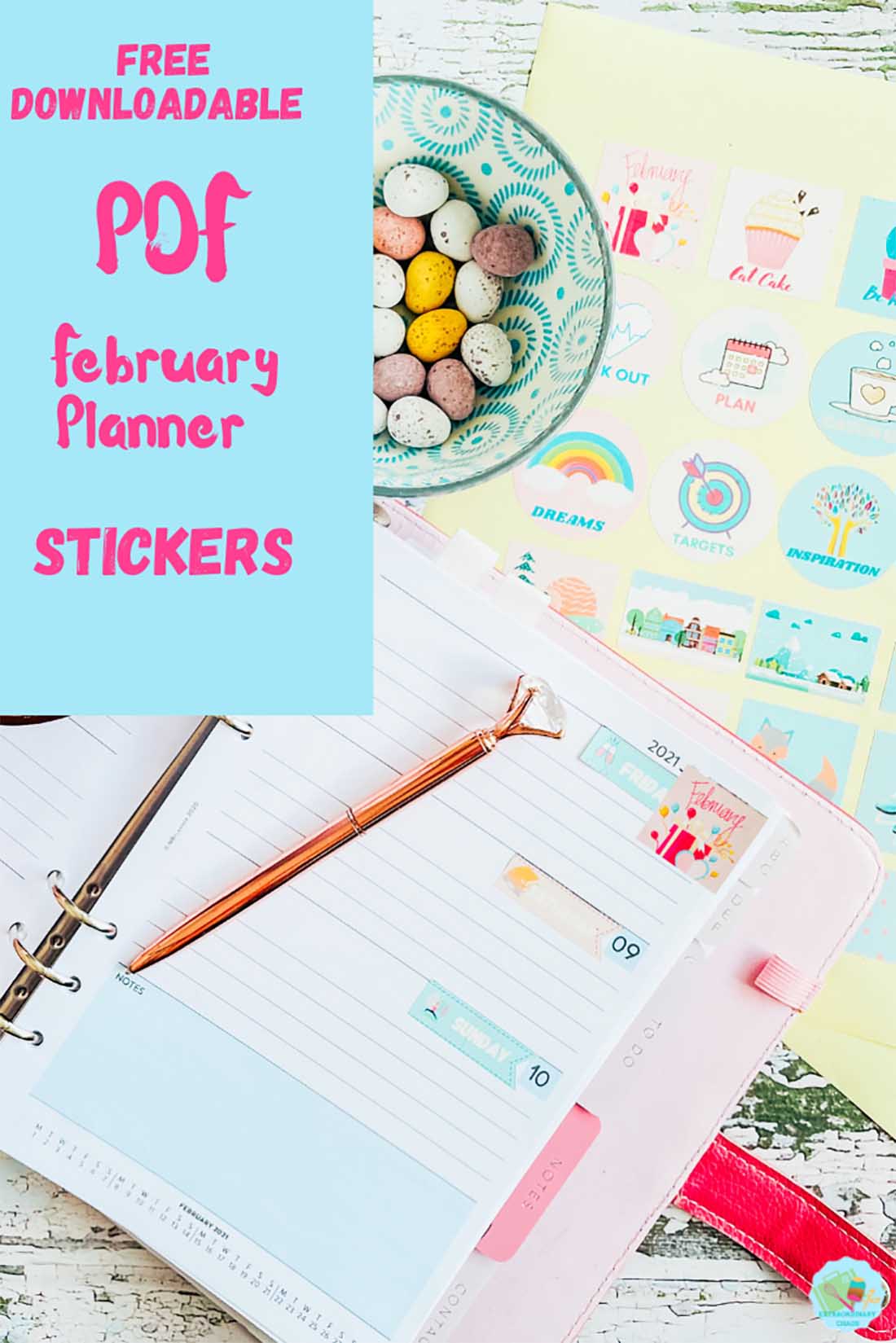
We are approaching February, and things may not be as we expected, but we can still try to plan. Thus, my Free Printable February 2025 Planner Stickers will enable us to do that in a haze of pretty pastels.
My goals for this month are to start planning my crafts for spring and summer. Also I would like to create and explore and few new family recipes. I do love to change things up in the meal department every now and then.

What You Will Find Here
How To Make My Free Printable February 2025 Planner Stickers
What Can My Printable February Planner Stickers Be Used For?
- Planners
- Bullet Journals
- February Daily Layout
- Scrapbooking
- Wall Planners
- February To Do/Wish Lists
- Valentines Card Seals

You Will Need
- Printer
- Glossy sticker printer paper.
- Scissors or guillotine
( The following only if cutting and printing)

How To Get The Templates For My Free February Daily Planner Stickers
Simply click here or the image below to get your free downloadable daily February planner stickers and follow these instructions to add to Cricut Design Space. Don’t forget to turn off any pop up blockers.
What Comes In My Printable February Planner Sticker Download?
- 2 sheet of winter themed planner stickers in PNG and PDF format including days of the week stickers, tags, motivational stickers and borders.
How To Cut Out My February 2025 Daily Planner Stickers?
Cut Out By Hand
Use a guillotine to cut each sticker out into squares, or free hand and cut around every sticker individually.
Or Alternatively Cut As A Print And Cut Project On Your Cricut Machine
- To do this click new project and upload in the left hand bar at the bottom.
- Click on upload image and select browse.
- Choose your PNG files, there are 2 separate sheets, you will have to do one at a time.
- Select complex file from the options, then continue.
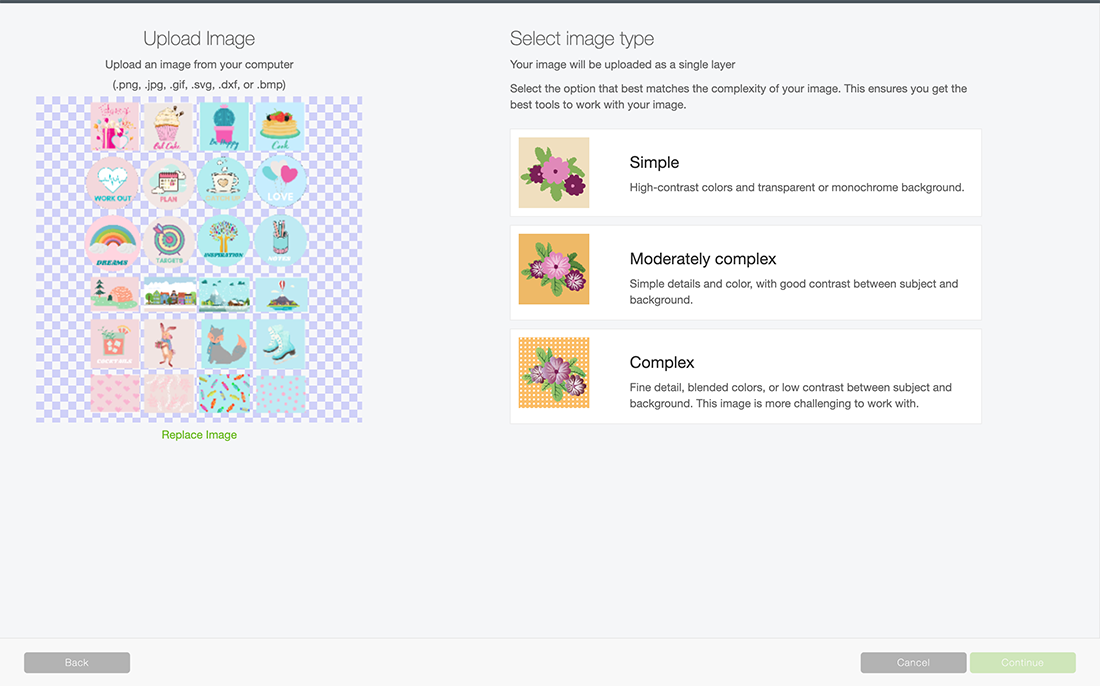
- Now choose print and cut and save to save your planner stickers to design space.
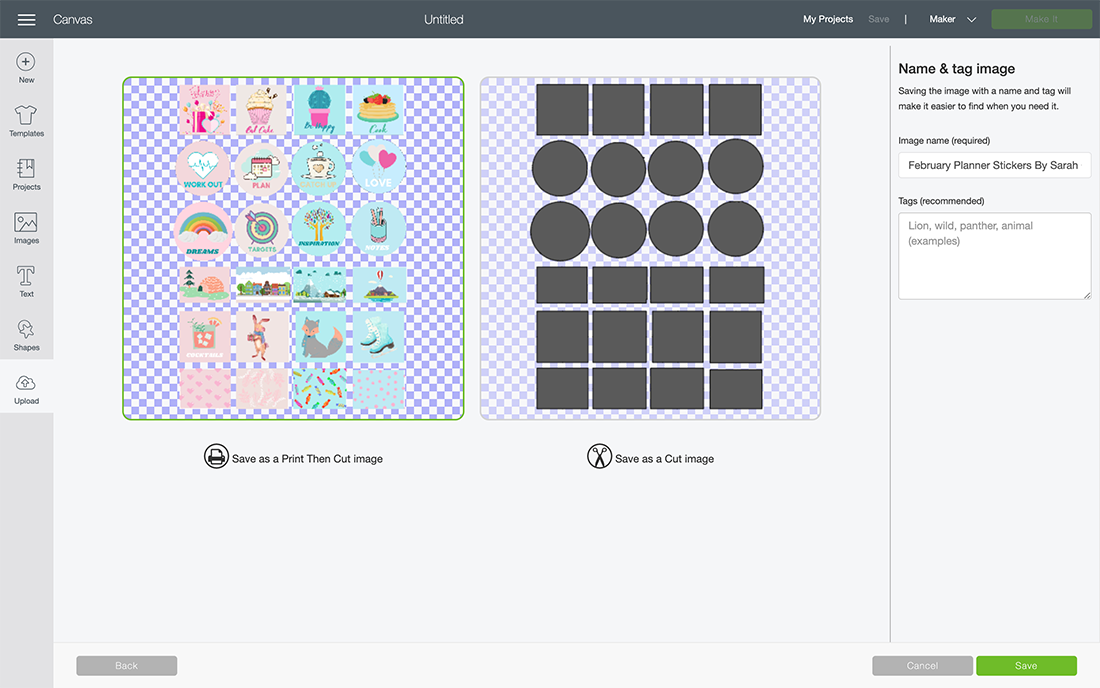
- Choose your image and press insert, the image pulls in quite large, simple drag smaller on choose the image size 6.553 by 9.237 this was the largest I managed to get mine to fill more page. However you can go smaller if you want your stickers to be smaller.
- You can now send your project to print, before cutting on your Cricut.

A Few Useful Tips And Hints For Using Cricut Print And Cut
- To save time calibrate your printer before using with you Cricut.
- Load your paper the correct way into the printer. Obvious I know, but I have made that mistake many times.
Also if you are wondering how to make stickers and set templates, check my post, which guides you through this.
And that’s it, happy planning and here’s to a fab 2025?