
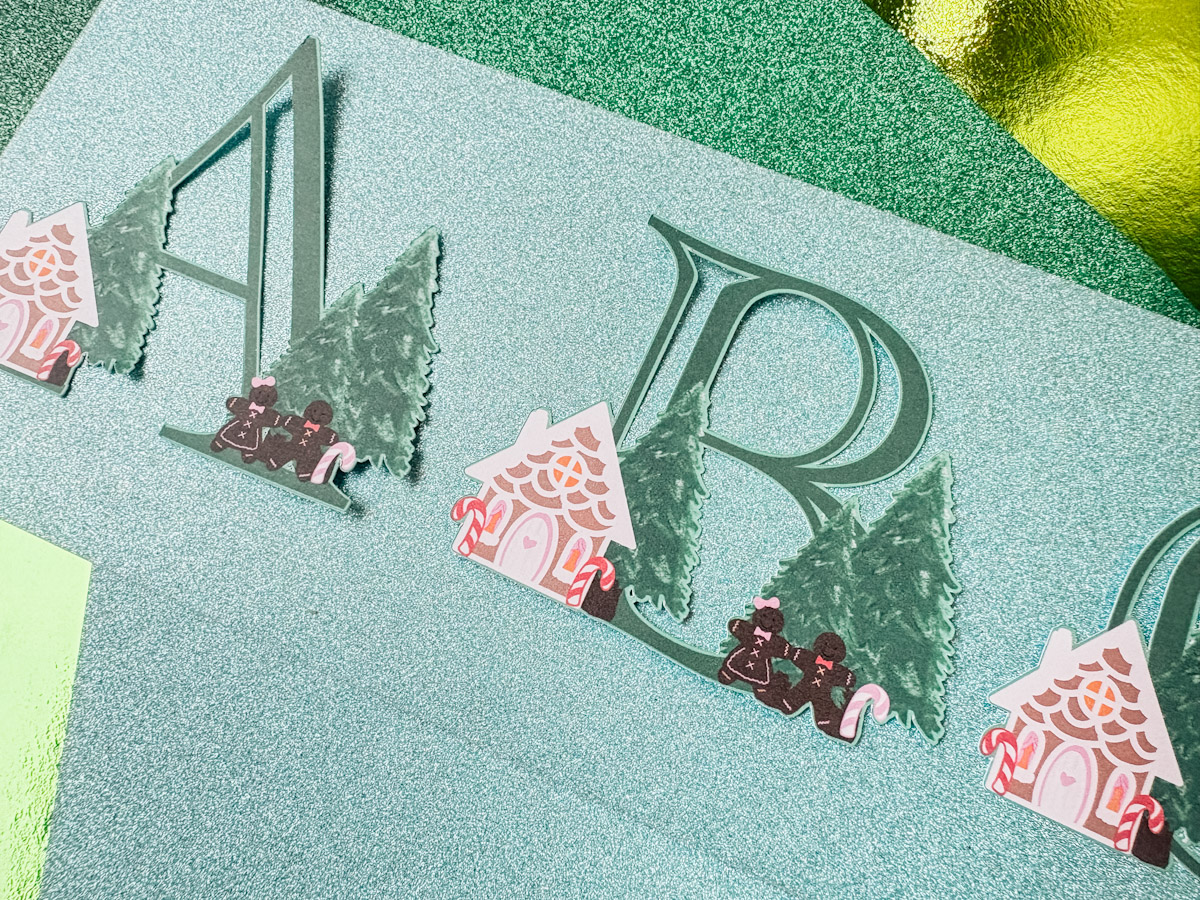
This super festive free PNG Printable Gingerbread House Alphabet Letters and Numbers set is perfect for print and cut projects with Cricut and Silhouette. It offers so many possibilities for creating themed Christmas and winter projects such as custom cards, personalised candy baubles, banners, cake toppers and gifts.
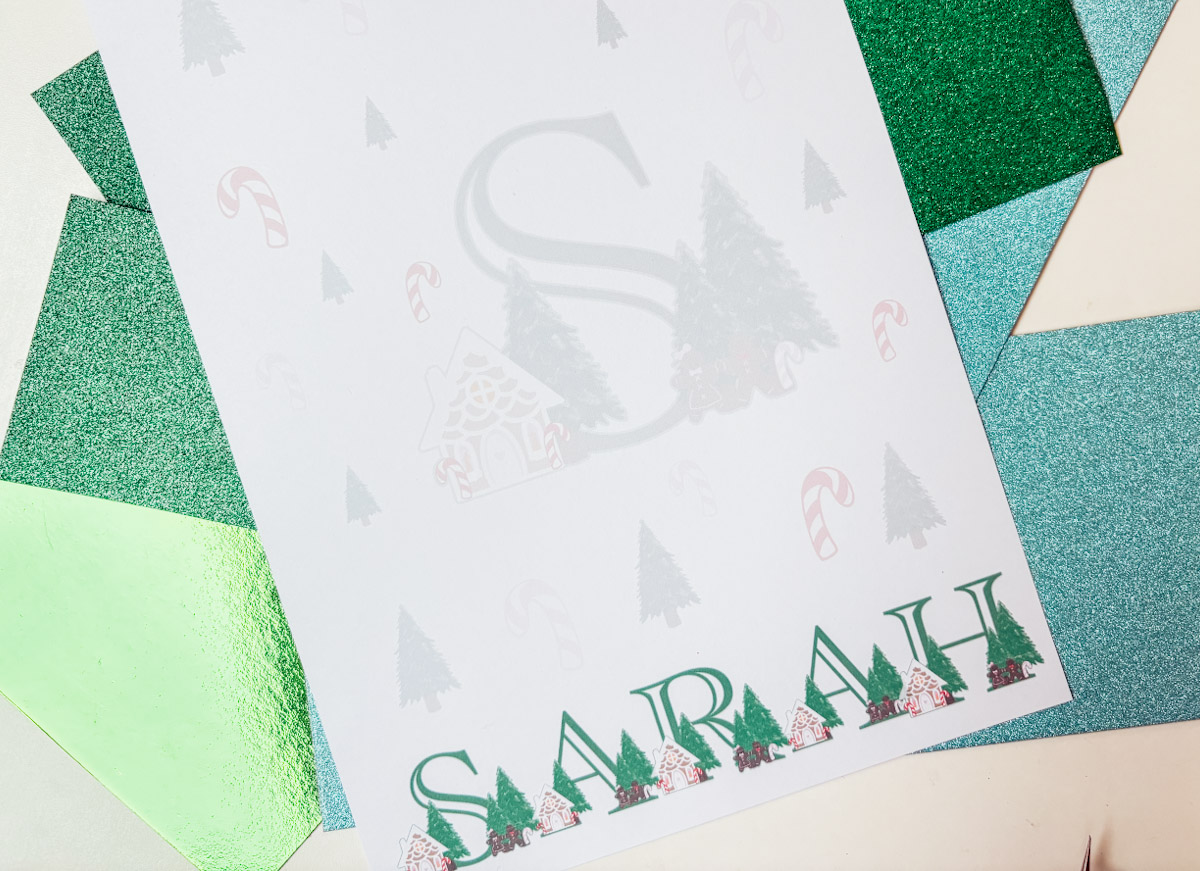
Plus, today we are bringing a little North Pole magic to your home this Christmas with personalised monogram letter paper for your little ones to write to Father Christmas. This tutorial shows you how to create beautiful, printable monogram paper using Canva, no cutting machine needed. Let’s get your elf-ready stationery made!

This post may contain affiliate links. This means I may receive a small commission if you click a link and purchase something that I have recommended at no extra cost to yourself. As an amazon, Cricut and Glowforge associate, I earn from qualifying purchases.
What You Will Find Here
Watch My Step-by-Step Video
How To Make Monogram Paper With Our Free Printable PNG Gingerbread House Alphabet Letters And Numbers
What you’ll make
A printable sheet (or set) of North Pole monogram letter paper featuring:
- Child’s name + decorative monogram
- “From the North Pole” header or label
- Optional festive elements (candy canes, gingerbread people, trees)
Materials & resources
- Computer or tablet with internet access
- Canva account (free version works)
- Free printable Christmas alphabet (link to your download)
- Printer, I Use A HP Printer
- Printable Printer Paper
Quick prep
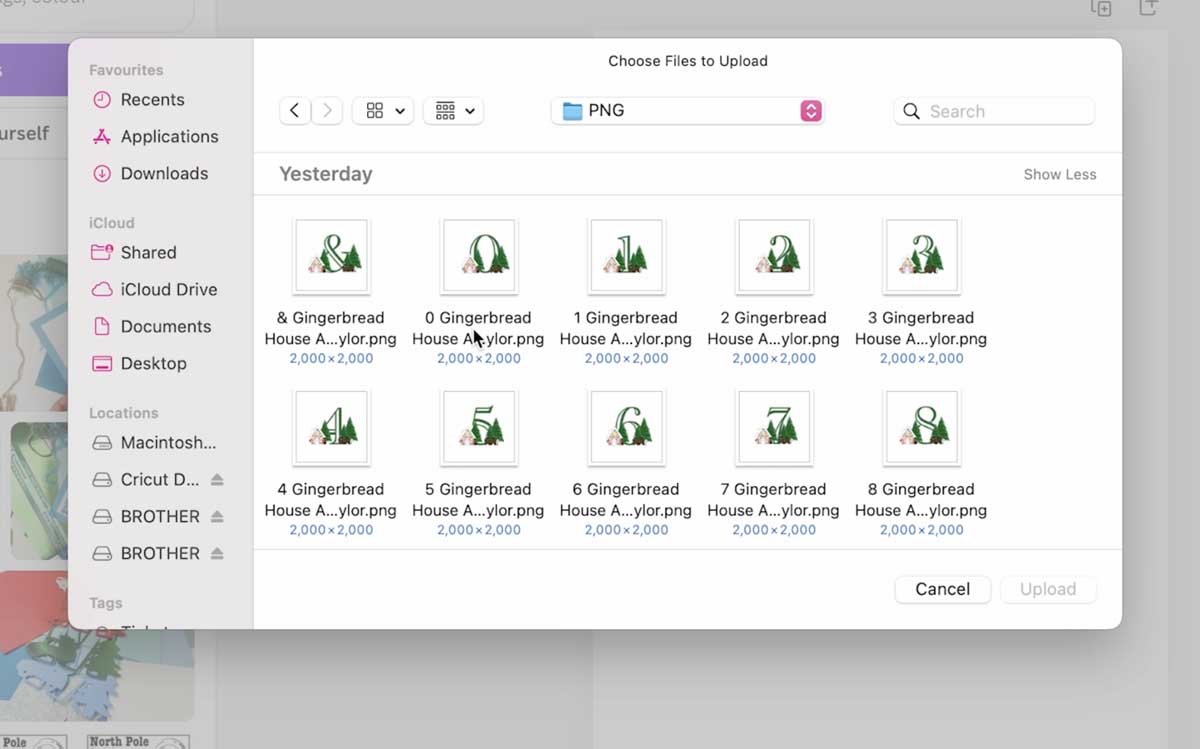
- Download my Christmas alphabet file and save it to your computer.
- Think about the paper size you want (A4 or US Letter are easiest for home printing).
Step-by-step tutorial
1. Create a new design in Canva
- Log into Canva.
- Click Create a design, Custom size and enter your page size:
- A4: 210 × 297 mm

2. Upload the alphabet and any assets
- On the left menu click Uploads, Upload files.
- Upload the Christmas alphabet file, plus any extras you want (extra icons, logos, PNGs).
- If you’re using paid elements, upload those too or use Canva’s built-in elements.
3. Create the monogram
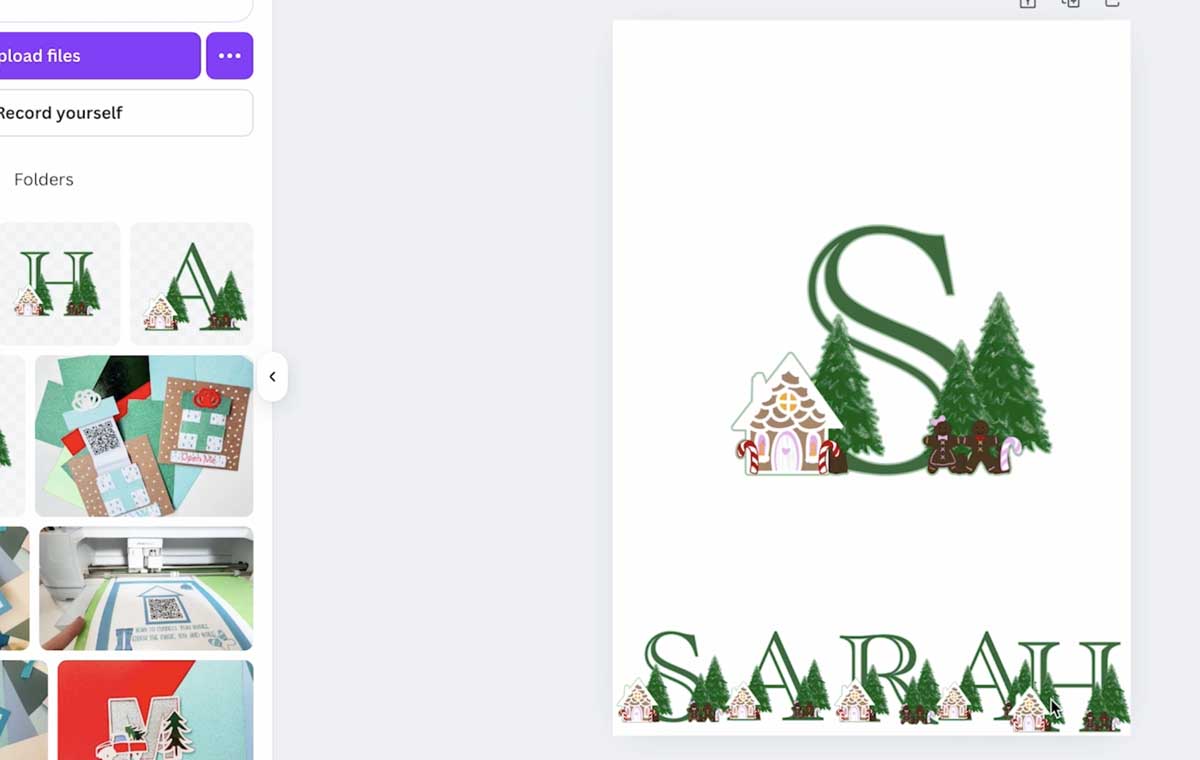
- Drag the alphabet file into the canvas. If the alphabet is a single-sheet PNG/SVG with all letters, you can crop or use individual letter images if you exported them separately.
- Position and align: Use Canva’s alignment guides, centre horizontally and vertically as needed.
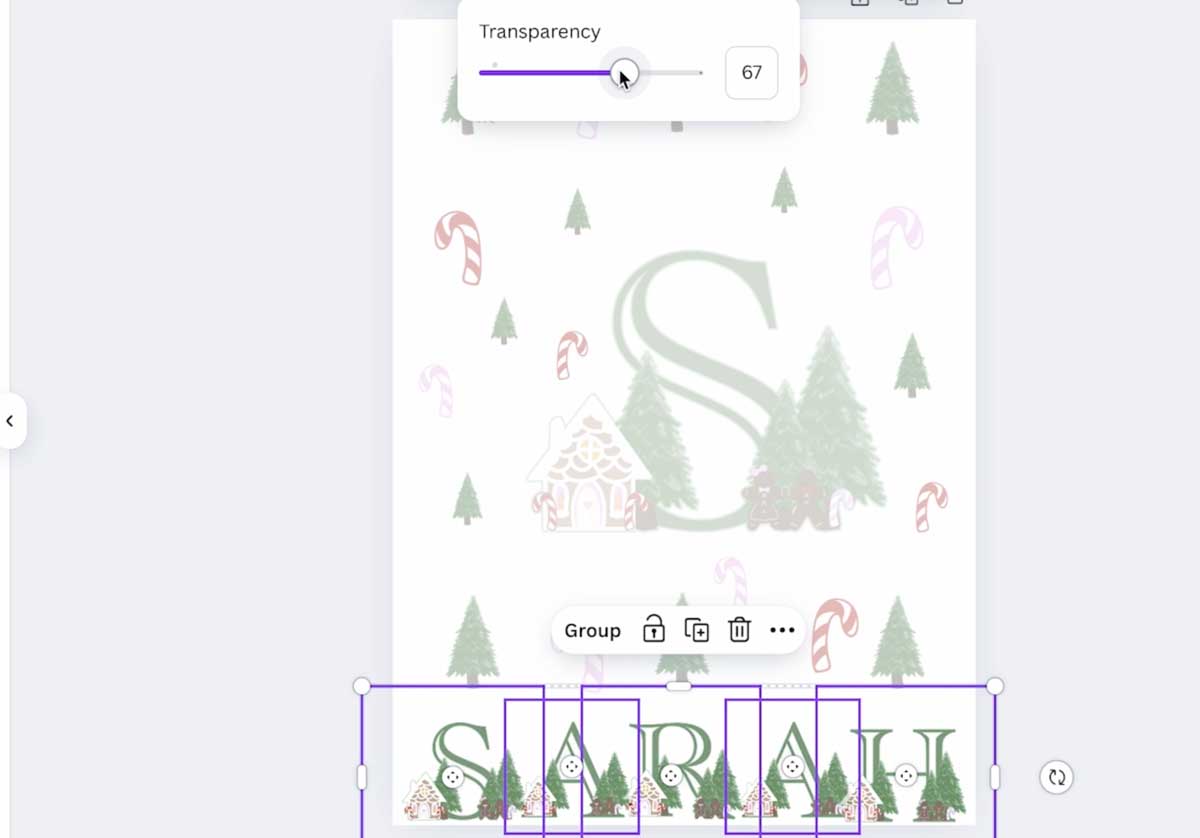
5. Decorate with festive elements
- Upload the extra elements
- Keep decoration transparency low, to do this click on transparency and slide it down
- Keep the bottom name bold
9. Print
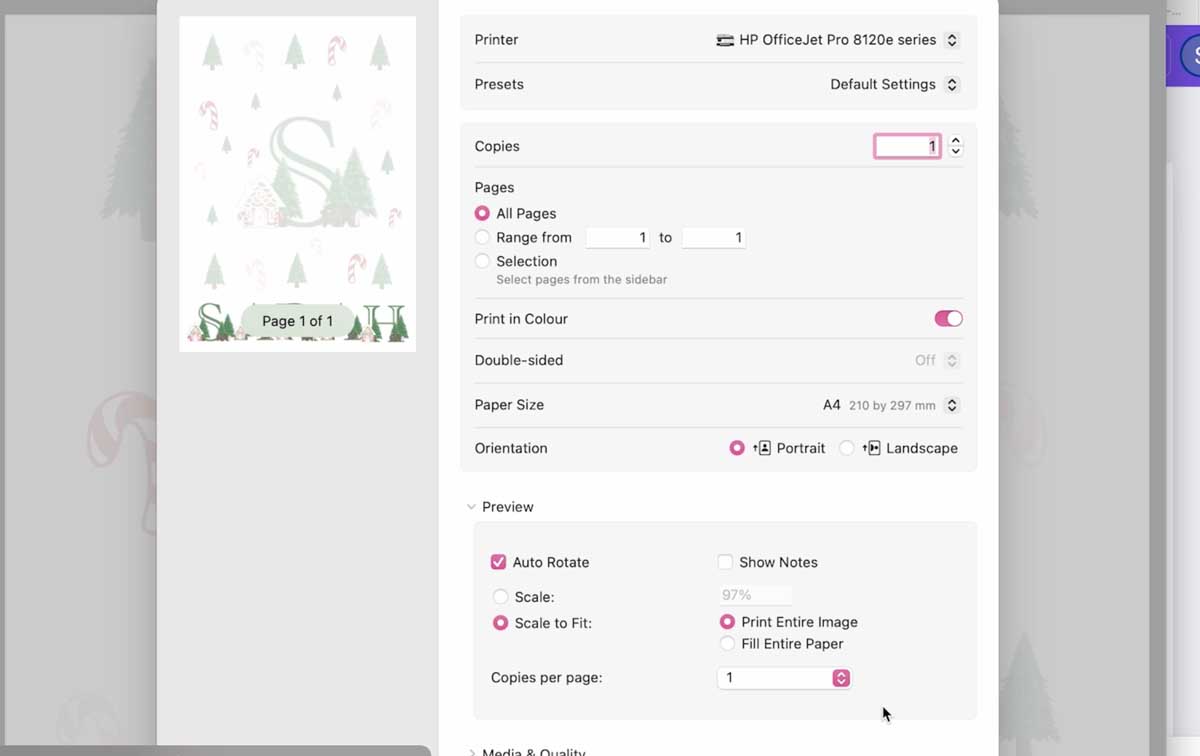
- Use good-quality paper
- In your printer settings, select best quality and the correct paper size.
Variations & ideas
- Elf Notes Pack: Make 3–5 different designs to leave on different mornings with small elf clues.
- Letter & Sticker Set: Use the monogram header plus matching round stickers for sealing the letter.
- Older kids: Create a “North Pole Official Receipt” or “Elf Reward Certificate” printable with their name and achievements.
FAQ (short)
Q: Do I need Canva Pro?
A: No, the free Canva account is enough for this project. Paid elements are optional.
Q: Can I use this with a cutting machine later?
A: Absolutely! Export PNG or SVG elements from Canva and import into your cutting software if you want stickers or shaped stationery to match.
If You Want To Use These Free Printable Gingerbread House PNG Alphabet Letters And Numbers?
Simply click here or on the image below to get my free Cricut Printable Gingerbread House Alphabet cut file downloads from our shop. Here’s how you upload the files to Cricut Design Space. And get the matching sticker elements here.
If You’re Having Problems?
Check out my trouble shooting page, hopefully it will answer any questions you may have.
Tips And Advice For Using Cricut
- Cricut Design Space Guide
- How to upload to Cricut Design Space
- How To Make Print And Cut Stickers In Cricut Design Space
- Where Else To Get Free SVG Files
Also please do pop over to Instagram, or TikTok and give me a follow and if you make a project please do tag me! I love seeing everyone else’s makes and chatting crafting. I could do that all day! This is also where I share all my projects in progress.


