
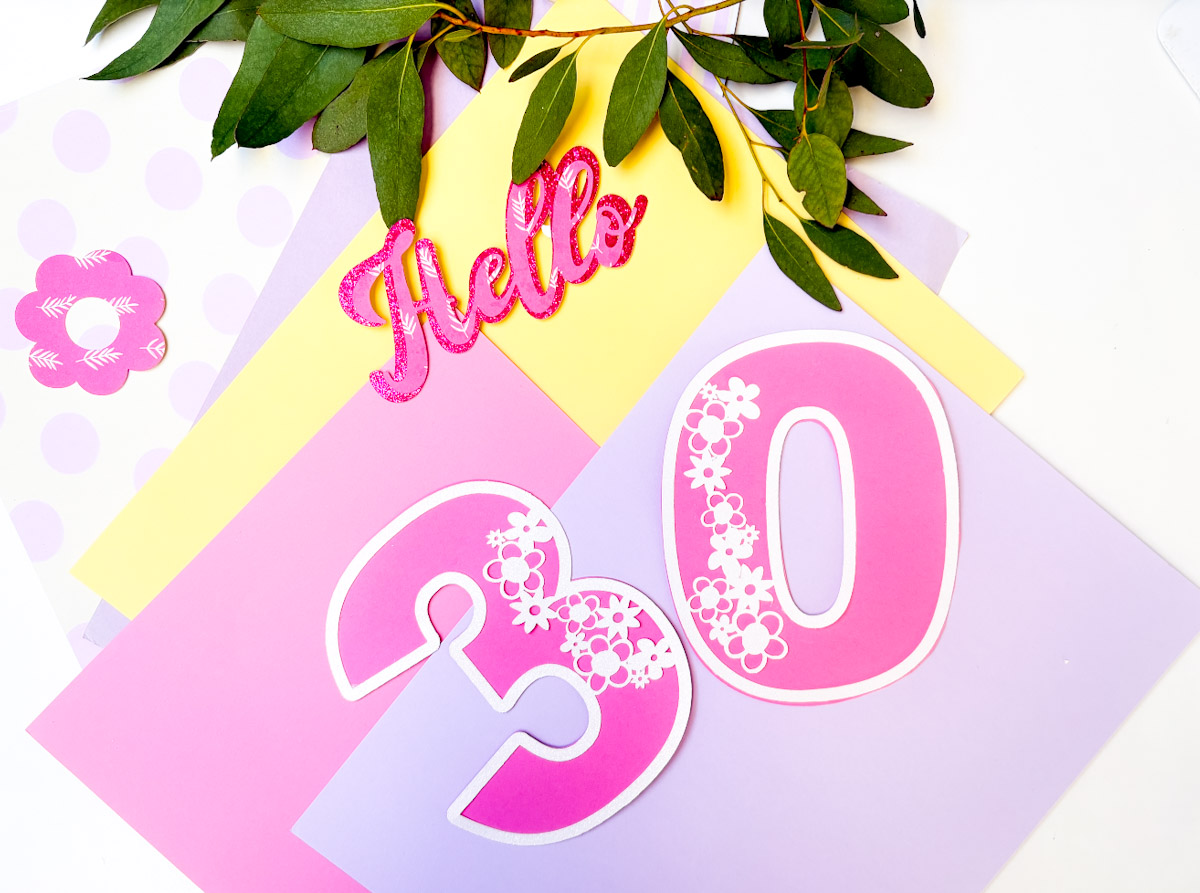
Today I am sharing our Flower Petal SVG Numbers which are perfect for creating cards, crafts and DIY decorations with Cricut, Silhouette, Glowforge and xTool.
I adore that I can cut my alphabet and numbers in cardstock, wood, vinyl and acrylic. Thus making them versatile for all types of craft projects. If you love Flowers, then get the full alphabet over at the Cricut Craftfest HQ.
This post may contain affiliate links. This means I may receive a small commission if you click a link and purchase something that I have recommended at no extra cost to yourself. As an amazon, Cricut and Glowforge associate, I earn from qualifying purchases.
What You Will Find Here
Craft Ideas For Flower Petal SVG Numbers For Cricut And Glowforge
- Flower Themed Cake Toppers
- Decorations made with wood with Glowforge or xTool
- Petal Flower Cards
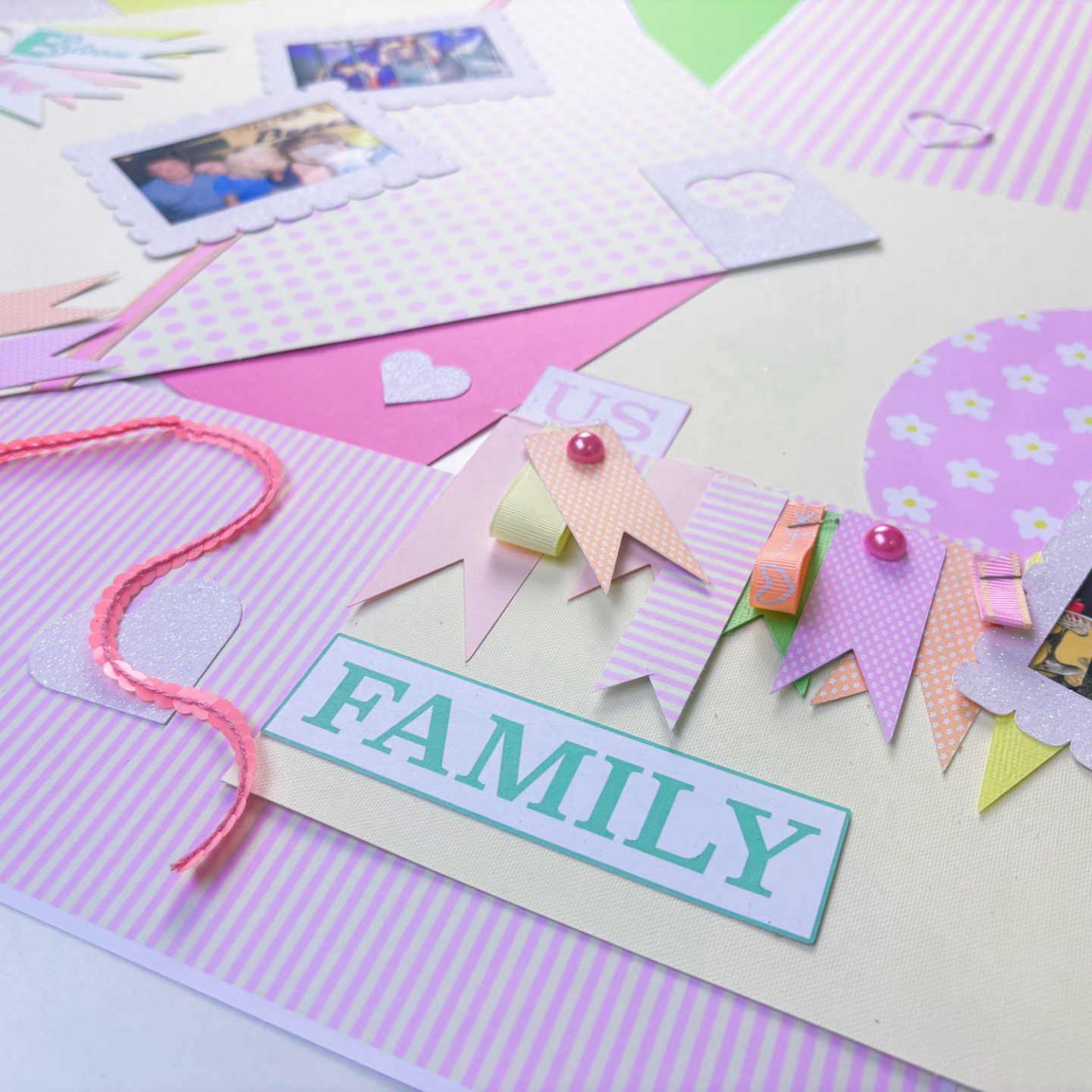
- Scrapbooking Layouts
- Floral Place Settings
Where To Get The Rest of the Alphabet
The Flower Alphabet is part of the all-access pass; you can grab it here. If you want to craft along for free, I have provided the following files as part of my free tutorial, which is live for 24 hours on February 2nd, 2026. You can register for a free ticket here.
- SVG Letters to help you make the word bloom, I will also show you how to make these into a printable image
- A Photo Frame, I will also show you how to cut that down and adapt it
- A choice of four patterns, floral, dots, stripes and leaves in a choice of four colours. Pink, peach, blue and green. (These papers are seriously gorgeous) And I will show you how to use the patterns to create a scrapbooking layout.
If You Want To Use Our Flower Petal SVG, PNG Free Files For Crafting?
Click here or the image below to get your free downloadable Flower Petal SVG Number files from our shop and follow these instructions to add to Cricut Design Space if you are using a Cricut Machine. Note if you are using Glowforge or xTool you need SVG files to cut the image out of wood or acrylic. Or Png or SVG to engrave.
Tips And Advice For Using Your Download For Cricut
This alphabet is also perfect to make cards and cake toppers with your Cricut, check out my guides below.
- How To Add Fonts To Cricut Design Space
- How To Remove Backgrounds On Illustrator
- Cricut Design Space Guide
- How To Slice And Weld In Cricut Design Space
- How to upload to Cricut Design Space
- Where Else To Get Free SVG Files
Also, please do pop over to TikTok or Instagram, and give me a follow and if you make a project, tag me! I love seeing everyone else’s makes and chatting crafting. I could do that all day! This is also where I share videos of my makes.
