
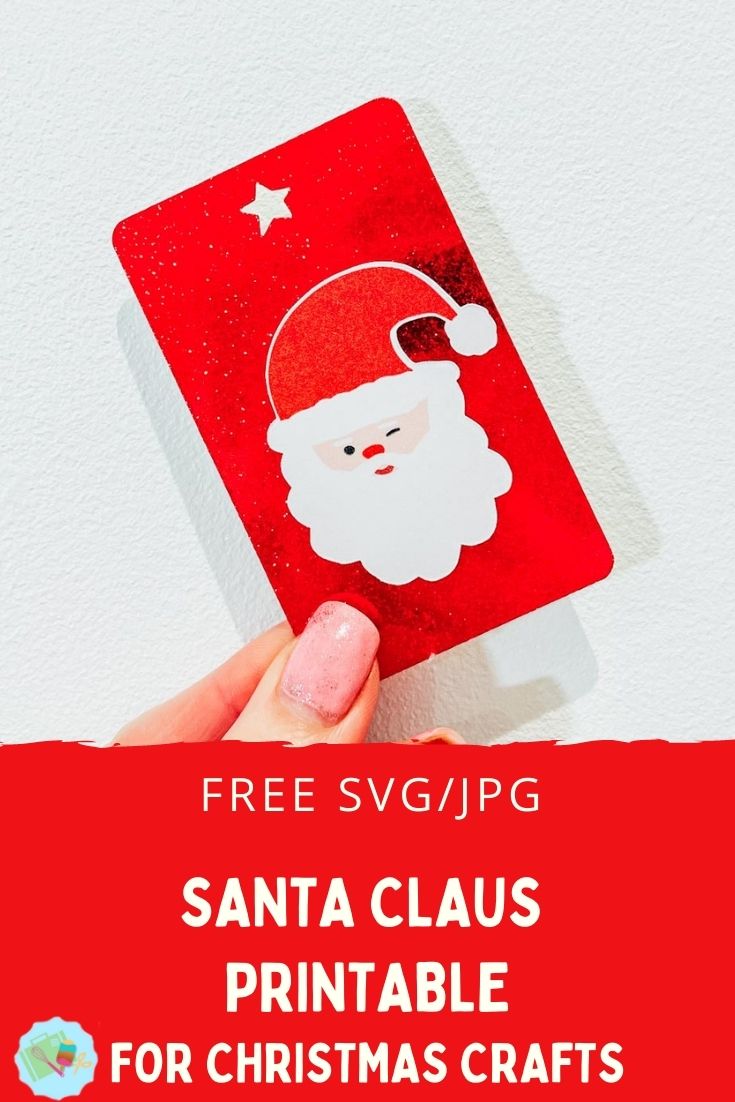
You can’t have a Christmas Craft section without a printable Santa, can you? He is one of the core Christmas Holiday essentials, right? Thus, my Free Santa PNG printable For Christmas Crafting with a choice of cute Santa faces is perfect for a multitude of Christmas craft projects. This adorable clip art Santa face can be cut out by hand or print and cut to create Christmas cards, scrapbook layouts, gifts and tags.
What You Will Find Here
Free Santa Png Printable’s For Christmas Crafting
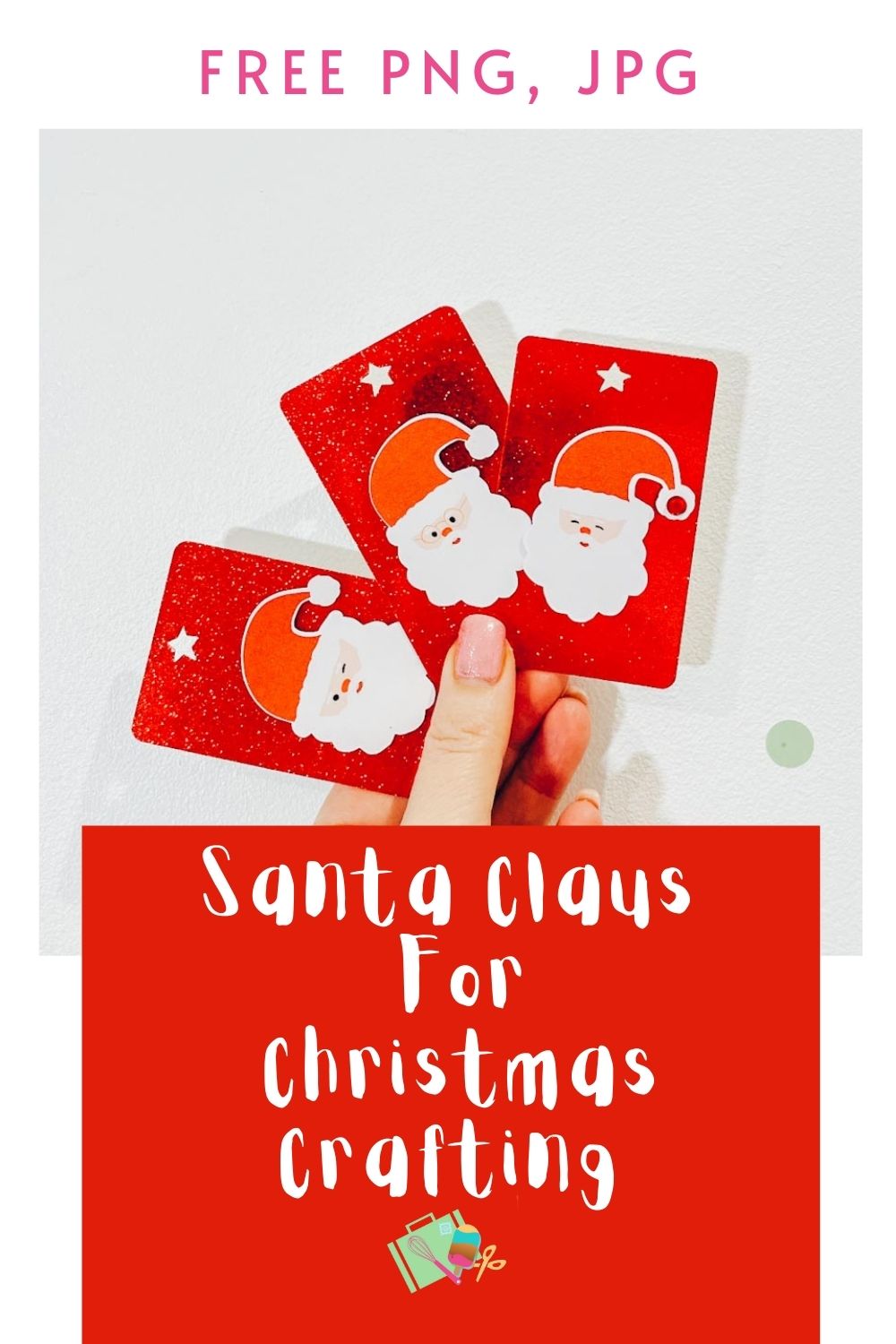
If you are that person who loves to make Christmas a DIY affair. Because there is nothing better than being unique and homemade, this cute Santa Face is also great as a watermark forrs from the North Pole, sublimation projects, the countdown to Christmas stickers and planners, Christmas lette and bullet journals.
Additionally, because there are three different Santas, you can make a cute game of Santa snap or pairs. This is great for festive-themed fun and games.
The Files Come As PNG and JPG
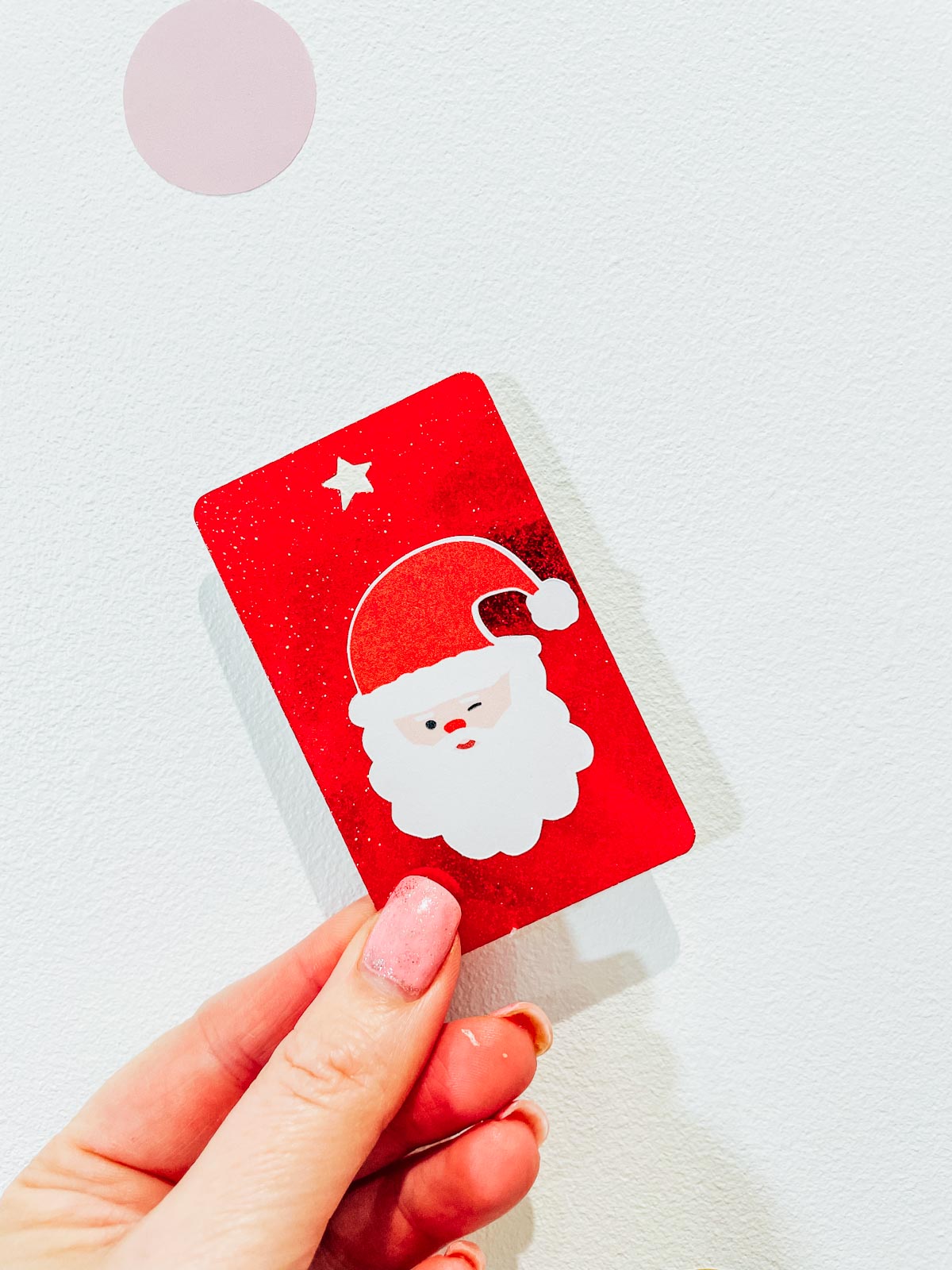
My Santa PNG files come in png and jpg format to allow you to use the PNG as print and cut with Cricut or Silhouette. You can also print the JPEG images and cut them out by hand.
I have also included a JPEG in case you want to print off your Santa PNG Files by hand. To do this, open in Word to size your file before printing. You can print the doors on magnetic paper, or card and laminate them on removable printable vinyl or sticker paper.
How To Make Santa Claus Christmas Gift Tags
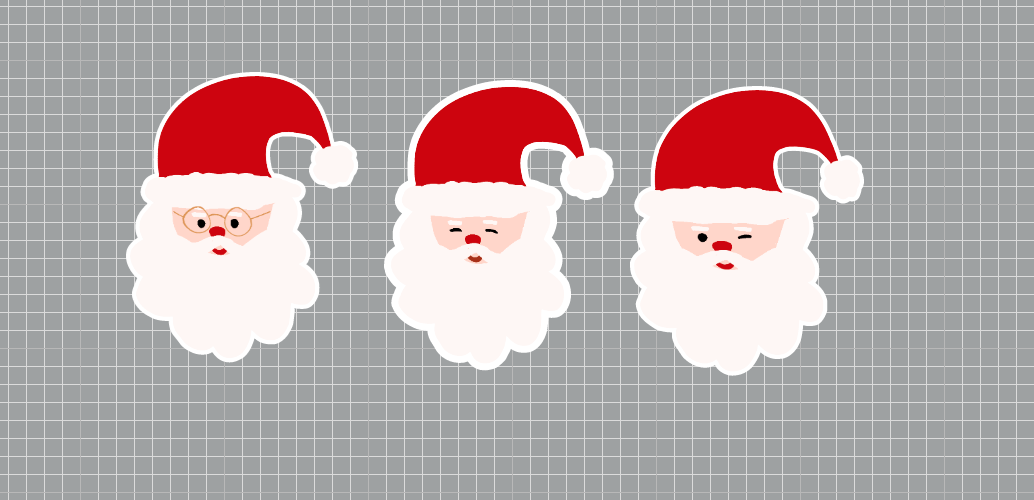
Star by uploading your Santa Head PNG Template Images to design space as print and cut images. Once in Design Space, create a small offset; do this by clicking on the image, then clicking offset in the top bar. Change the offset to white or any other colour you choose, check if it is a print, and cut the image. Now right-click, select and click flatten both layers together in the bottom right corner of Design Space.
Now go into images and search for Christmas tags; this is totally up to personal choice. However, I chose a simple design with a star cutout. You need to size this; I sized my Christmas gift tags 3″ deep x 2″wide. Then duplicate it however many times you need. With a bit of juggling, my 12×12 cutting mat fit 16 tags.
Size Your Santa Heand

Next size your Santa head to fit on the tag, and then multiply by 16 and send your project to make. I used Sparkle Paper for my tags, and they are nice and thick, but also super sparkly.
A Few Useful Tips And Hints For Using Cricut Print And Cut

- Calibrate your printer before using with you Cricut, this will save so much time and effort.
- Load your paper the correct way into the printer. Obvious, I know, but I have made that mistake many times.
- Also avoid smudging the black guide lines when they come out of the printer.
- Load your Santa Head image the correct way into your Cricut as it appears in design space.
Building Your DIY Santa Christmas Gift Tags
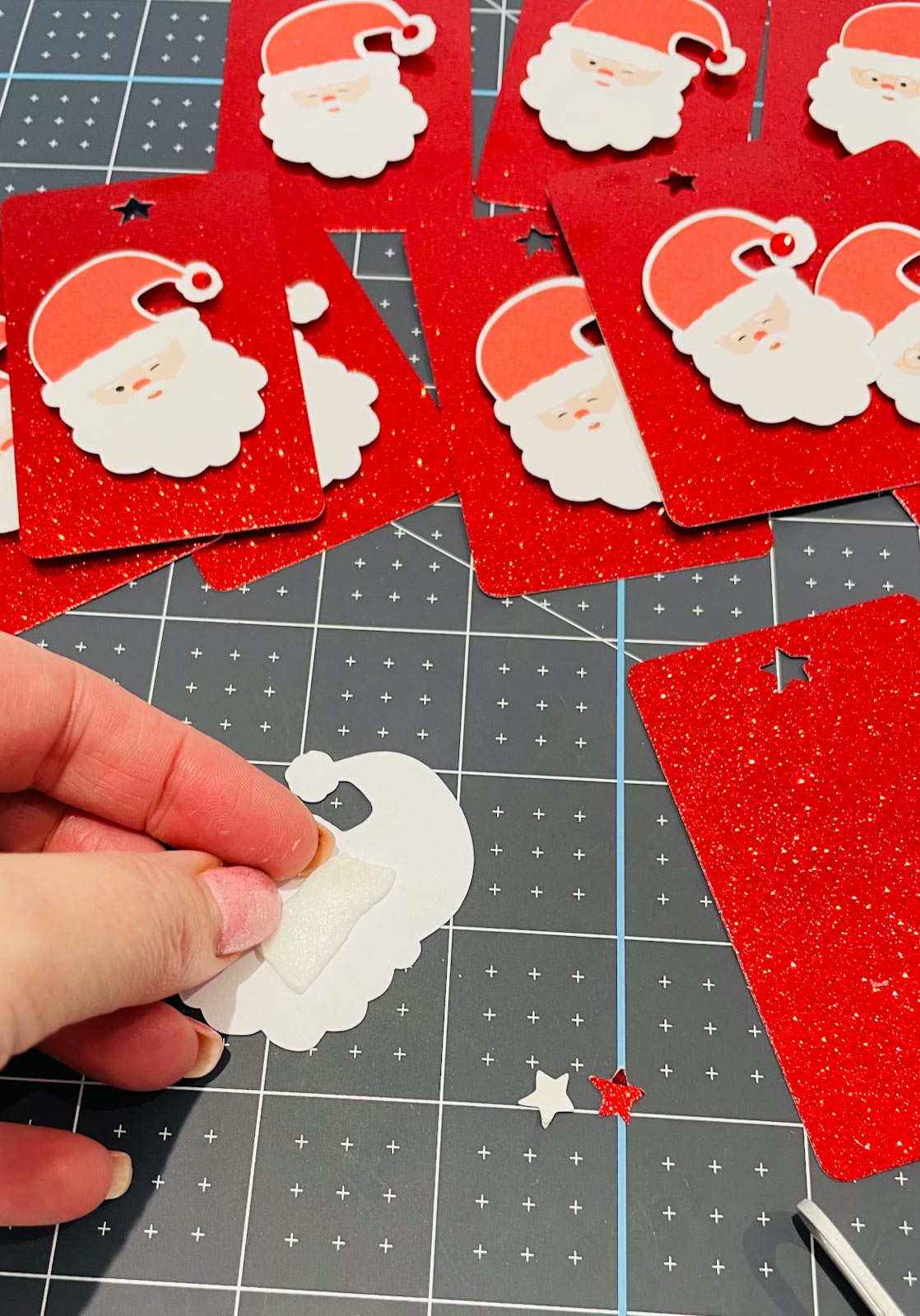
Simply use strong double sided sticky pads to attach your Santa head to your sparkly gift tag for a 3d effect. Now use ribbon or string to attach to your Christmas gift.
If You Want To Use My Santa Claus PNG Files For Cricut Christmas Crafts?
Simply click here or on the image above to get my free Santa Claus PNG/JPG cut file downloads from our shop. However, make sure your pop-up blocker is turned off, if the email doesn’t land check your spam folder. Here’s how you upload the files to Cricut Design Space Check out my trouble shooting page, hopefully it will answer any questions you may have.
Tips And Advice For Using Cricut

- Cricut Design Space Guide
- How to upload to Cricut Design Space
- If You Want To Personalise Or Add Words To Your Project
- Where Else To Get Free SVG Files
Tools And Products I Used

- Cricut Maker 3
- Cricut Sparkle Paper
- White Card
- Printer
- Sticky Pads
- Cricut Brayer
Also please do pop over to Instagram, and give me a follow and if you make a project please do tag me! I love seeing everyone else’s makes and chatting crafting. I could do that all day!
This post may contain affiliate links. Which means I may receive a small commission if you click a link and purchase something that I have recommended at no extra cost to yourself. As an amazon associate, I earn from qualifying purchases.
