
These Printable North Pole Stamp Stickers are perfect for making easy Christmas cards, crafts and using to put the North Pole seal of approval on Christmas gifts, cards and letters.
With an official North Pole stamp to approve all stickers, parcels, and cards they are adorning, these are the perfect additions to Christmas cards, gifts and parcels for the holiday season.
What You Will Find Here
What Can My Printable North Pole Stickers Be Used For?

- Making Christmas cards
- Christmas Eve boxes
- An alternative to chocolate in Christmas calenders
- Kids Christmas crafts
- Christmas reward Charts
- Sticker sheets for the Elf Of The Shelves to leave
- Envelope seals
- Parcel seals and decorations
I Have Designed These Christmas Stickers In Multiple Sizes
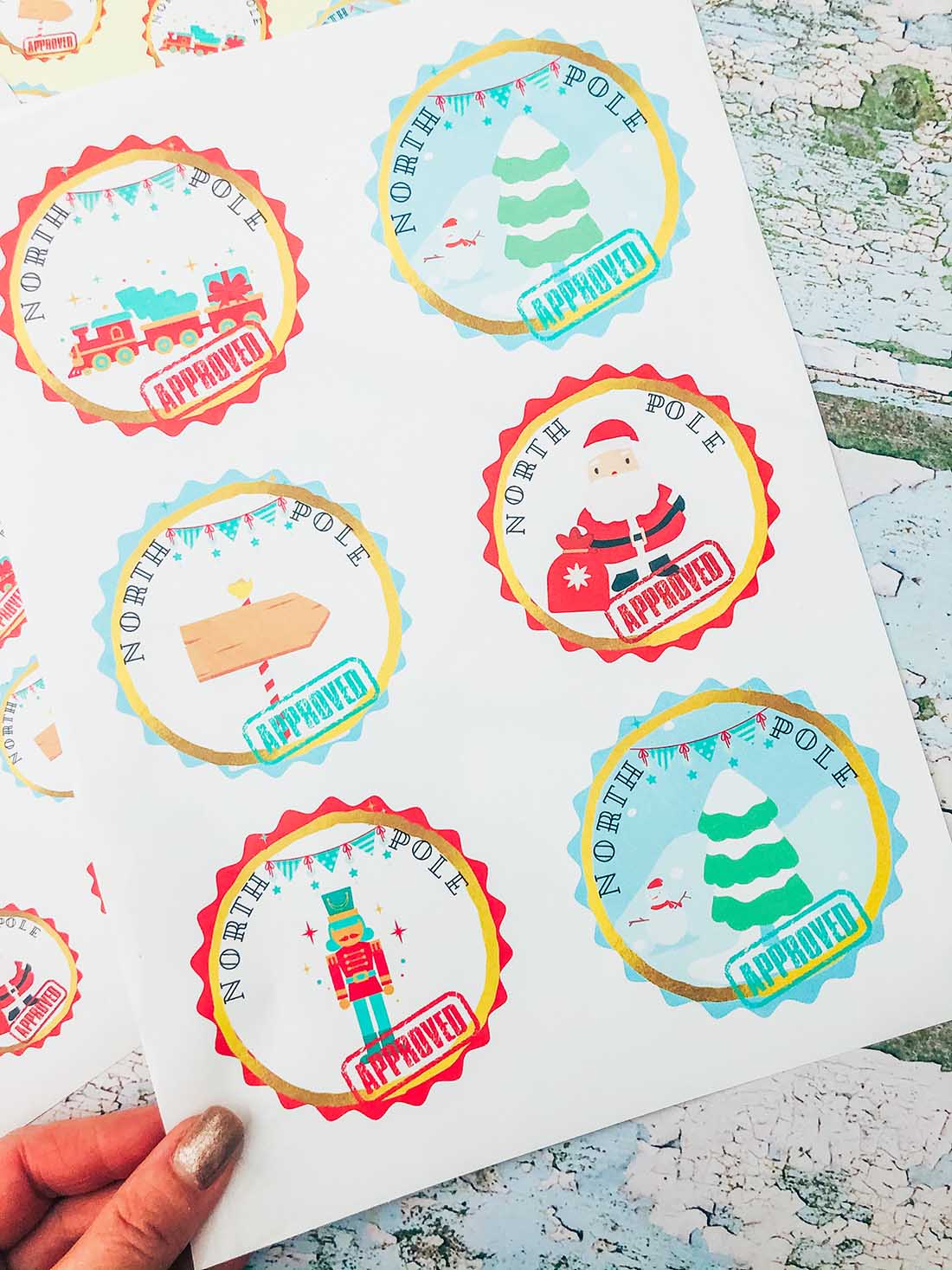
- PDF to print straight off in 2 sizes
- PNG form to upload to Cricut Design Space to send to cut and print in 2 sizes
- Individual PNG files to enable you you use single North Pole stickers for larger projects.
You Will Need

- Printer
- Glossy sticker printer paper.
- Scissors or guillotine
( The following only if cutting and printing)
Which Printer Is Compatible with Print-And-Cut For A Cricut Machine?

I use the HP OfficeJet Pro 8122e All-in-One Printer; this works perfectly. It can print sticker vinyl, glossy sticker paper and magnetic paper perfectly. But it doesn’t feed thicker sticker paper through; I prefer the Amazon glossy sticker paper as it’s thinner like labels.
How To Cut These North Pole Stamp Stickers?

Cut The Stickers By Hand
Use a guillotine to cut each sticker out into squares, or free hand and cut around every sticker individually.
You Can Also Cut As A Print And Cut Project On A Cricut
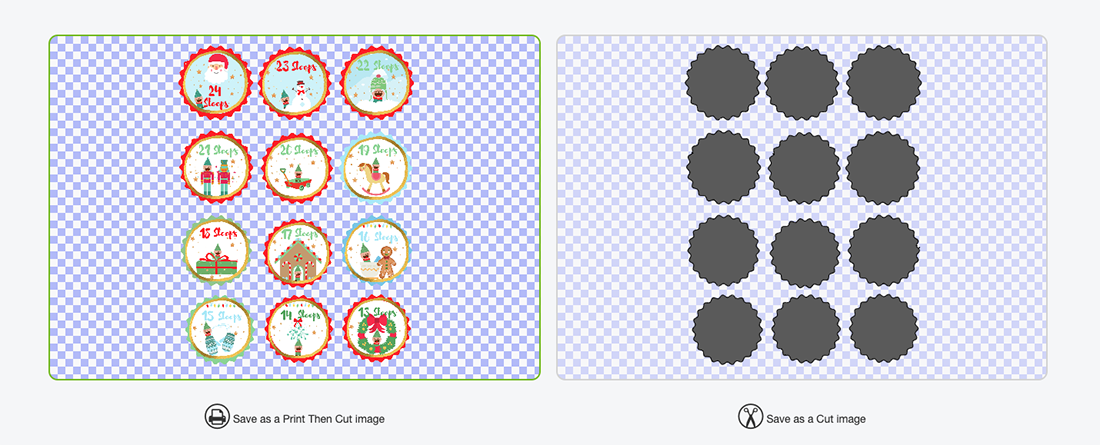
- To do this, click New Project on the sidebar at the top, then upload in the left-hand bar at the bottom.
- Click on upload image and select browse, this will take you to your files.
- Choose your PNG files; there are two separate sheets, so you will have to do one at a time, so ensure you select PNG.
- Select complex file, then continue.
- Now choose print and cut and save.
Size The Stickers

Choose your image and press insert, the image pulls in quite large, simple drag smaller on choose the image size 6.553 by 9.237 this was the largest I managed to get mine to fill more page.
Now you can send you project to print, before cutting on your Cricut.
Tips For Using Cricut Print And Cut

- Make sure you calibrate your printer before using it with you Cricut, this will save a lot of time and effort.
- Load your paper the correct way into the printer. Obvious I know, but I have made that mistake so many times.
Good luck with all of your Christmas preparations and Christmas wrapping.
How To Get My Free Printable North Pole Stickers
Simply click here or on the image above to get your free downloadable sticker files from our shop and follow these instructions to add to Cricut Design Space.
More Christmas Projects

Also, check out my Elf Countdown Stickers, Elf Colouring Sheet and Printable Elf Money.
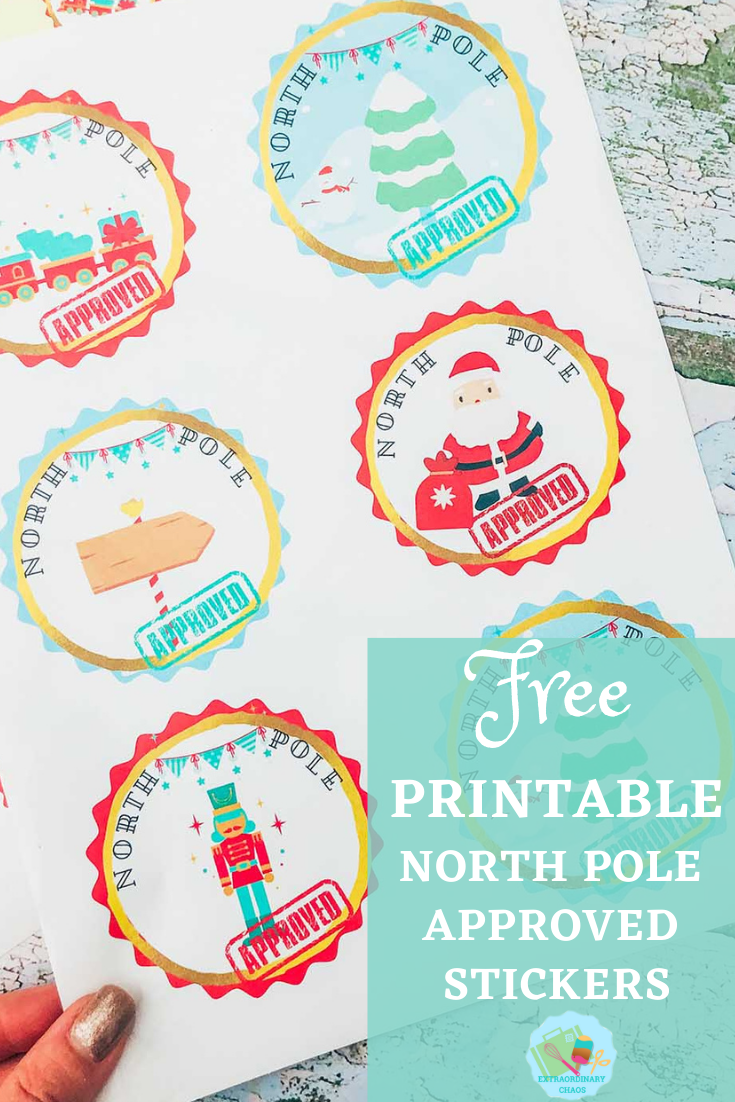

North Pole Approved Stickers
Free Printable Print and Cut North Pole Stamp Stickers to cut out by hand or on a cricut, perfect for using to wrap gifts or seal envelopes.
Materials
- Glossy sticker printer paper.
Tools
- Printer
- Scissors or guillotine
- ( The following only if cutting and printing)
- Cricut Maker
- Cutting Mat
Instructions
How To Cut These North Pole Stamp Stickers?
Cut The Stickers By Hand
Use a guillotine to cut each sticker out into squares, or free hand and cut around every sticker individually.
You Can Also Cut As A Print And Cut Project On A Cricut
To do this click new project on the side bar at the top, them upload in the left hand bar at the bottom.
Click on upload image and select browse, this will take you to your files.
Choose your PNG files, there are 2 separate sheets, you will have to do one at a time, ensure you select PNG.
Select complex file, then continue.
Now choose print and cut and save.
Choose your image and press insert, the image pulls in quite large, simple drag smaller on choose the image size 6.553 by 9.237 this was the largest I managed to get mine to fill more page.

For Using Cricut Print And Cut
Make sure you calibrate your printer before using it with you Cricut, this will save a lot of time and effort.
Load your paper the correct way into the printer. Obvious I know, but I have made that mistake so many times.
Notes
What Can My Printable North Pole Stickers Be Used For?
Making Christmas cards
Christmas Eve boxes
An alternative to chocolate in Christmas calenders
Kids Christmas crafts
Christmas reward Charts
Sticker sheets for the Elf Of The Shelves to leave
Envelope seals
Parcel seals and decorations
Which Printer Is Compatible with Print And Cut For A Cricut Machine?
I use the HP Envy 5020, this works perfectly. It is able to print sticker vinyl, glossy sticker paper and magnetic paper perfectly. But doesn’t feed thicker sticker paper through, I prefer the Amazon glossy sticker paper as its thiner like labels.
Recommended Products
As an Amazon Associate and member of other affiliate programs, I earn from qualifying purchases.

