
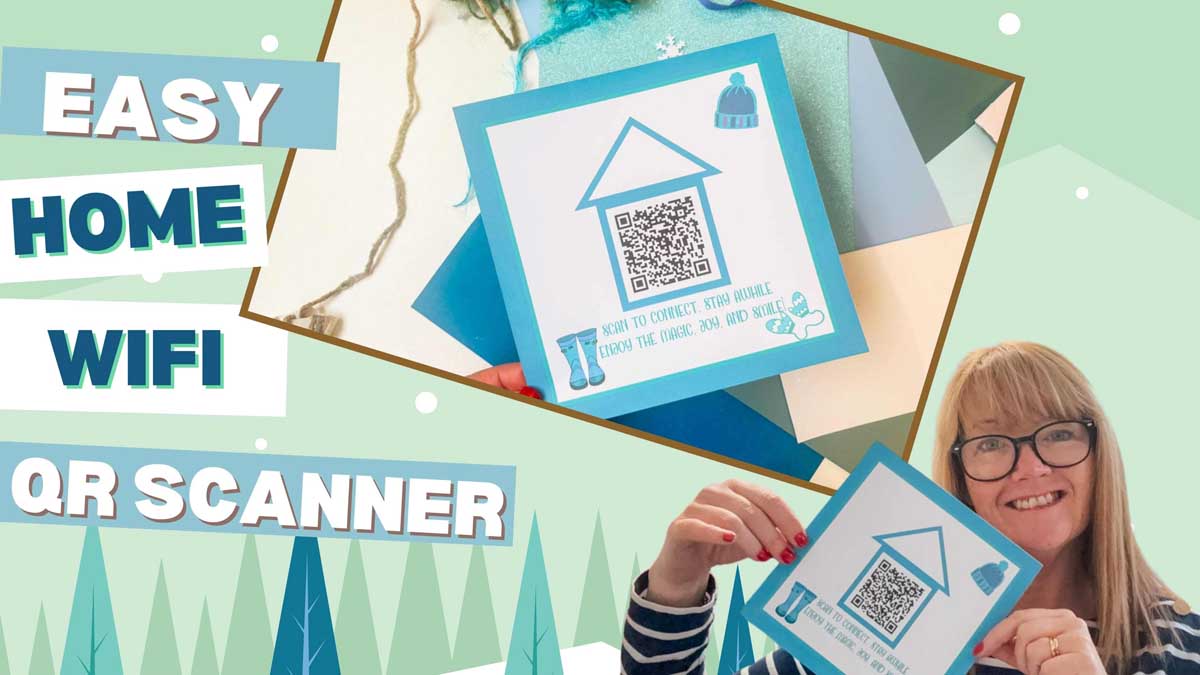
Do you get fed up of having to repeat your Wi-Fi password every time friends or family visit? Me too! That’s why I’ve made this super cute and practical Wi-Fi QR code sign using my Cricut machine, and it’s honestly one of the easiest Print Then Cut projects you’ll ever try.
This Cricut craft is perfect for your kitchen, hallway, or guest room, and it makes a great seasonal home décor project too. You can even switch out the design for each season, Christmas, spring, summer, or autumn.

What You Will Find Here
How to Make a Wi-Fi QR Code Sign with Cricut | Easy Print Then Cut Project
What You’ll Need
- Cricut machine (Joy, Explore, or Maker)
- Cricut Design Space (free software)
- Standard Gripmat (green)
- Weeding tool
- Brayer (optional, to smooth cardstock on mat)
- Foam pads or glue
- White Printable Card Stock
- White Box Frame
- Printable Christmas Elements (for your design)
See Our Video Tutorial Here
1: Create Your Wi-Fi QR Code
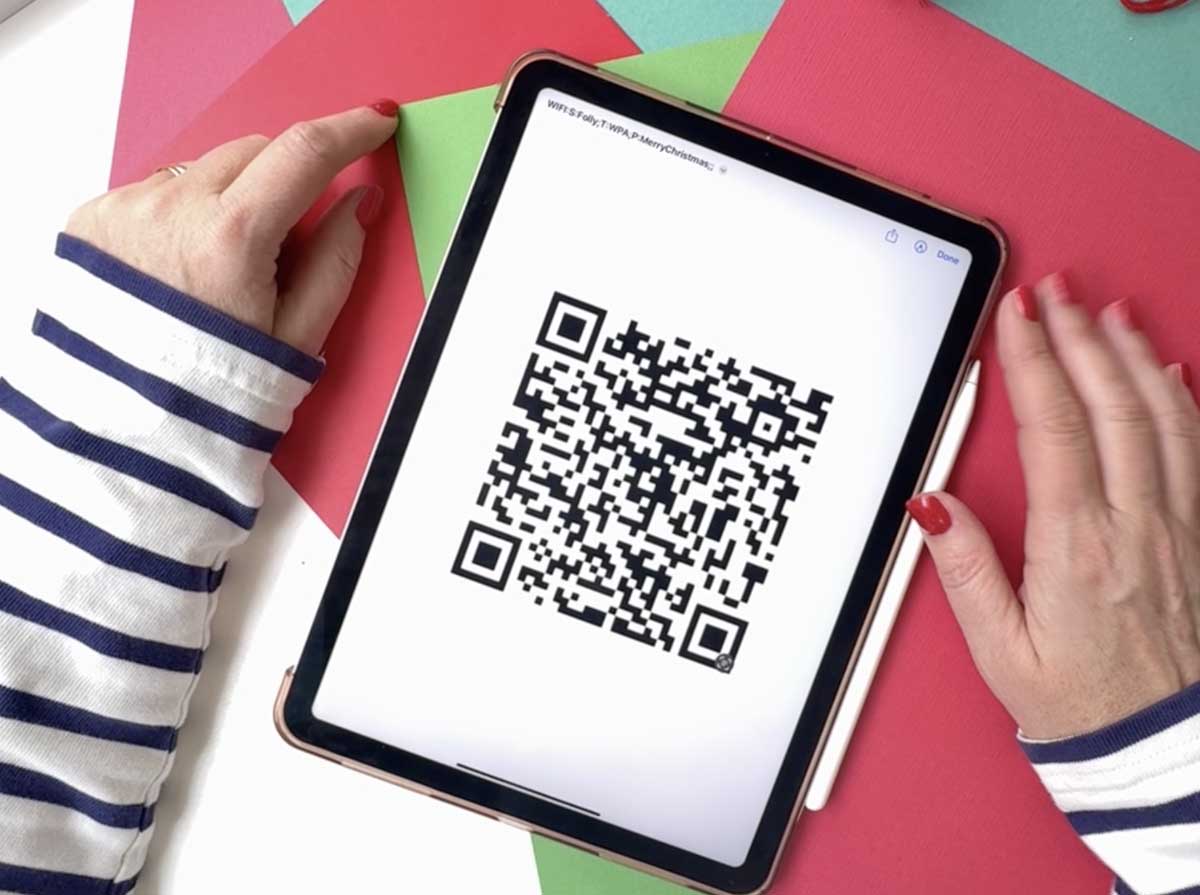
Let’s start by making your unique QR code that guests can scan to instantly join your Wi-Fi.
If you have an Apple device:
- Open the Shortcuts app.
- In the search bar, type “QR your Wi-Fi.”
- Tap on it and enter your Wi-Fi name (SSID) and password.
- Tap Done, your QR code will be generated automatically.
- Tap the Share button and AirDrop or email it to your computer.
If you’re not using an Apple device:
You can easily create your Wi-Fi QR code using a free website such as:
QR Code Generator Wi-Fi Tool or Chat GTP.
Download your code as a PNG or JPEG file.
2: Upload to Cricut Design Space
Now the fun begins.
- Open Cricut Design Space and click Upload.
- Choose your QR code image and import it as a Print Then Cut file.
- Insert it onto your canvas and resize it to fit your frame (mine is 20x20cm).
3: Create the Background Design
Next, we’ll make the printable background that your QR code will sit on.
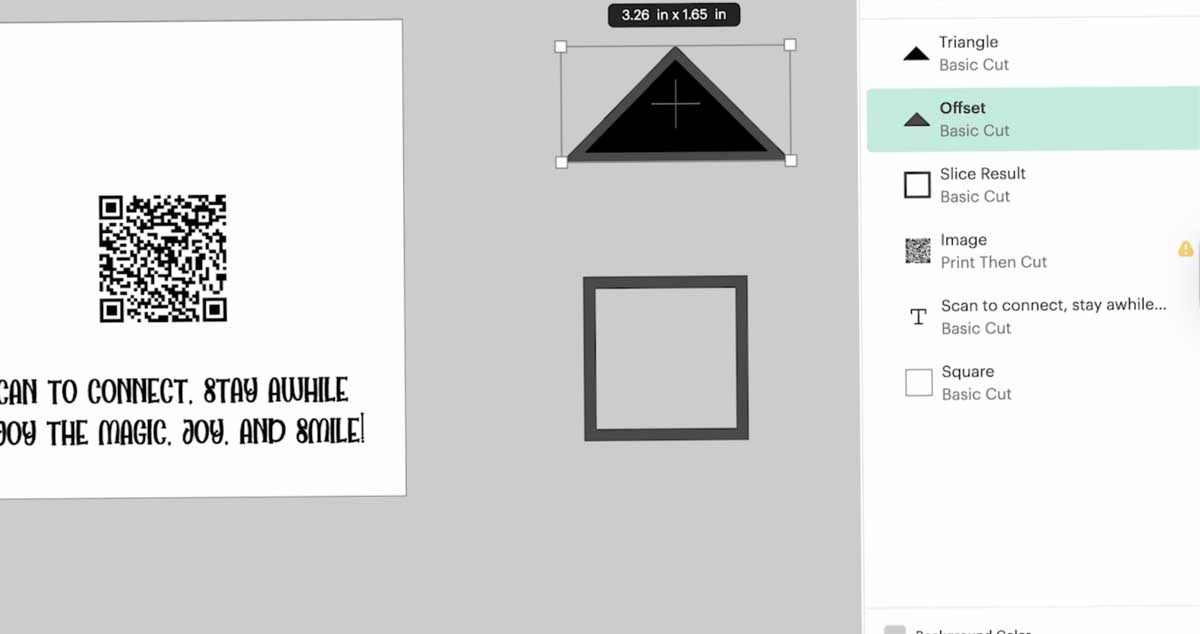
- Click on Shapes ? Square and resize it to match your frame.
- Change the background colour to suit your theme (winter white, festive red, cosy beige, anything you like).
- Add your seasonal rhyme or welcome message underneath.
- I used the Love and Beach font for a playful handwritten look.

Ideas For Messages For Your Framed Wifi Code
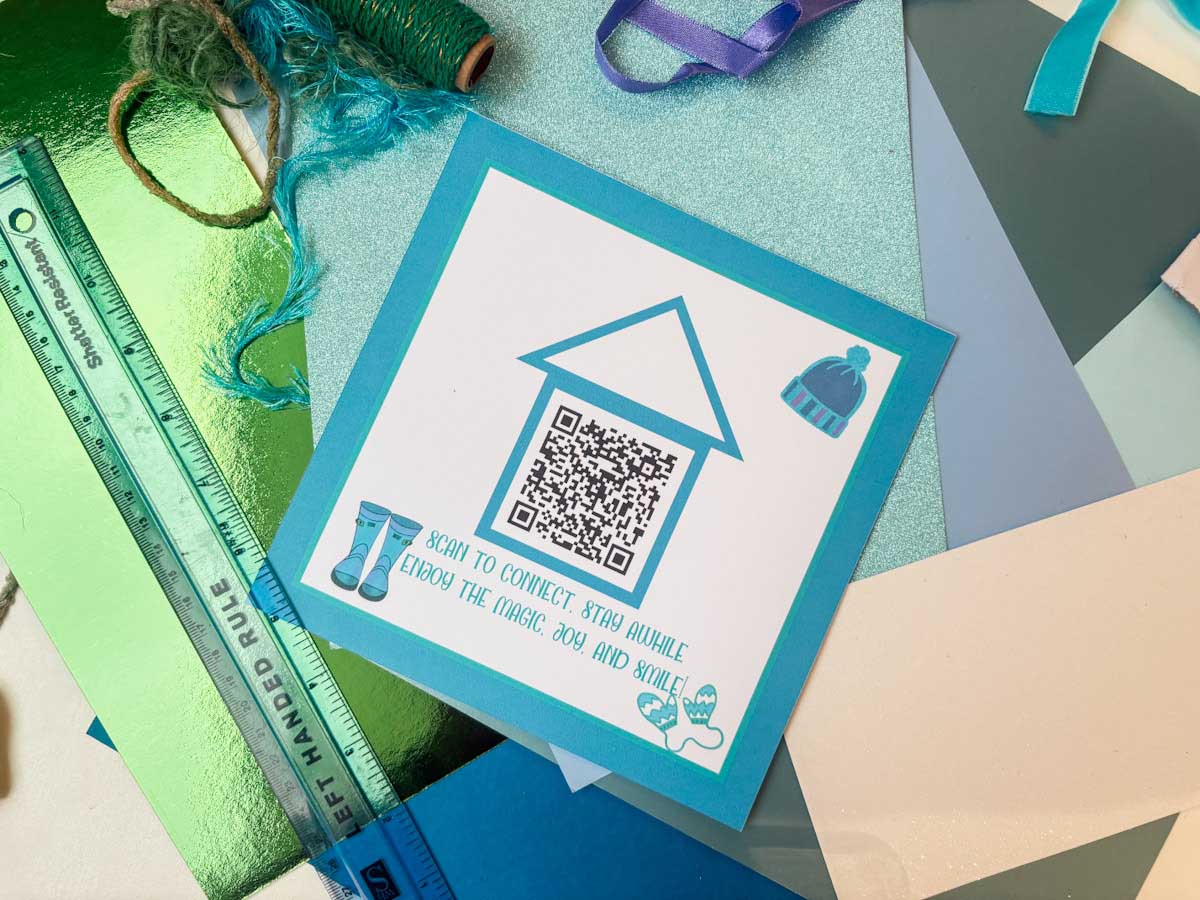
- Scan to connect, stay awhile, enjoy the magic, joy, and smile!
- Wi-Fi’s here, so don’t delay, Merry Christmas, stream away!
- Cosy hearts and twinkling lights connect with joy on festive nights.
- Scan the code, come join the fun, Wi-Fi cheer for everyone!
- Cookies, cocoa, Wi-Fi delight, connect and enjoy this festive night!
- Log in here, don’t be shy, our Wi-Fi’s faster than Santa’s sleigh in the sky!
- Gather ‘round, relax, and stay, our festive Wi-Fi lights the way!
- Elves are busy, but Wi-Fi’s free, scan here and connect with glee!
- Scan, connect, and stay a while, spread the Christmas cheer and smile!
- Merry moments, laughter, and fun, Wi-Fi magic for everyone!
4: Add Decorative Elements
This is where you can get creative.
For my winter version, I added:
- A house shape with a triangle roof (made using shapes and the Offset tool).
- Little wellies and woolly hats from my sticker shop.
- Colours that complement the season, pale blue, grey, and soft neutrals.
Tip: Add a strong offset border around your final design if you’re using a box frame with a lip, so you don’t lose any of your artwork once it’s framed.
5: Print Then Cut
Once you’re happy with your layout:
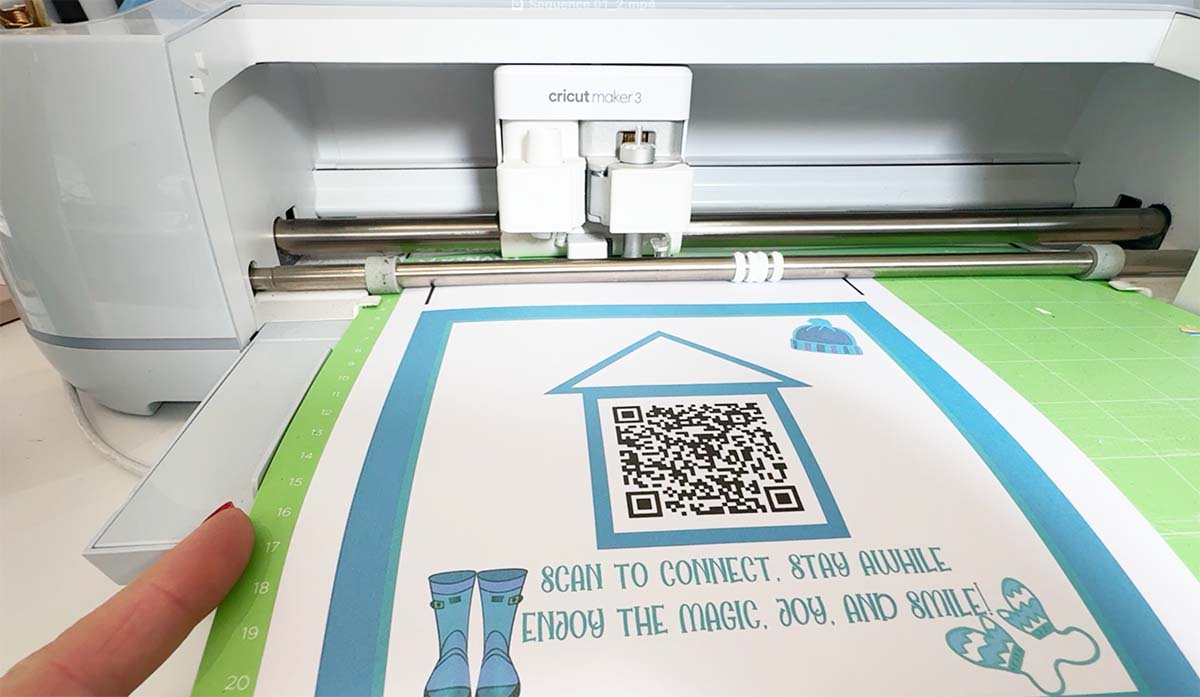
- Select all layers and click Flatten to make it one printable image.
- Click Make It, then choose Print Then Cut.
- On the print screen, toggle Remove Bleed and use System Dialog ? Best Quality for printing.
- Load your printed sheet onto a cutting mat and cut it out with your Cricut.
If you don’t have a Cricut, you can easily design and print this in Canva, then cut it by hand.
6: Frame Your Wi-Fi QR Code Art
Pop your finished design into your box frame.
Make sure the border is visible all around, and the QR code is easy to scan.
Place it in your kitchen, hallway, or guest bedroom — anywhere guests can easily see it. They’ll simply open their camera app, scan the QR code, and be instantly connected to your Wi-Fi.
No more scrambling for passwords during dinner parties or family visits.
Bonus Ideas
- Seasonal Variations: Create different versions for each season using my free rhyme templates.
- Guest Room Decor: Add “Welcome” messages for Airbnb or visitors.
- Gift Idea: Personalise with someone’s name for a thoughtful homemade present.
It’s The Little Touches
This Cricut Wi-Fi QR Code project is one of those crafts that’s not only beautiful but also genuinely useful. It’s a great way to show off your Cricut Print Then Cut skills and add a personal touch to your home.

