
If you want to make a football banner for your team, whether it’s for the World Cup, a party, or just because you love the game, you are in the right place. In today’s tutorial, I’m going to show you how to make a football banner from scratch in Cricut Design Space with our free PNG printable World Cup Football Alphabet and number set.
We’ll be building the flag shape using simple shapes, adding your team colours, and then using print and cut to bring everything together. I’ve also created the free football-themed alphabet and number set for you, so you can personalise your banner with any team name, score, or message you like.
The best part is this isn’t just for banners. Once you know the technique, you can use it for party decorations, cake toppers, scrapbook pages, or even mini bunting for themed celebrations. It’s a really versatile project that works for football fans of all ages.
So whether you are making something for the World Cup, a birthday party, or just for fun, I’ll walk you through every step so you can create something you are really proud of. Let’s jump into Cricut Design Space and get started.
This post may contain affiliate links. Which means I may receive a small commission if you click a link and purchase something that I have recommended at no extra cost to yourself. As an amazon, Cricut and Glowforge associate, I earn from qualifying purchases.
What You Will Find Here
How to Make a Custom Football Banner in Cricut Design Space
Creating your own football banner is a fun and easy Cricut project that can be customised for any team, tournament, football party, or birthday celebration. Using my free football alphabet and number SVG set, you can create personalised banners with team names, scores, player names, or football-themed messages.
What You Need
- Cricut machine (Joy Extra, Explore, or Maker)
- Cricut Design Space (free software)
- Standard Gripmat (green) Joy, Maker
- White Printable Cardstock
- Brayer (optional, to smooth cardstock on mat)
- Free football alphabet and number SVG set, Scroll Down For The Link
Follow Our Step-by-Step Video Here

1: Download the Free Football Alphabet and Number SVG Set
Start by downloading the free football alphabet and number SVG set. Save the files to your computer so they are ready to upload to Cricut Design Space. You can grab the link to the files lower down,
2: Upload Your Letters and Numbers
Open Cricut Design Space and create a new project. Select Upload and add the letters and numbers you need for your banner. You can create team names, player names, football phrases, ages for birthdays, or even score predictions.
Resize the letters as needed so they fit comfortably onto your banner flags.

3: Create the Banner Shape
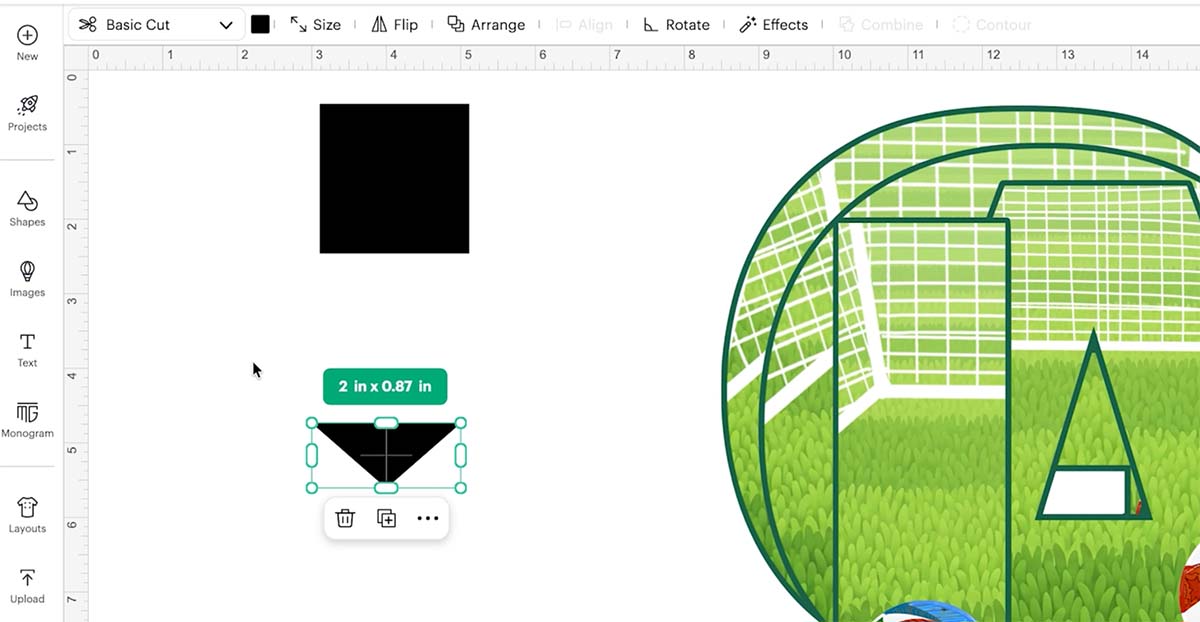
From the Shapes menu, add a square to your canvas. Next, add a triangle, drag and rotate it so the point faces downwards.
Drag the triangle to resize so it’s shorter and wider, then position it at the bottom centre of the square to create a classic banner shape. Select both shapes and click Weld to combine them into a single banner flag.
4: Change the Banner to Print Then Cut
Change the banner colour to white and click the Change Canvas button on the bottom right of the design space. I usually choose grey. This is so the project remains visible on your canvas.
Set the banner to Print Then Cut, you can also do this after as it will change when you flatten all the layers.
5: Add Team Colours
Select the banner shape and choose Offset. You can get this by clicking Effects on the top bar and choosing the Offset tool. Create a larger offset around the banner and change it to your first team colour.
Repeat the process with additional offsets to create multiple coloured borders. You can use your team’s colours or the colours of your chosen country.
Once you are happy with your banner design, select all the banner layers and click Flatten. This combines the design into a single printable image ready for Print Then Cut.

6: Duplicate Your Banner Flags
Rather than creating each flag individually, duplicate the completed banner shape until you have enough flags for your chosen word or phrase. Arrange them neatly on your canvas.
7: Add Your Football Letters
Place one football-themed letter onto each banner flag. Use the alignment guides in Cricut Design Space to centre each letter.
When you are happy with the positioning, select the letter and banner together and click Flatten. Repeat this process for every flag in your banner.

8: Resize For World Cup Banner Flags for Printing
Resize your completed banner so that all the flags fit within the Print Then Cut area. Check that everything fits neatly onto your printable page before continuing.
Click Make It and follow the prompts. Send the project to your printer and use the printer preferences. For the best quality, select a high-quality print setting and choose the correct paper type within your printer settings.
9: Cut the Banner
Place the printed sheet onto your Cricut mat and load it into your machine. Allow Cricut to scan the registration marks and cut out each banner flag. Remove the finished pieces carefully from the mat.
10: Assemble Your Banner
Using a hole punch or craft knife, create two small holes near the top of each flag. Thread string, ribbon, or twine through the holes.
Start with the last flag and work backwards, threading the string through the back of each flag so they hang neatly when displayed. Adjust the spacing until you are happy with the finished look.
Creative Ways to Use the Football Alphabet
The football alphabet and number set can be used for much more than banners.
Try using the designs for:
- Football birthday decorations
- Cake toppers
- Scrapbook layouts
- Greeting cards
- Match day decorations
- Classroom displays
- Football party supplies
- Team celebration decorations
Because the set includes a full alphabet and numbers, you can create personalised football projects for almost any occasion.
Finished Football Banner
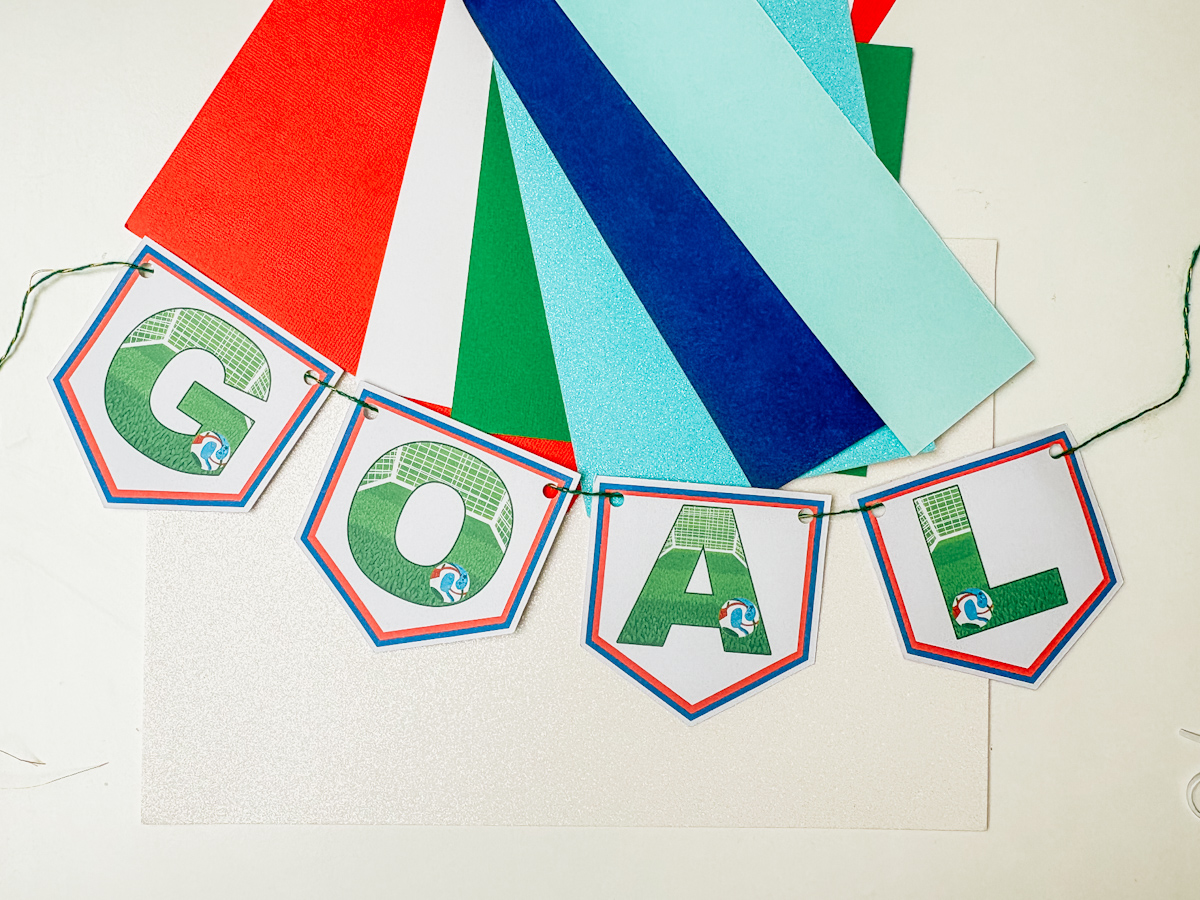
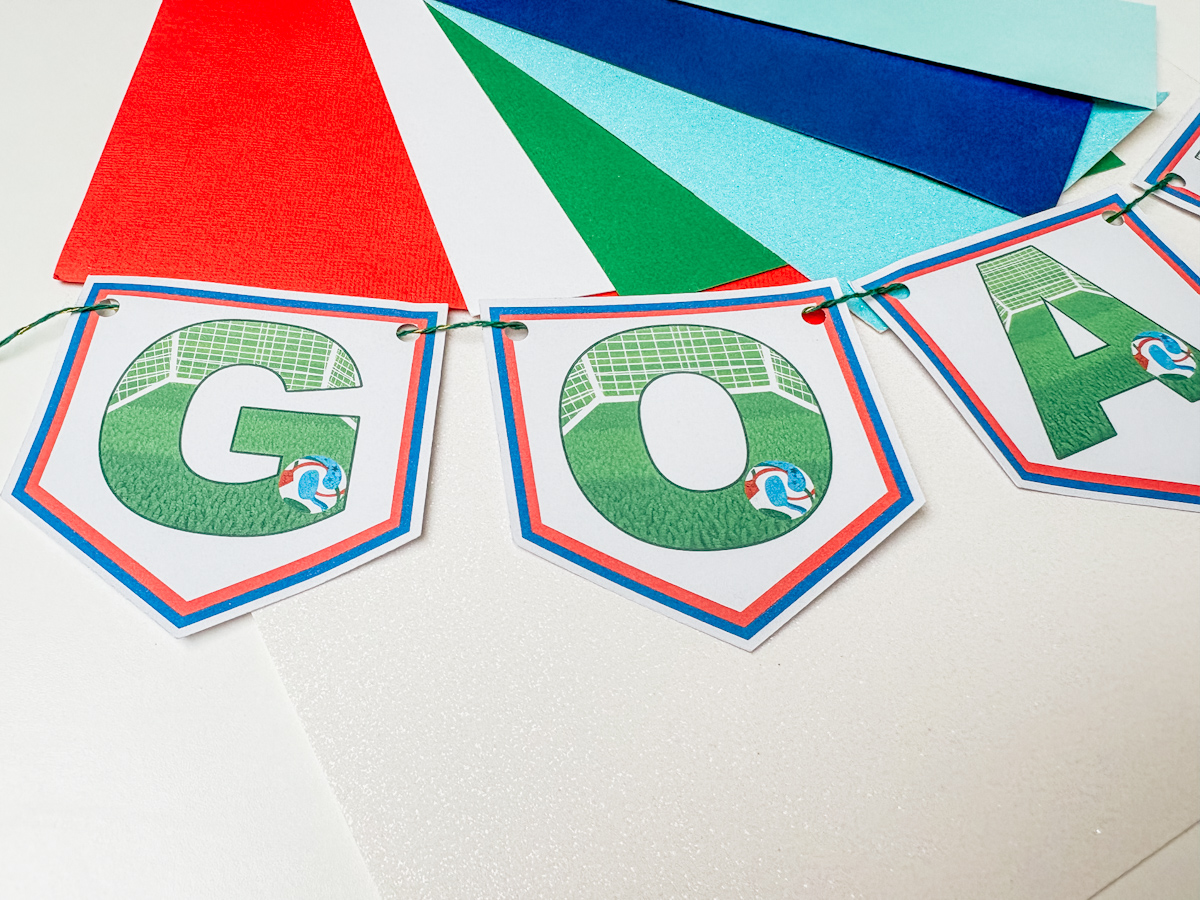
Your custom football banner is now ready to display. Whether you are supporting your favourite club, celebrating a football-themed birthday, hosting a World Cup party, or decorating for a big match, this easy Cricut project is a fantastic way to create personalised football decorations at home.
If You Want To Use These Free Cricut Printable World Cup Football Clip Art PNG Alphabet Letters And Numbers Template?
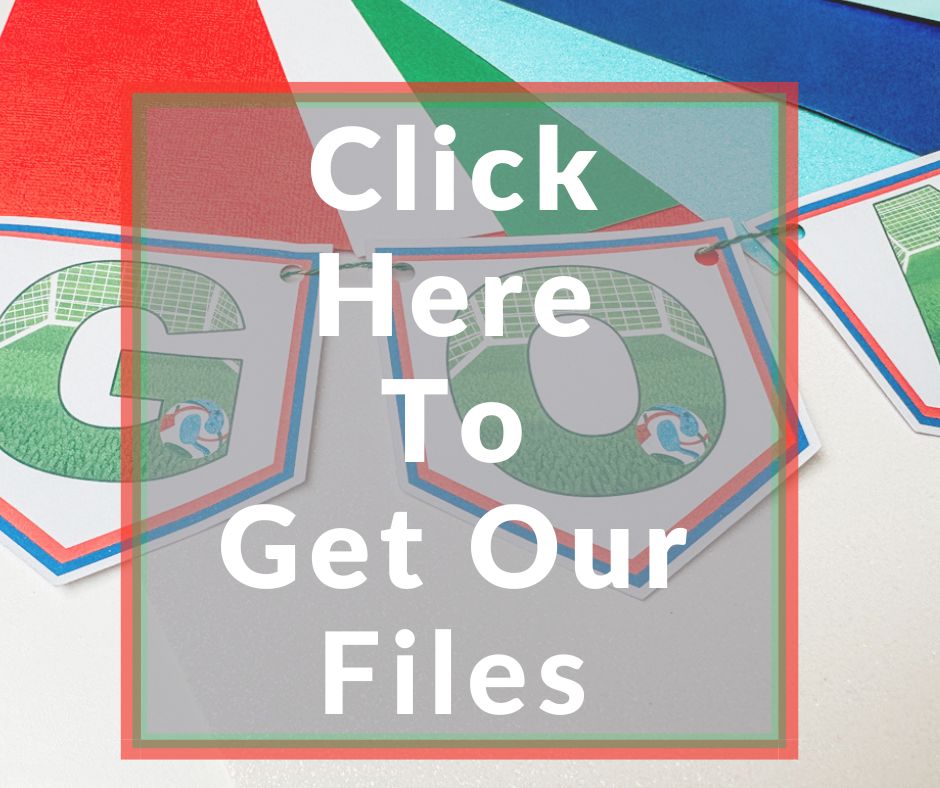
Click here or on the image below to get your free download of our Cricut Printable World Cup PNG cut files. They are instant downloads from our shop. Here’s how you upload the files to Cricut Design Space. Also see how to make a football card from shapes.
If You’re Having Problems?
Check out my trouble shooting page, hopefully it will answer any questions you may have.
Tips And Advice For Using Cricut
- Cricut Design Space Guide
- How to upload to Cricut Design Space
- How To Make Print And Cut Stickers In Cricut Design Space
- Where Else To Get Free SVG Files
Also please do pop over to Instagram, or TikTok and give me a follow and if you make a project please do tag me! I love seeing everyone else’s makes and chatting crafting. I could do that all day! This is also where I share all my projects in progress.
