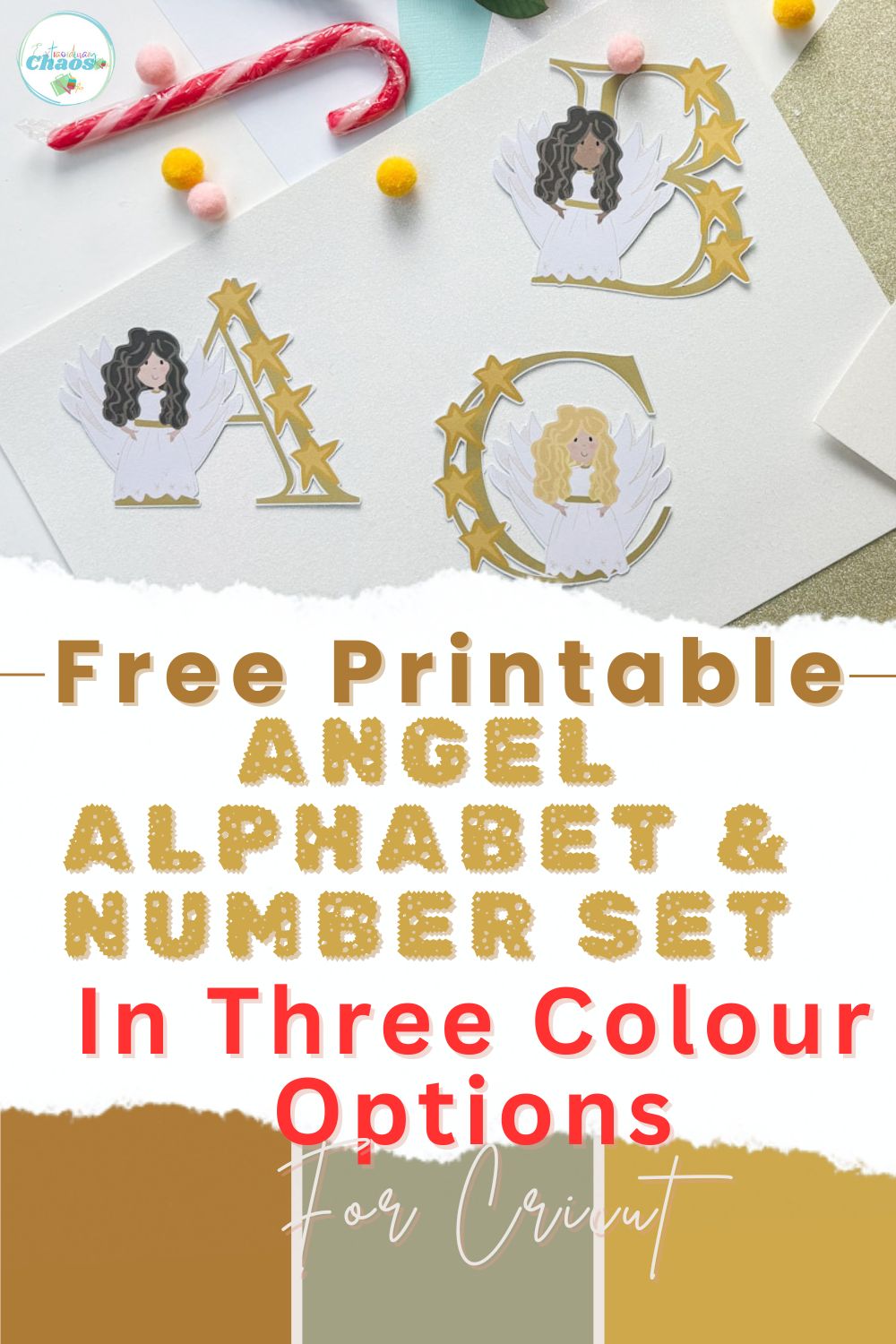
Today, I am sharing our beautiful new Free Printable Cute Christmas Angel Alphabet and Number Set, which is perfect for adding a magical touch to your festive crafts and learning activities. This is our second Angel Alphabet; the first was a simple ethereal faceless angel set, but I wanted a cuter version, and I am so happy with how my illustrations turned out.
Featuring our new adorable Christmas angel design, this printable alphabet and number set is available in three different skin tones and hair colours, helping to represent all little angels. Ideal for Christmas crafts, sublimation, classroom displays, name banners, gift tags, advent activities, and early years learning, these printable letters and numbers make it easy to personalise your holiday projects. Simply download, print, and start creating beautiful Christmas decorations and educational resources at home or in the classroom.

This post may contain affiliate links. This means I may receive a small commission if you click a link and purchase something that I have recommended at no extra cost to yourself. As an amazon, Cricut and Glowforge associate, I earn from qualifying purchases.
What You Will Find Here
How To Personalise Your Printable Angel Letters Or Numbers
Materials & tools
- Cricut machine (Joy, Explore, or Maker)
- Cricut Design Space
- Standard Grip Mat (green)
- White Printable Card
- Weeding tool
- Brayer
- Printer
Files you’ll need
- Free Angel Alphabet (download link) includes letters, numbers and pattern. Scroll down for files.
- Optional: individual elements (Angel, star sticker elements) available in the shop if you want separate files.
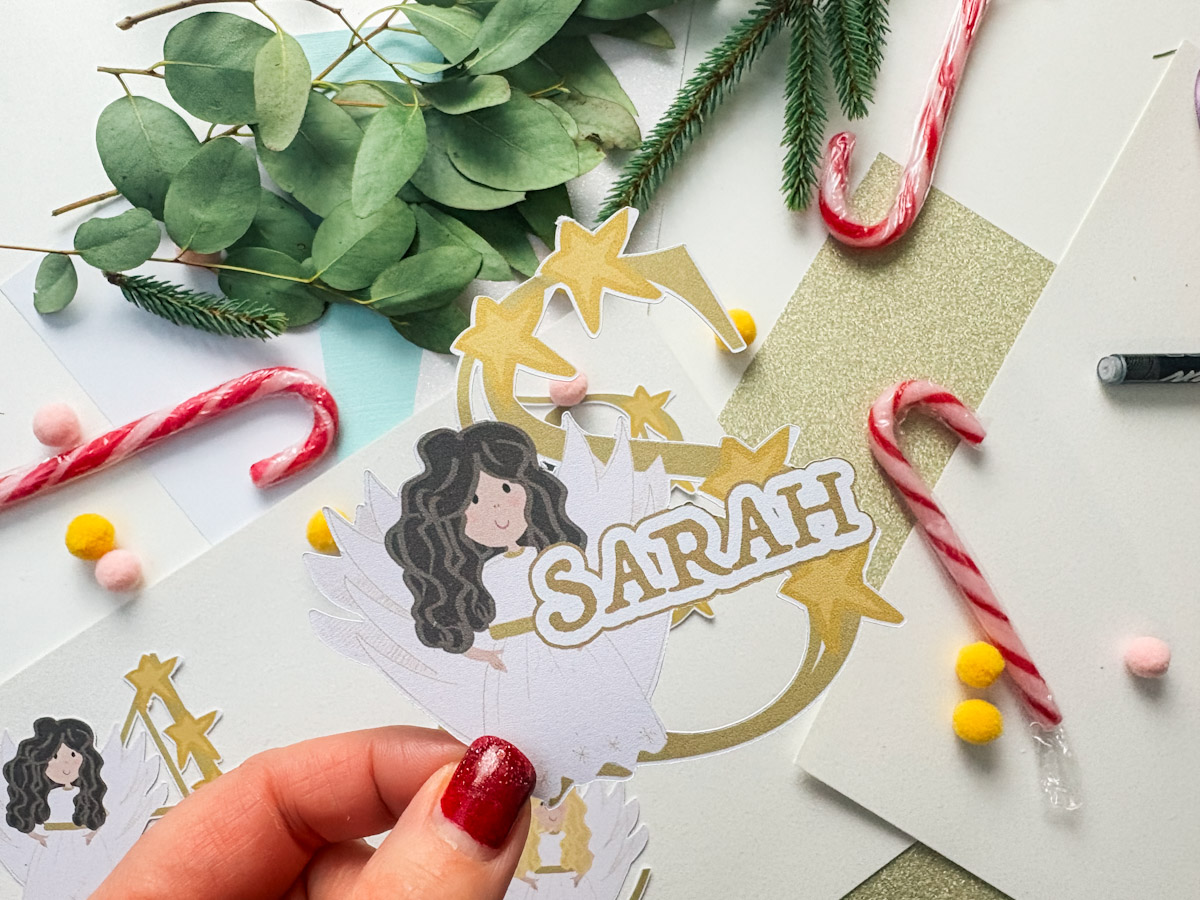
Upload Your Letter Or Number To Cricut
You will need to upload the file as a printable flat graphic. I have provided PNG and JPEG files; the PNG files are ready to be downloaded to Design Space with no background. Also, there are free sets, so you have a choice of skin tone and hair colour.
Choose an Angel Letter or Number And Type Your Name
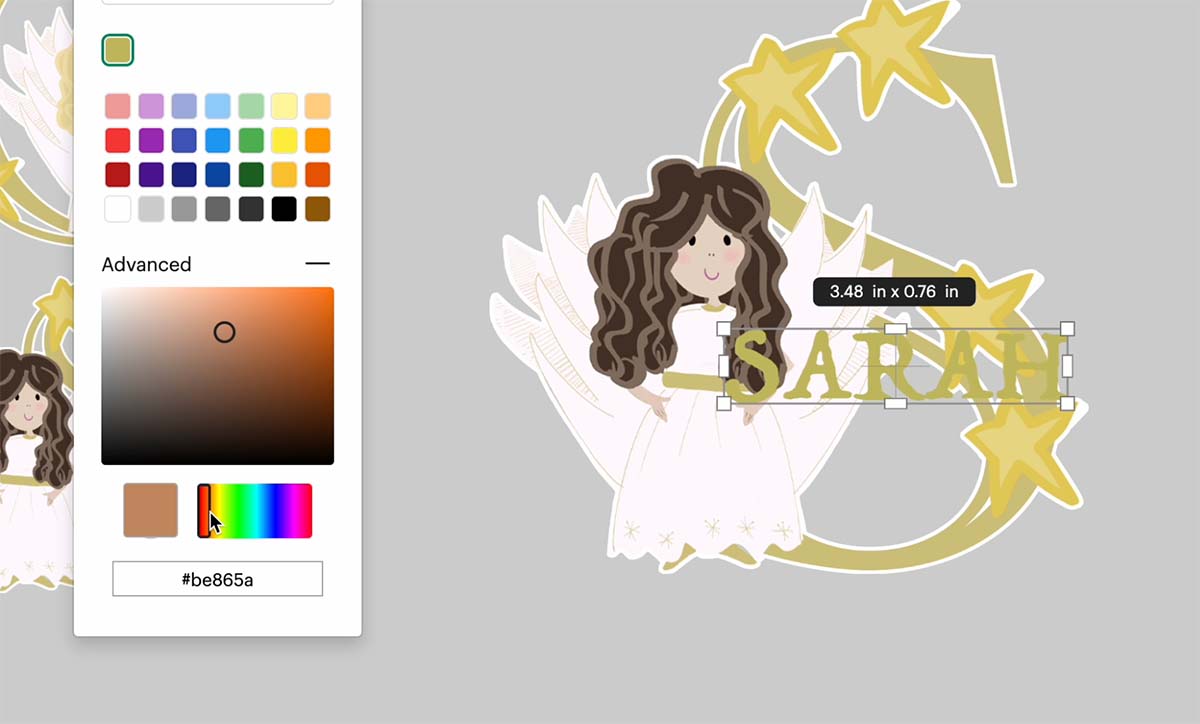
Type your name. I used the Trattetello font, which was in a font bundle I added years ago, but it’s easy to search for and find. Then click on actions, change the font to print and cut, click on the colour, then advanced. You can now drag the dot around until the colour matches your letter. The hex code for the colour I used is #be856a.
Add a White Offset
To make the name stand out, add a white offset. You can make this as big or small as you want.
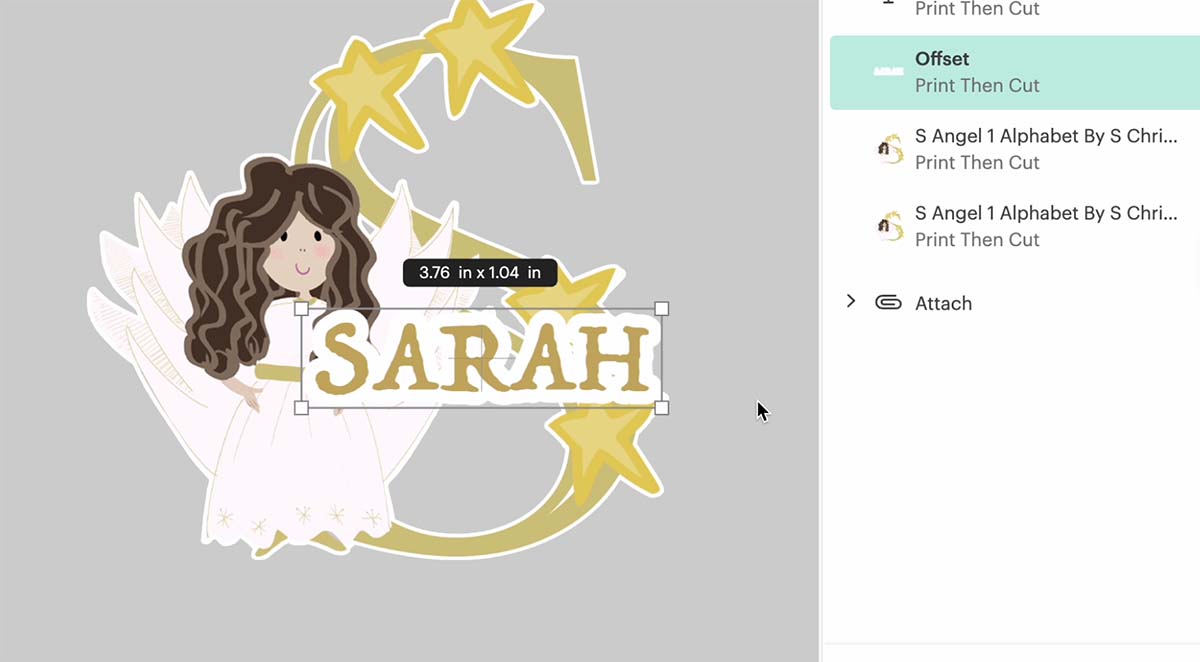
Add Another Small Offset And Then Flatten
Then add another offset in the same colour as the letter; this creates a nice finish. Now select all and click flatten to make it one image. Your project is now ready to cut.

If You Want To Use These Free Printable Angel PNG Alphabet Letters And Numbers?
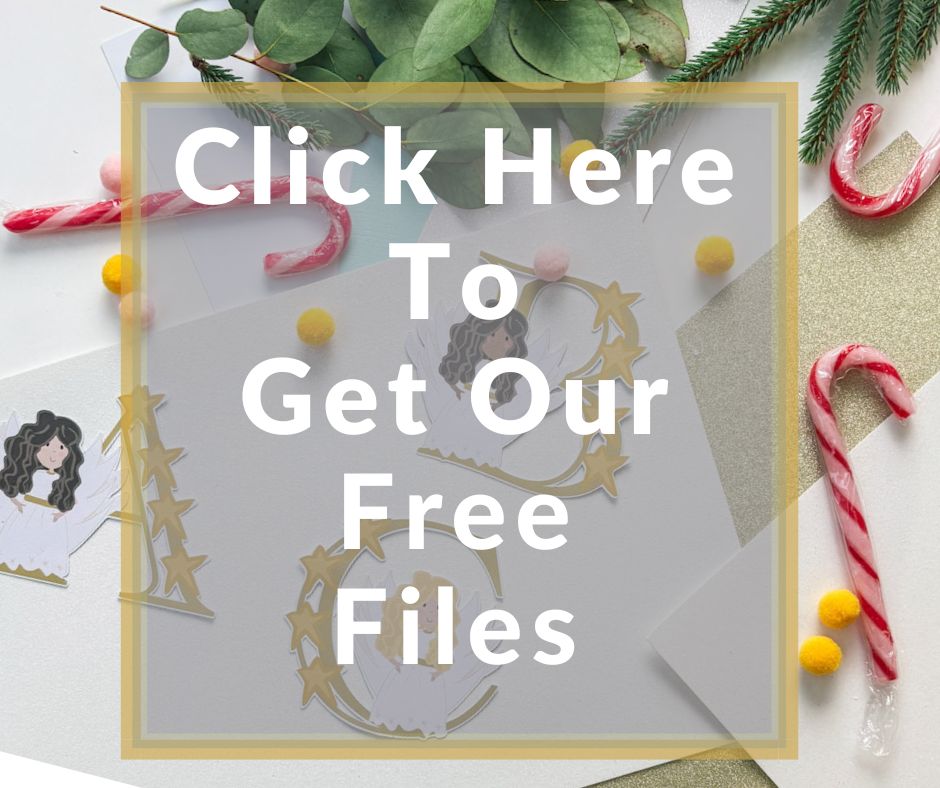
Simply click here or on the image below to get my free Cricut Printable Angel Alphabet cut file downloads from our shop. Here’s how you upload the files to Cricut Design Space. And get the matching sticker elements here.
If You’re Having Problems?
Check out my trouble shooting page, hopefully it will answer any questions you may have.
Tips And Advice For Using Cricut
- Cricut Design Space Guide
- How to upload to Cricut Design Space
- How To Make Print And Cut Stickers In Cricut Design Space
- Where Else To Get Free SVG Files
Also please do pop over to Instagram, or TikTok and give me a follow and if you make a project please do tag me! I love seeing everyone else’s makes and chatting crafting. I could do that all day! This is also where I share all my projects in progress.