
Today, I am sharing my new and exciting portable laser machine, perfect for small projects and creating customised gifts and projects. I’ve been testing the LaserPecker LP5, and it’s an incredibly versatile and powerful machine.
As someone who enjoys creating custom pieces, I was excited to see how well this engraver performs on different materials, and it hasn’t disappointed! It’s great for a small business and perfect for personalisation.

What You Will Find Here
LaserPecker Review: Dual-Laser System for Maximum Versatility
One of the best features of the LP5 is its dual-laser technology, which includes both a 20W fibre laser and a 20W diode laser. This means I can work on a wide range of materials with excellent precision.
- Fibre Laser (20W): Ideal for engraving metals like stainless steel, aluminium, brass, silver, platinum, titanium, and gold. It also works on certain plastics.
- Diode Laser (20W): Perfect for organic materials like wood, acrylic, leather, glass, stone, paper and rubber.
Easy Setup with Online Instructions
The Laser Pecker comes ready to build; however, building and setting up the LP5 is straightforward. The online instructions are easy to follow, with a step-by-step guide to calibrate and set up the camera properly. Taking the time to do this properly will ensure accurate alignment and the best engraving results. I did try to jump in as that my nature, but had to go back and re-read the instructions.

User-Friendly Software and Connectivity
I love how easy the LP5 software is to use. Like the LaserPecker app, it makes using the machine a whole lot easier. Plus, the software supports multiple file formats, including PNG, SVG, and DXF.
The Wi-Fi and USB connectivity made it simple to connect to my devices, and it’s compatible with Windows, macOS, iOS, and Android, which is a huge plus. I was able to connect the first time via USB, but then over WIFI going forward, and haven’t had any connection problems.
The LaserPecker software also has a clip art library and enables you to use text and create shapes. So there is a lot you can easily create without the need for added files.
Safety Features for Peace of Mind
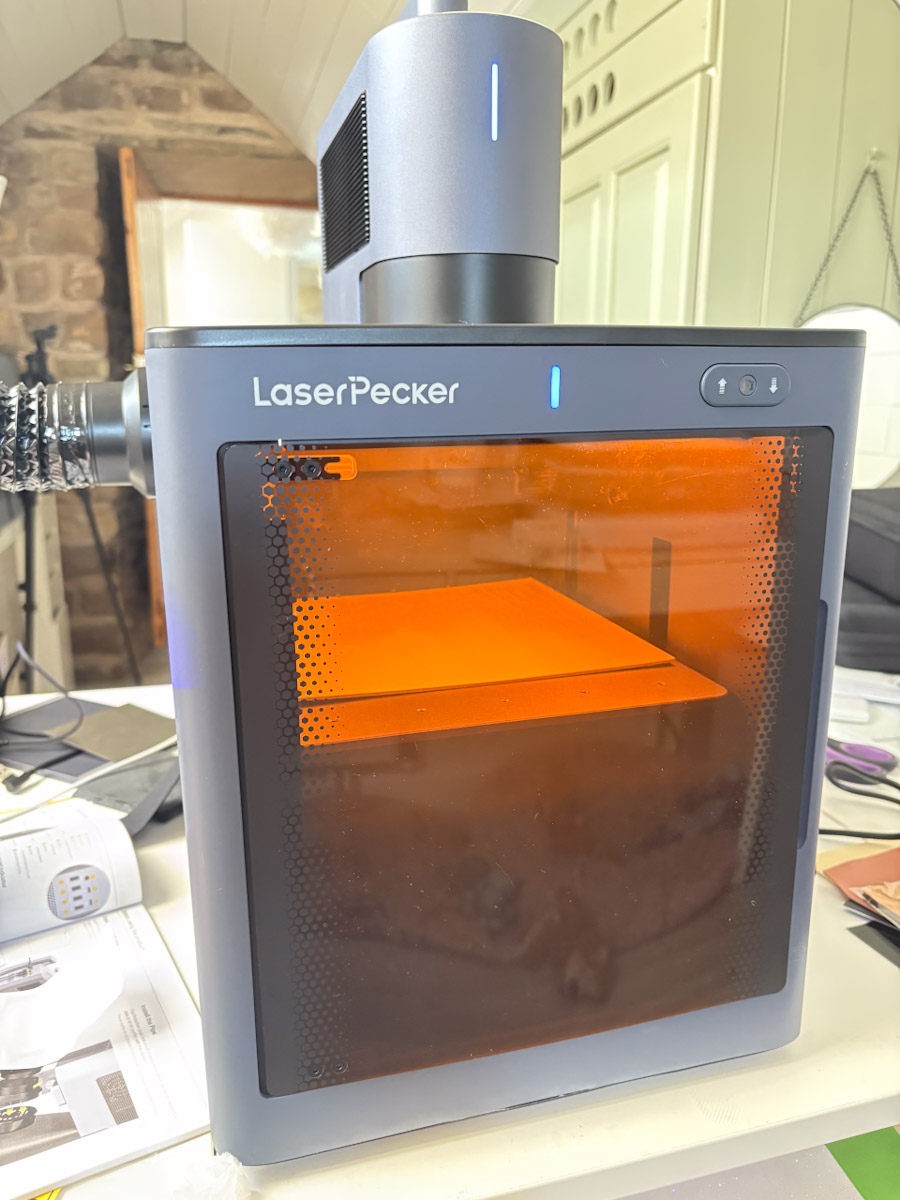
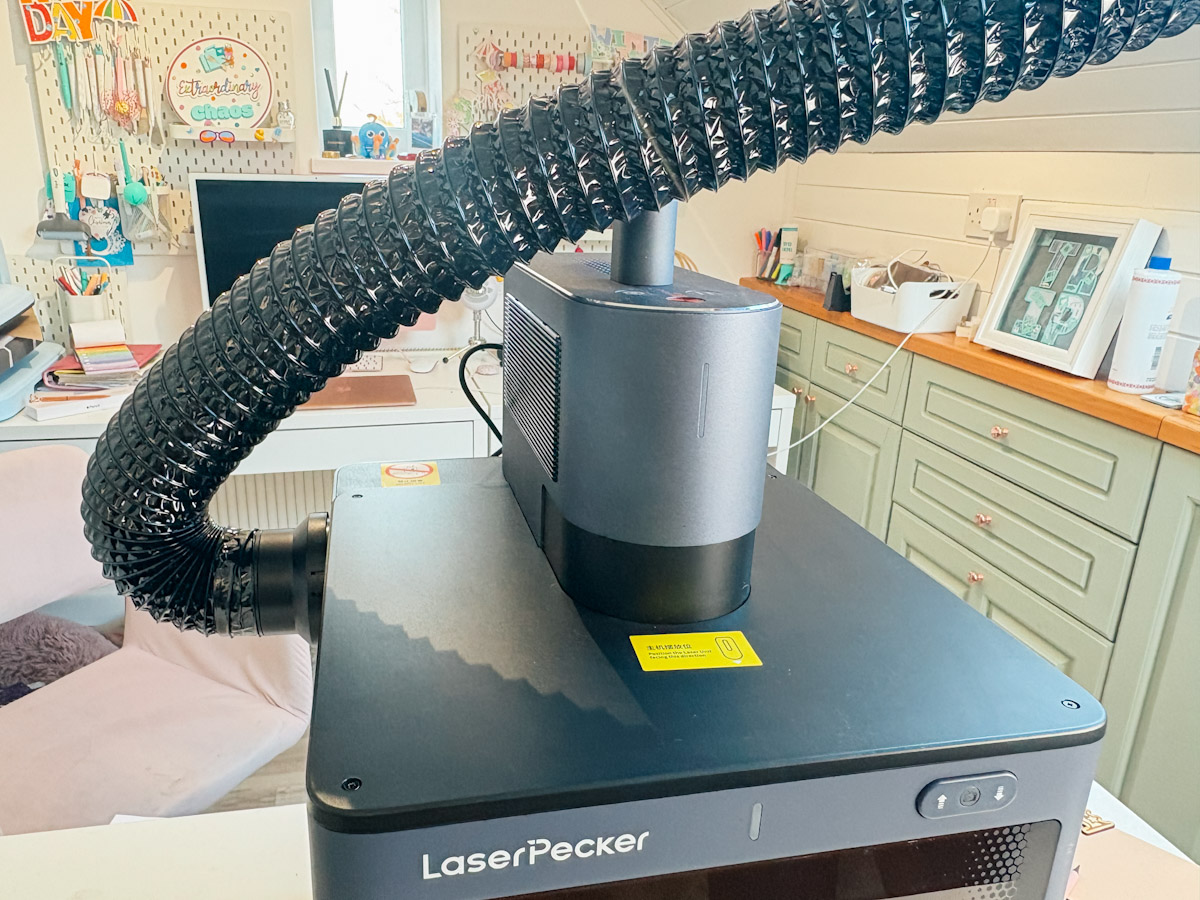
I also have the safety enclosure, and I’ve chosen to use this and vent the machine to the outside using the hose to avoid fumes. This works for me as my pets tend to hang out in my office, and the Safety Enclosure offers added protection, especially for longer projects.
Easy to Learn to Use
The machine has been easy to get to know and learn. Once you understand the laser’s capabilities, it’s easy to adjust the speed and depth to get the right result. The more you use the machine, the easier it becomes to fine-tune and tweak settings and achieve perfect engravings.
I thought this would take a while, and I still have much to learn. There are still materials I haven’t mastered, such as acrylic cutting and engraving. However, I am confident that I will build my skills and confidence. Especially with the results I am getting with wood and engraving.
However, I love how there is a platform that goes up and down, this is perfect for engraving boxes and deeper projects.

Smart Preview Modes
Positioning the design is easy thanks to the preview modes:
- Rectangle Preview – This is great as you can see where the project has to sit and allows you to start the design with an idea of size and position.
- Outline Preview – It’s incredible, and this mode allows you to see exactly how the image sits on your project before starting the laser. This allows for perfect precision and placement.
- Centre Point Preview – Helps to position materials and see the exact centre to fine-tune the position.
- Camera Mode– This allows you to take a screenshot of projects for positioning; I did use this a couple of times but found the outline preview perfect for what I wanted to achieve.
My Experience with Engraving and Cutting With The LaserPecker LP5
I’ve tested the LP5 on several projects; the results have been fantastic. Now, disclaimer: I am not here for the long, deep engraving projects. I don’t have the need or patience, and whilst the Laser Pecker LP5 is known for its deep engraving capabilities, that is something that’s not for me.
What I wanted to explore is how the Laser Pecker can save time; if I want to create a project, I am all for quick. I don’t sell my projects as many of my readers do. My motivation for creating is making quick gifts, cards, and projects for readers to use and replicate, such as the SVG Alphabets I have used in today’s project. However, I know time and speed are as important to you as they are to me.

Engraving Results
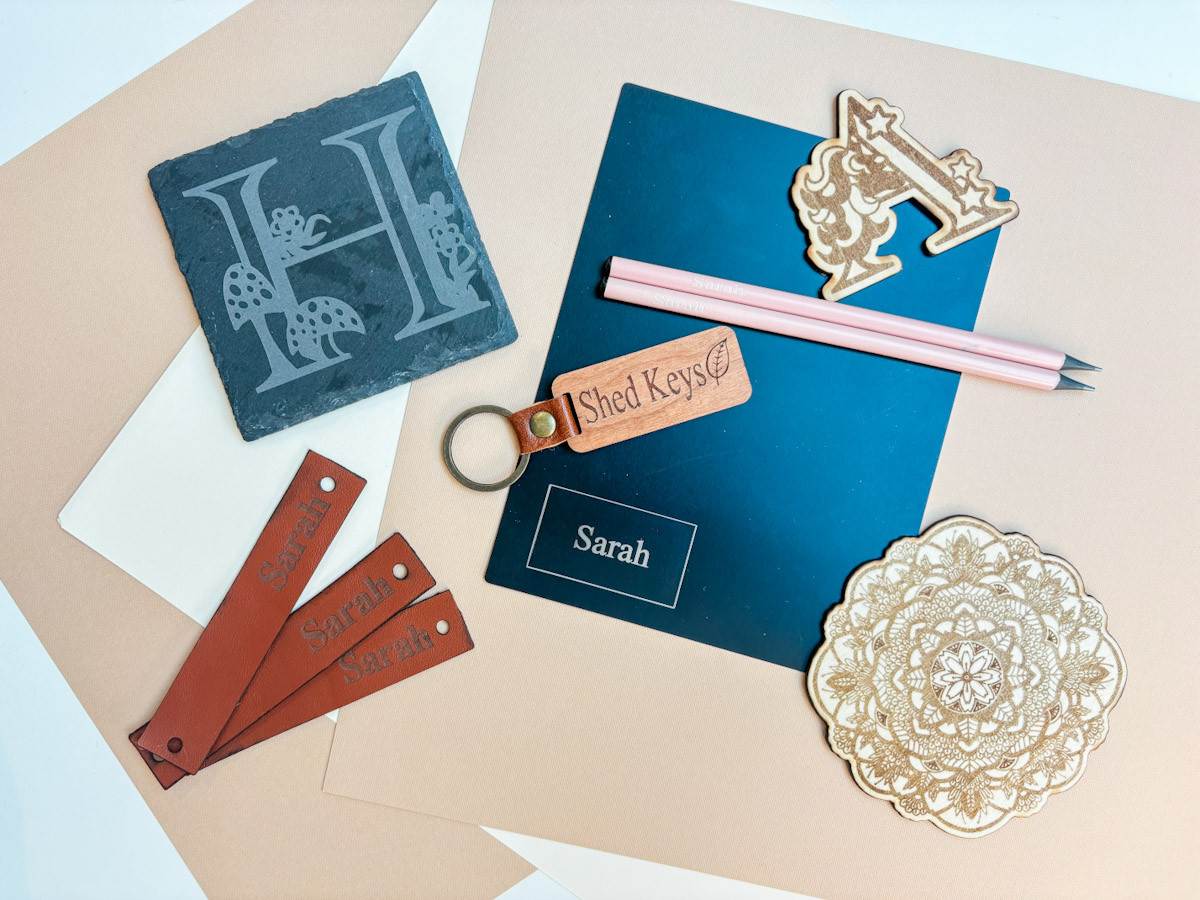
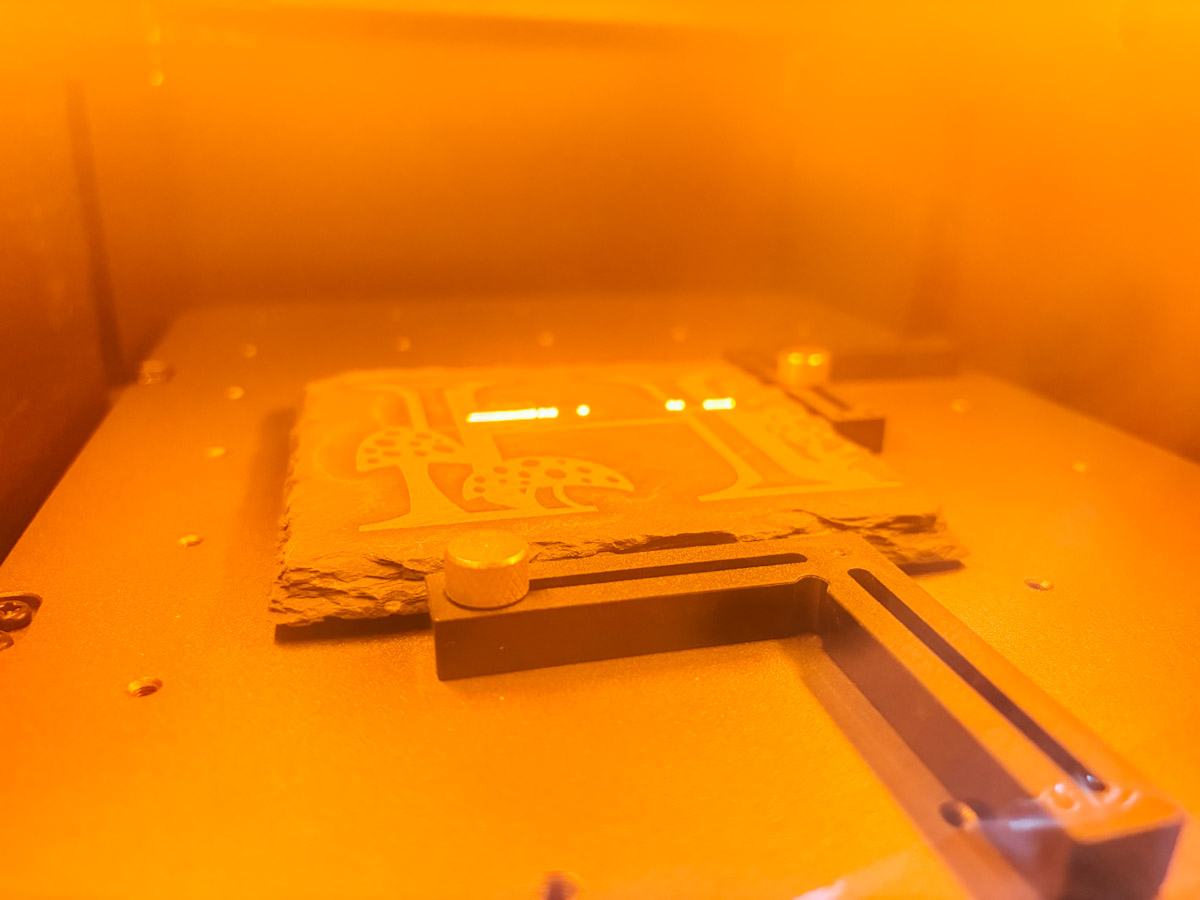
I started by engraving a slate coaster and a wooden keyring. These were incredibly quick to complete, and the results were crisp and clear. I can see how this speed and quality would be perfect for a small business producing personalised gifts. The keyring took seconds. I did two passes as I wanted a little more depth, but these are so quick and easy to create.

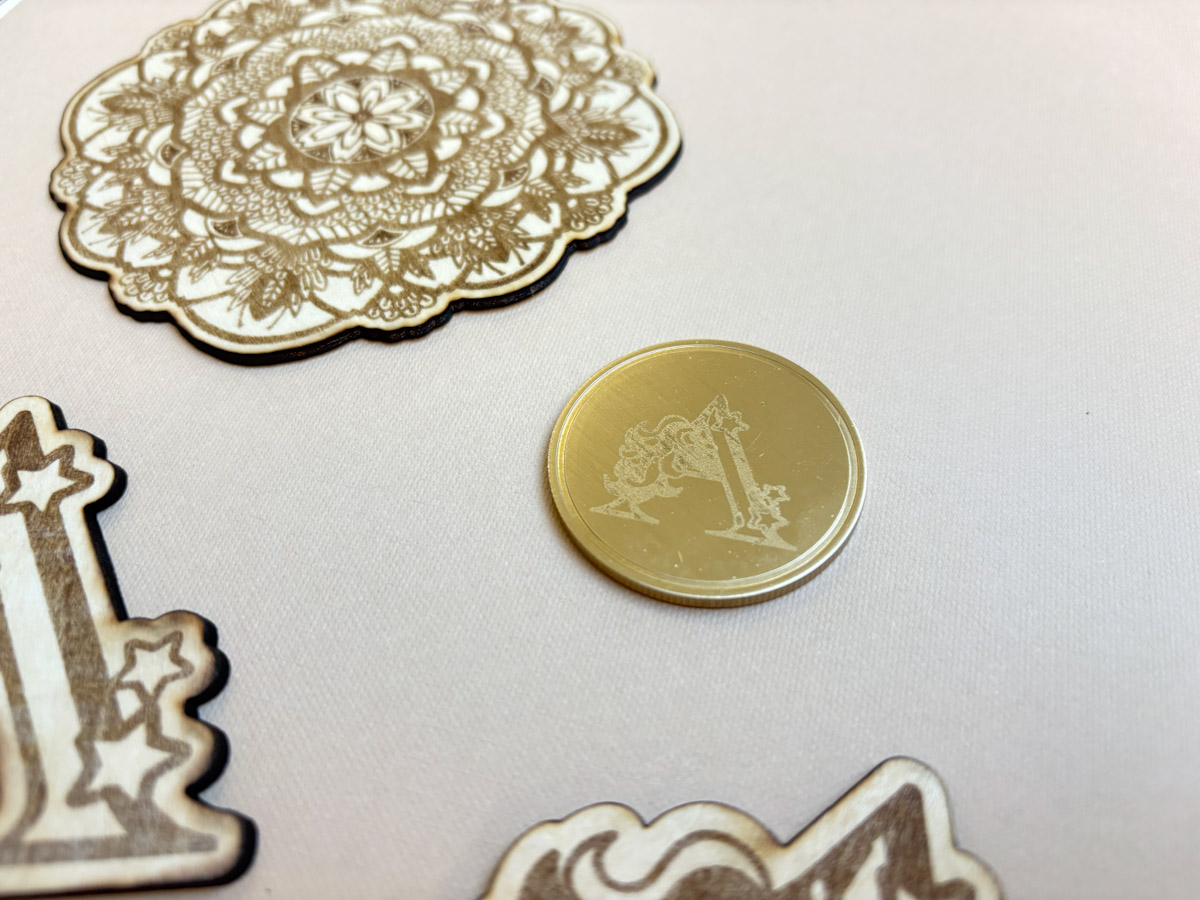
I also tried engraving a metal coin. This took longer, as I didn’t do a deep engrave, but I can tell that for an even better result, I would need to increase the engraving time.
Cutting and More Complex Engraving With The LaserPecker LP5
I also cut and engraved several wood projects, including a mandala with an intricate design and a unicorn monogram letter. Both were done very quickly, within a couple of minutes, the mandala took around five minutes, the unicorn around three and the fine details came out beautifully.
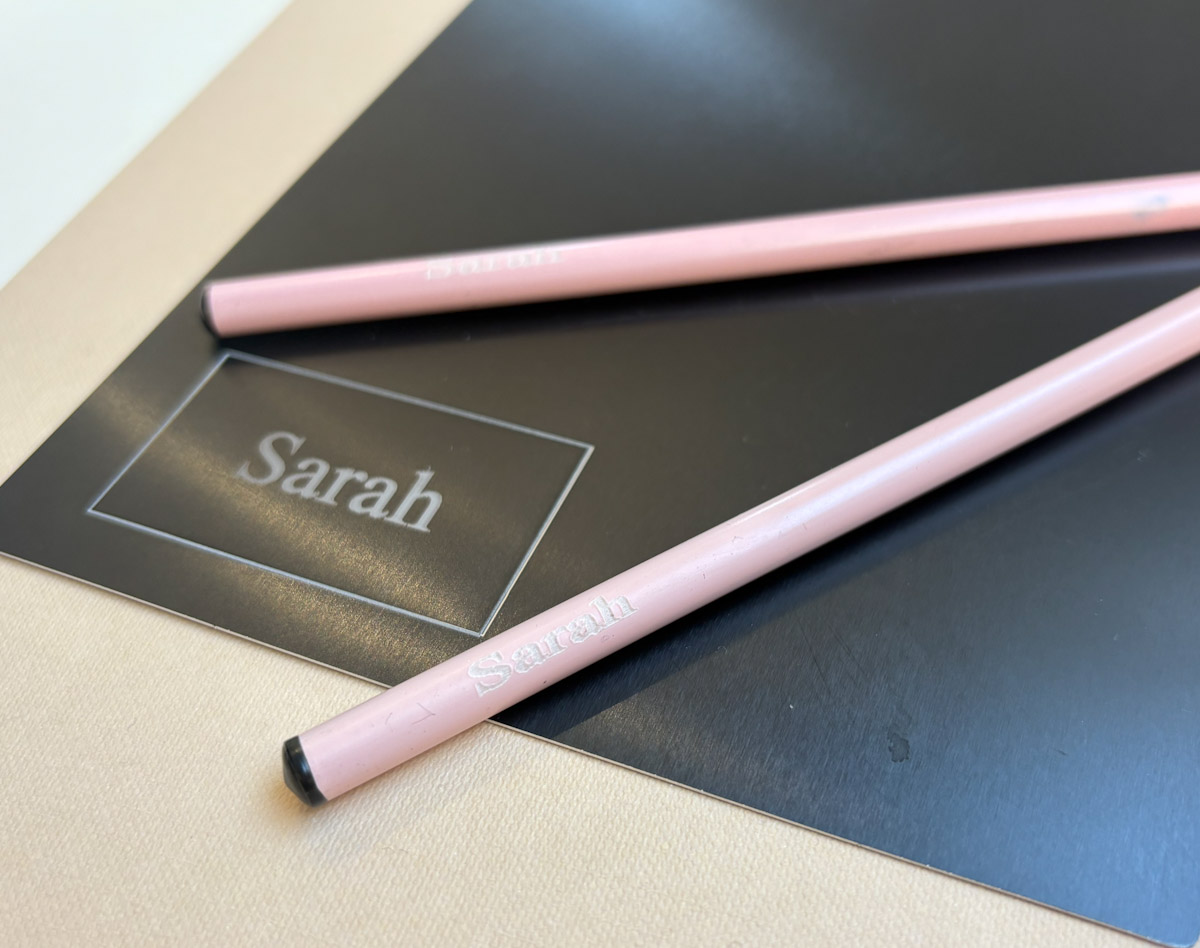
I was also able to add my name to pencils in under 10 seconds. I used the props that came with the Laser Pecker to secure the pencil; it was easy to get the positioning perfect with the outline preview, and the results were excellent.

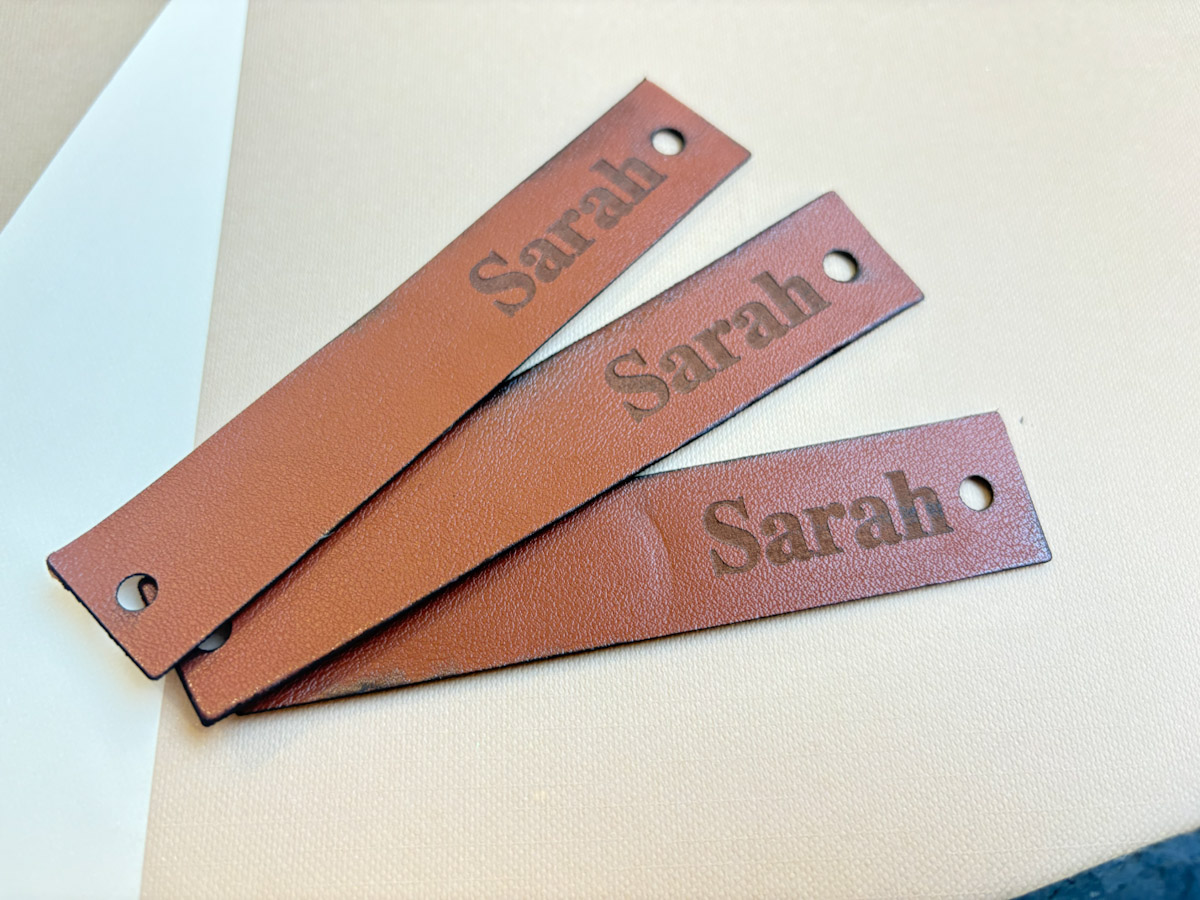
One of my favourite things about the LaserPecker LP5 is how well it cuts and engraves leather. I made a leather keyring/suitcase fob, and the results were terrific. I had to play with the settings a little to get a deep cut on the corners of the leather but also avoid charing on the edges. However, this is a case of getting to know your machine and altering power settings and depth.
This opens up so many possibilities for personalised gifts such as passport covers, diaries, keyrings, and costers. Especially as engraving leather is so quick and easy.
My Final Thoughts on This LaserPecker LP5 Review
After spending time with the LaserPecker LP5, I’m genuinely impressed. It’s powerful, fast, and incredibly versatile, making it a fantastic choice for both small business owners and hobbyists. I still have a lot to learn and haven’t managed to cut some projects yet, but I am confident from my easy experiences, that this will all come in time.
It is priced at £2,899.00 but has been added at £639.00 for the safety enclosure. However, it is currently slightly lower as it’s on sale.
Whether you’re engraving wood, metal, or leather, this machine delivers high-quality, professional results. It’s great for a small business and perfect for personalisation, making it ideal for anyone looking to create customised products with ease.
If you’re looking for a reliable laser engraver that can both cut and engrave with ease, I’d definitely recommend the LP5!
Please note I was gifted the LazerPecker LP5 and spent a couple of weeks learning the machine and putting it through the tests.

