
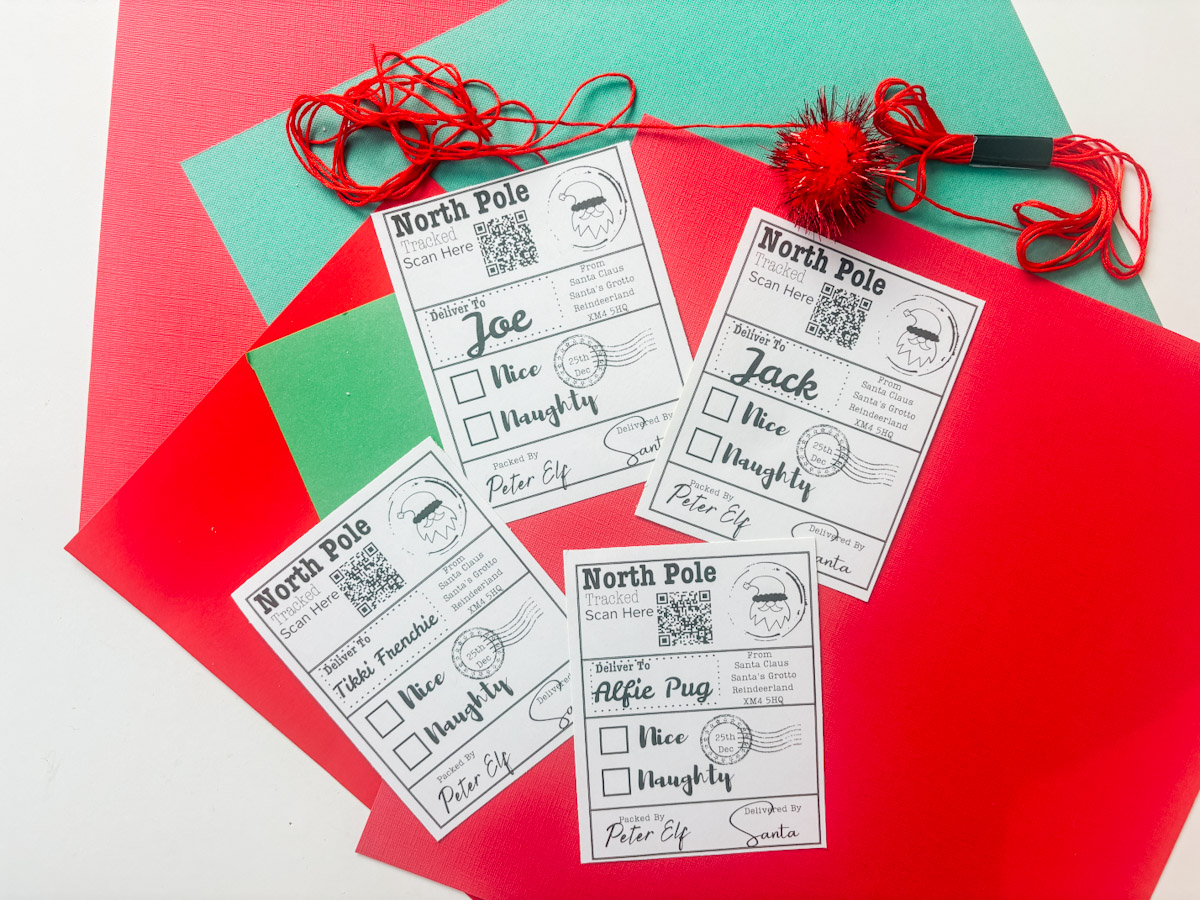
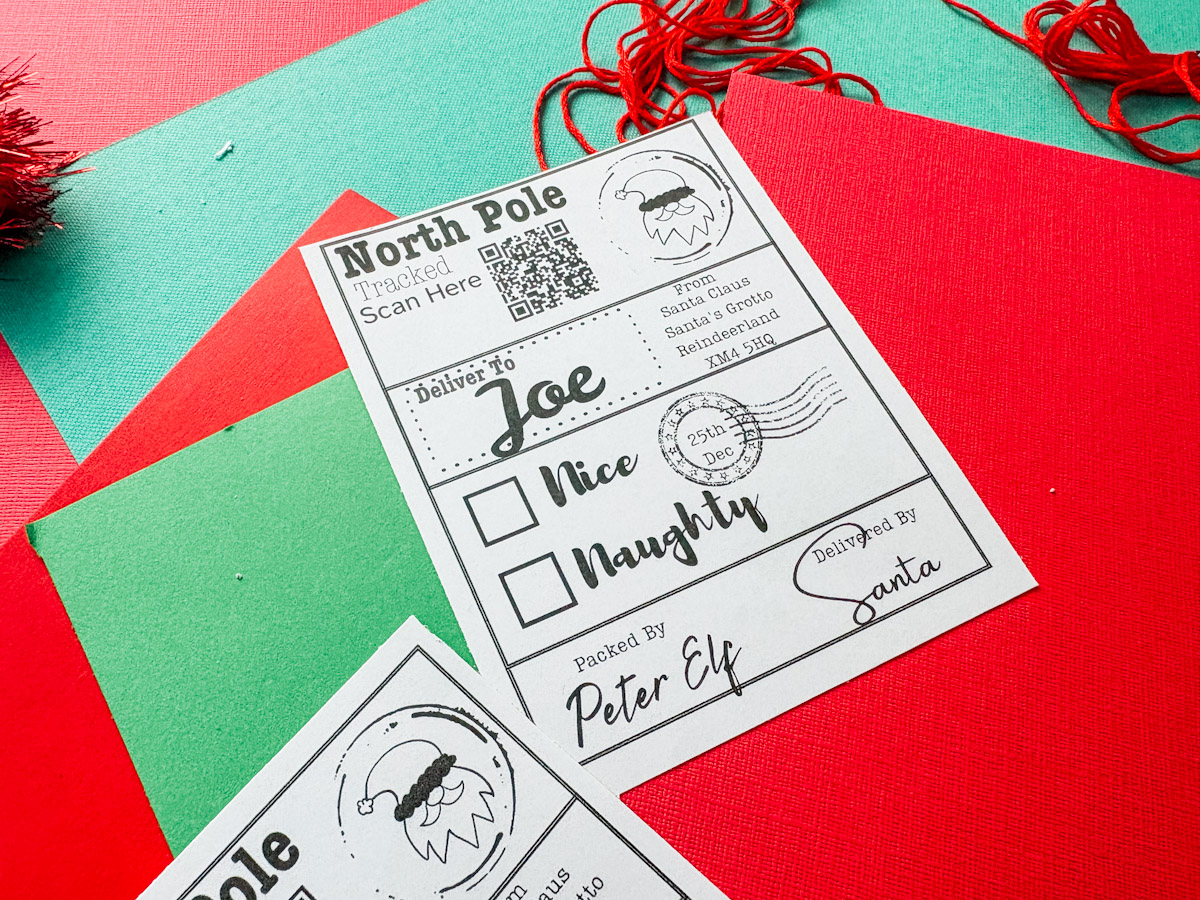
Today, I am going to show you how to make the cutest personalised naughty-or-nice Christmas labels that play music. It’s that time of year again when the lights start twinkling, the Christmas songs start playing, and the urge to make all the festive crafts kicks in!
And you don’t need a fancy printer, a Cricut machine, or even any design experience. In this tutorial, I’ll show you exactly how to create your own personalised Christmas delivery labels using Canva, and we’re going to take them a step further by making them musical!
You can add a QR code that links to your favourite Christmas song, playlist, or even a special video message from you (or Santa himself!). This is such a fun, easy, and magical project to do with your family.
And the best part? You can make these in Canva’s free version, print them at home, and all you’ll need is some sticker paper, scissors, and a few minutes of festive creativity.
What You Will Find Here
How to Make Personalised Musical Christmas Labels in Canva
What You’ll Need
Before we get started, here’s what you’ll need to make your own DIY Christmas labels:
- Printable matte sticker paper (or glossy if you prefer)
- Guillotine or scissors
- Free Canva account
- My free Christmas label template
- See our Christmas Printable Alphabets Here
See My Step-by-Step YouTube Tutorial
1: Open Canva and Create a New Document
- Head over to Canva.com and log in to a free account.
- Click “Create a Design”, A4 Document.
2: Upload the Label Template
- Click Uploads, Upload Files and select the Christmas label template you downloaded (Link to these below).
- You’ll see multiple versions. I’ve included UK, US, and Canadian North Pole addresses, plus a blank one if you want to add your own.
- Drag your chosen design onto the page.
3: Add a QR Code
Now for the magical part, making your labels musical!
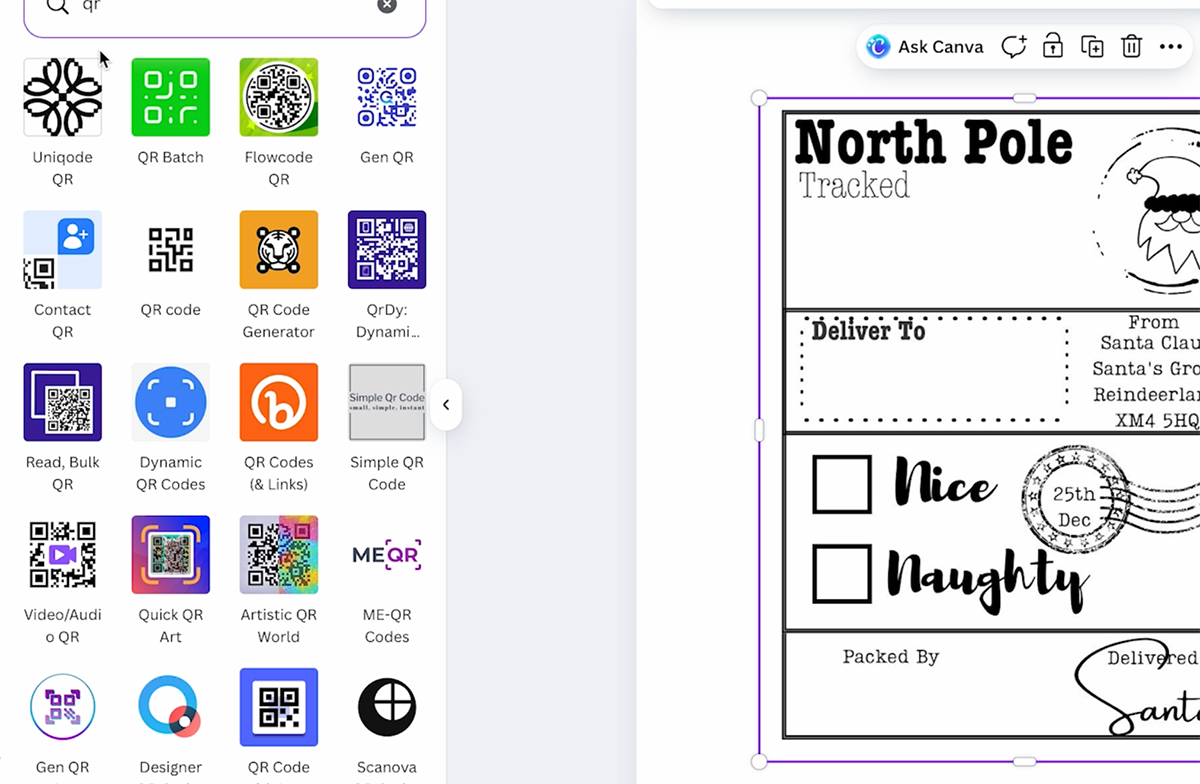
- In the Canva sidebar, click Apps, QR Code.
- Go to YouTube, Spotify, or Apple Music and find your favourite Christmas song or playlist.
- Copy the URL and paste it into the QR code box in Canva.
- Click Generate Code, and your custom QR code will appear!
- Resize it and position it neatly on your label, I like to add a little text next to it that says “Scan Here”.
Tip: You can even record a personal video message, upload it to YouTube as “Unlisted”, and link that to your QR code for long-distance loved ones!
4: Personalise Your Labels
- Click Text, Add a Text Box and type the recipient’s name.
- Choose a festive font or Handwriting-style fonts for a handwritten feel.
- Add another text box for your elf’s signature, for example, Packed by Peter the Elf!
- Adjust the placement until it fits neatly on the design.

5: Duplicate Your Labels
Once you’ve made one label, it’s easy to make more:
- Select everything on your label (click and drag).
- Click Duplicate and move the copy below or beside the original.
- Edit the names and QR code links for each person or pet.
This is a quick way to make a full A4 sheet of unique, personalised labels!
6: Download and Print
- Click Download in the top-right corner of Canva.
- Choose PDF Print or JPEG, both work perfectly.
- Print onto your matte sticker paper using your home printer.
- Cut them out neatly using scissors or a guillotine.

7: Stick and Scan!
Peel your new Christmas labels from the backing sheet and stick them onto your presents.
Then grab your phone or tablet, scan the QR code, and enjoy the magic, a Christmas song, a message, or even a video from Santa himself!
It’s such a lovely way to make every gift feel personal and special, especially for kids (or even grown-up “kids”!).
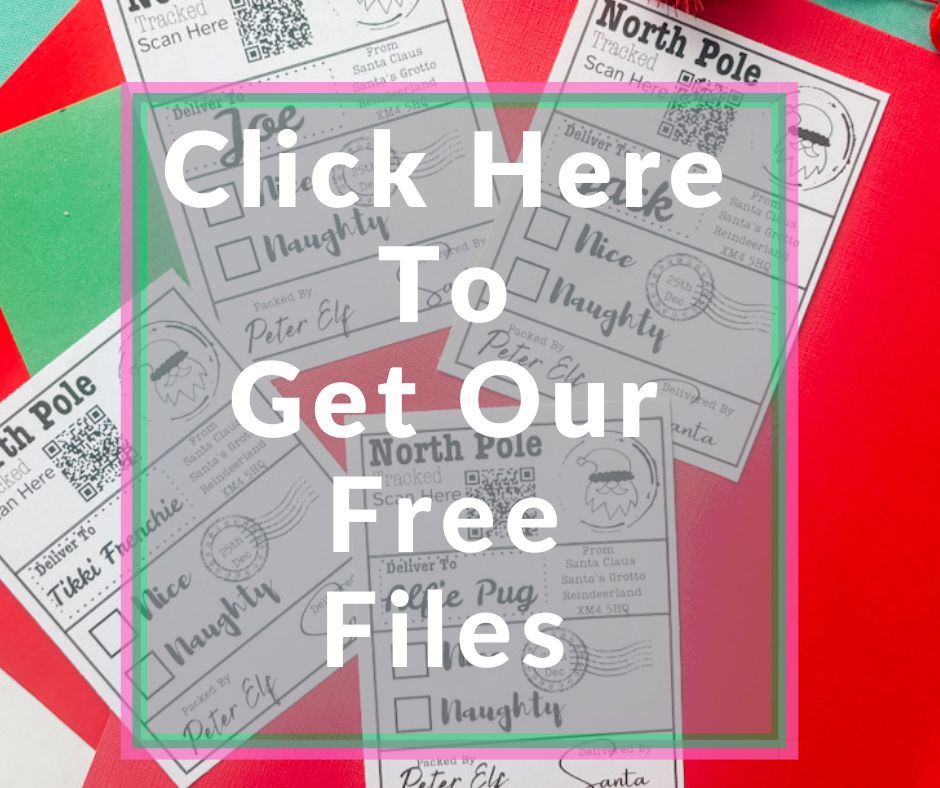
Get Your Christmas Label Templates Here
Simply click here or on the image below to get my free Christmas Labels from our shop. If you are having problems. Check out my troubleshooting page, hopefully it will answer any questions you may have.
Bonus Idea: Turn It Into a Musical Christmas Card
Next week, I’ll be sharing how to turn this idea into a QR code Christmas video card, so keep an eye out for that post!
You can record a personal message, upload it privately, and create a card that shares a memory or festive greeting across the miles.
The Perfect Christmas Labels
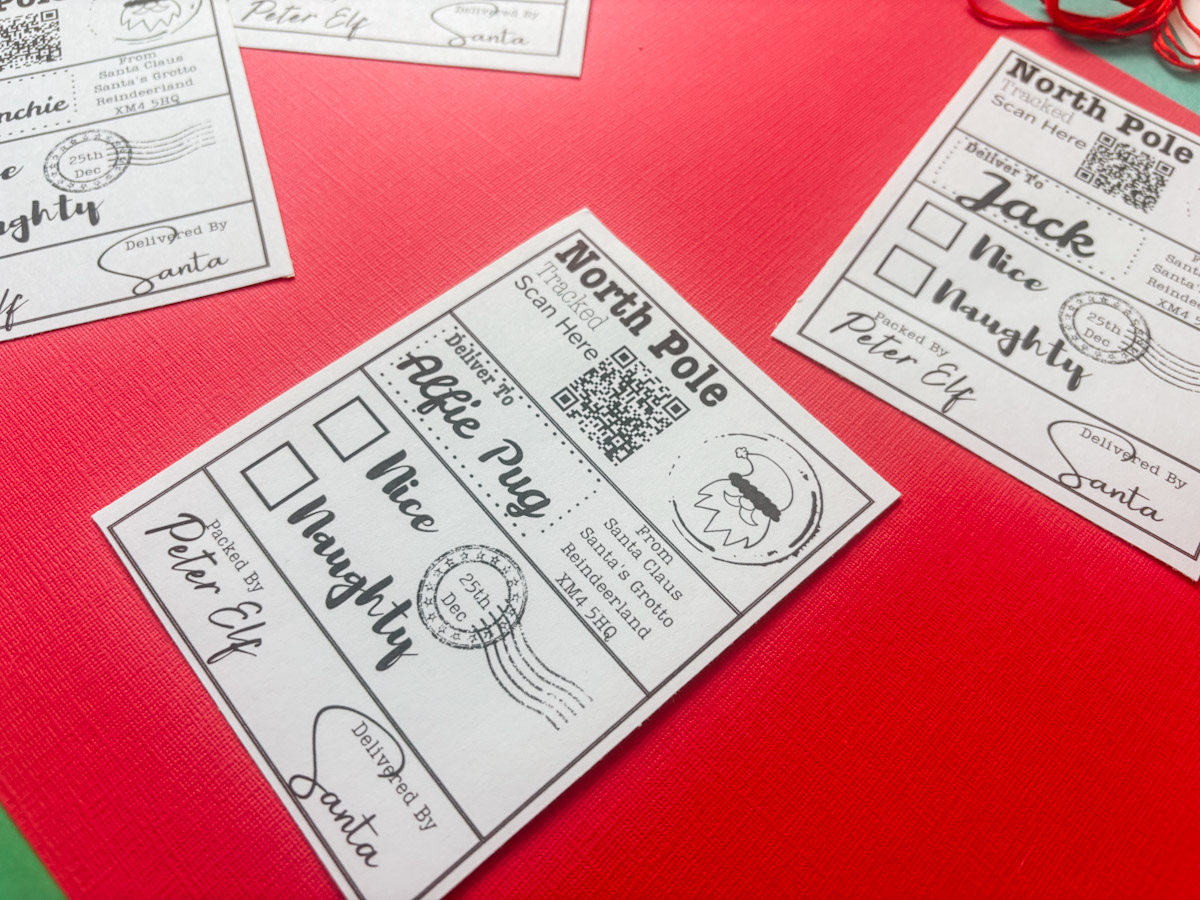
These DIY personalised Christmas labels are such a simple yet magical project, no Cricut required, just your printer, Canva, and a little creativity.
It’s also a brilliant idea for adding personal touches to gifts if your children are older, if you want to surprise long-distance loved ones, or if you simply love making your presents extra special.
Whether you’re adding them to presents from Santa, your family elf, or your pet’s gifts, they’re a perfect way to add joy and a sprinkle of magic this Christmas.

