
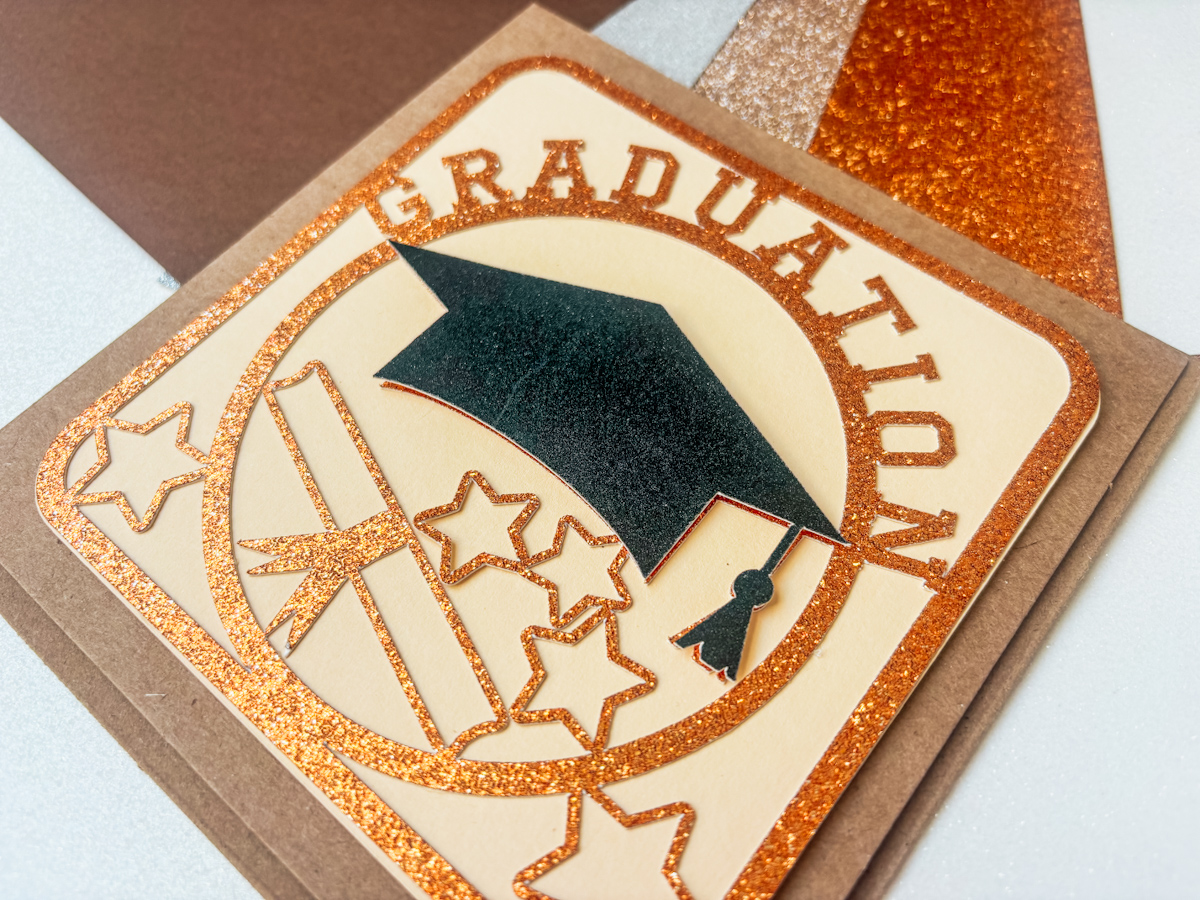
Looking for a beautiful handmade graduation card you can make with your Cricut machine or Silhouette? This free graduation card SVG is perfect for celebrating graduates in style and makes a gorgeous keepsake for high school, college, university, or kindergarten graduations.
Today, I’m sharing how to download, upload, cut, and assemble this layered graduation card using Cricut Design Space. The best part? The design work is already done for you, so you can simply upload the SVG and start crafting.

This post may contain affiliate links. Which means I may receive a small commission if you click a link and purchase something that I have recommended at no extra cost to you. As an Amazon Associate in the Amazon Services LLC Associates Program , Cricut and Glowforge associate, I earn from qualifying purchases.
What You Will Find Here
How To Make This Graduation Card
Whether you’re making a card for family, friends, classmates, or even creating graduation cards to sell, this project is beginner-friendly and looks stunning when cut from cardstock and glitter cardstock. However, if you are curious how I designed this card from scratch, check out my tutorial below.
What You’ll Need
- Cricut Maker, Cricut Explore Air, or Cricut Joy Extra
- Weeding Tools
- Brayer
- Green Cutting Mat
- Fine Point Blade
- Cardstock, I used Gold Glitter Card and Beige Card Stock, Graduation Cap in Black
- Sticky Pads
- Glue, I use Cosmic Shimmer Acrylic Glue
- Card Blanks
- Scraper tool
Download the Free Graduation Card SVG
Download the free graduation card SVG file and save it to your computer or device before opening Cricut Design Space. (Scroll down for the link)
You can also personalise the design by adding:
- Graduate name
- Graduation year
- School colors
- Custom sentiments
How to Upload the SVG to Cricut Design Space
Open Cricut Design Space and create a new project.
- Click Upload on the left-hand side.
- Select Upload Image.
- Browse for your downloaded graduation SVG file.
- Click Open and then Upload.
- Add the design to your canvas.
Once uploaded, resize the card design to fit your chosen card blank or cardstock size.
Preparing Your Card for Cutting
This graduation card works beautifully with layered cardstock. For the best effect, use:
- Plain cardstock for the base layer
- Glitter cardstock for the decorative top layer
- Contrasting cardstock for the graduation cap detail
Before cutting:
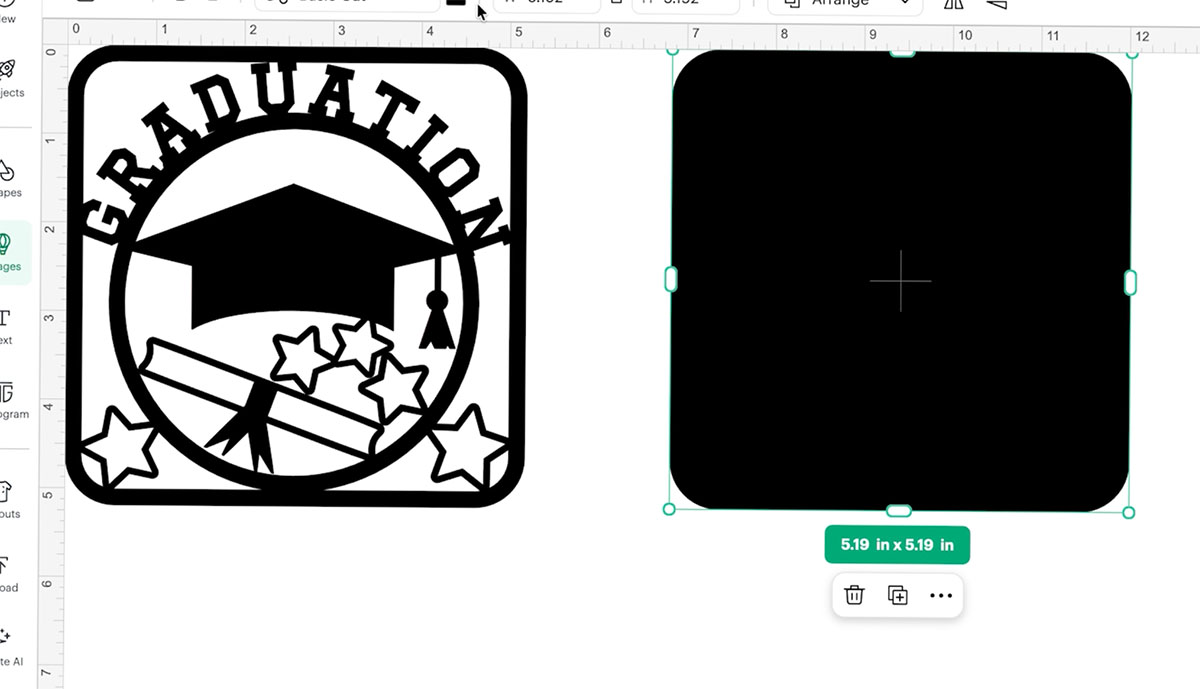
- Check your card size and measure your file to fit just inside. Also size the graduation cap so it fits perfectly over the graduation cap in the card to create a layered effect.
- To create a background for texture, duplicate the card, select the contour tool, click remove contours, and click save.
Cutting the Graduation Card
Place your cardstock onto your Cricut mat and load it into your machine.
Select the correct material settings:
- Medium Cardstock
- Glitter Cardstock (for sparkle layers)
Then press: Make It.
Allow Cricut to cut each before carefully unloading the mat and reverse weeding.

Weeding the Card Design
Carefully remove the excess cardstock from around the design.
Use a weeding tool for:
- Small stars
- Lettering
- Fine decorative details
Top tip: Peel the mat away from the cardstock rather than pulling the cardstock upward to help prevent curling.
How to Assemble the Graduation Card
Once all layers are cut, it’s time to assemble your graduation card.
1: Glue the Main Layer
Use a clear drying glue and apply small dots around:
- Lettering
- Stars
- Decorative edges
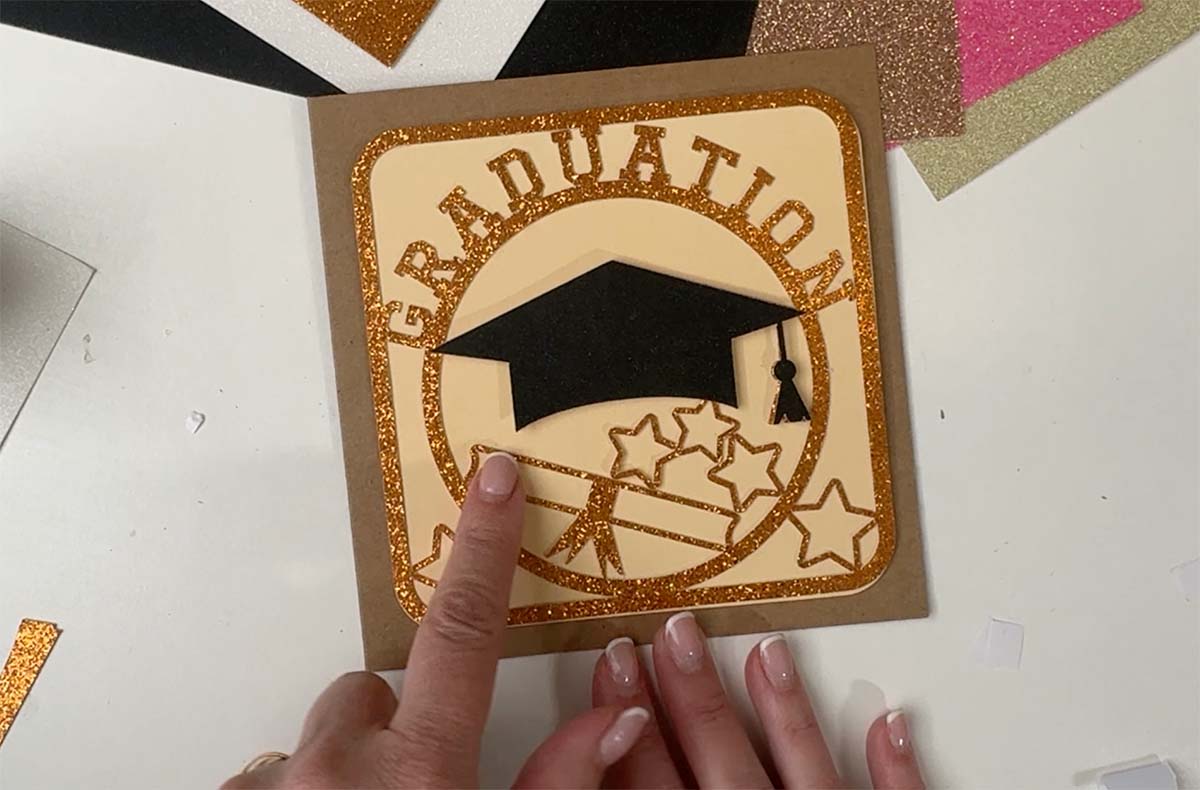
Attach the decorative layer to the contoured layer
2: Attach the Graduation Cap
Use foam sticky pads behind the graduation cap layer to create dimension and make the design pop. Position the layered graduation cap in the centre of the design and press firmly into place.

3: Attach To The Base Card
Attach the design to the card base with sticky pads.
4: Final Touches
To personalise your graduation card add:
- Names
- “Class of 2026”
- School colours
- Gems or embellishments
Get Your Free Card Template Here
Click here or the image below to get your free downloadable Graduation Card Front SVG from our shop and follow these instructions to add it to Cricut Design Space if you are using a Cricut Machine.

A Beautiful Handmade Graduation Card
This free Cricut graduation card SVG is such a fun and easy project to make, whether you’re crafting for a loved one or building products for your handmade business.
Layered cardstock designs always look impressive, but they’re surprisingly simple once your SVG is uploaded and ready to cut.
I hope you enjoy making this graduation card as much as I enjoyed creating it.

Hi Sarah, I was trying to get your Graduation file and the screen said I’m already
registered with my email but I don’t remember my password. I clicked on
“forgot my password” . I haven’t received an email that will allow me to change
it. I’ve tried twice with a couple of hours between attempts.
Please help.
Thank you,
Joan
I Joan I can fix it from this end I will drop you an email