
If you’ve just got a Cricut and you’re wondering what cardstock to use, you are absolutely not alone. I have been using my Cricut for over ten years and at first I found it so overwhelming.
This is also one of the most common questions I get asked, especially from beginners, because there are so many options. From different weights (GSM) to textures and finishes, it can be confusing to know which cardstock actually works best.
In this guide, I’m going to break down the best cardstock for Cricut beginners, including which GSM to use, which types to buy in the UK, and how to achieve professional results without spending a fortune.

This post may contain affiliate links. Which means I may receive a small commission if you click a link and purchase something that I have recommended at no extra cost to yourself. As an amazon, Cricut and Glowforge associate, I earn from qualifying purchases.
What You Will Find Here
What Cardstock Should I Use for Cricut? (Quick Answer)
If you’re looking for a simple answer before diving into the detail, this will give you exactly what you need to get started.
The best cardstock for Cricut is solid-core cardstock with a GSM of 200–216 for most projects. 160–180 GSM cardstock for layering cards and scrapbooking, and 250–300 GSM cardstock for sturdy designs like cake toppers or bases.
Choosing the right cardstock weight and type will make your Cricut cut cleaner and your finished projects look far more professional plus some card stocks are more budget friendly than others and I like to use a good mix of premium and more budget brands.
Watch My YouTube Video Chatting All Things Card Stock

What Is the Best Cardstock for Cricut Beginners?
Before you start buying supplies, it helps to understand what actually makes cardstock suitable for Cricut machines.
The best cardstock for Cricut beginners is solid core cardstock, because the colour runs all the way through the material. This means when your Cricut cuts intricate designs, you won’t see white edges showing through.
Non-solid core cardstock can still be cut, but it often gives a less polished finish, especially on layered designs or detailed projects.

What GSM Means in Simple Terms
GSM tells you how much a sheet of paper weighs over one square metre. The higher the number, the thicker and sturdier the cardstock will be.
- Low GSM = thinner, easier to cut
- High GSM = thicker, stronger, but harder to cut
What GSM Cardstock Should I Use For Cricut? (Beginner Guide)
Understanding cardstock weight is key to getting good results with your Cricut, as different projects need different thicknesses.
- 160–180 GSM cardstock is best for layering and detailed cuts
- 200–250 GSM cardstock is the best all-round option for Cricut projects
- 250–300 GSM cardstock is ideal for sturdy bases, cards, and cake toppers
If you’re unsure where to start, 220 GSM solid core cardstock is the safest and most versatile choice for beginners. But the more you use the more you will find a GSM you feel comfortable with.
I made this castle out of shapes in Cricut Design Space, and used a variety of card weights and textures, and I love the result.

Best Cardstock for Cricut Projects (How I Actually Use It)
Rather than using one type of cardstock, I always recommend mixing different types to get the best results while keeping costs down.
Use premium cardstock for top layers where it will be seen. I love American Crafts cardstock; it really is the best I have ever used. It has a good texture and cuts beautifully, and the colours are stunning.
- Use cheaper cardstock for base layers to save money. The A4 smooth card is still American Crafts and solid core, but has no texture.
- Lidl Card Stock is a great budget card stock when it’s in stock.
- Glitter cardstock is great for detail and adding highlights. I usually use at least one laet in most projects. The colours vary with the season, but my go-to is white. use
- Mix textures like smooth, textured, and glitter cardstock
This approach helps you create Cricut projects that look high-end without needing to use expensive cardstock for everything.
To make things easier if you’re based in the UK, here’s exactly what I use and how I use it in my own Cricut projects.
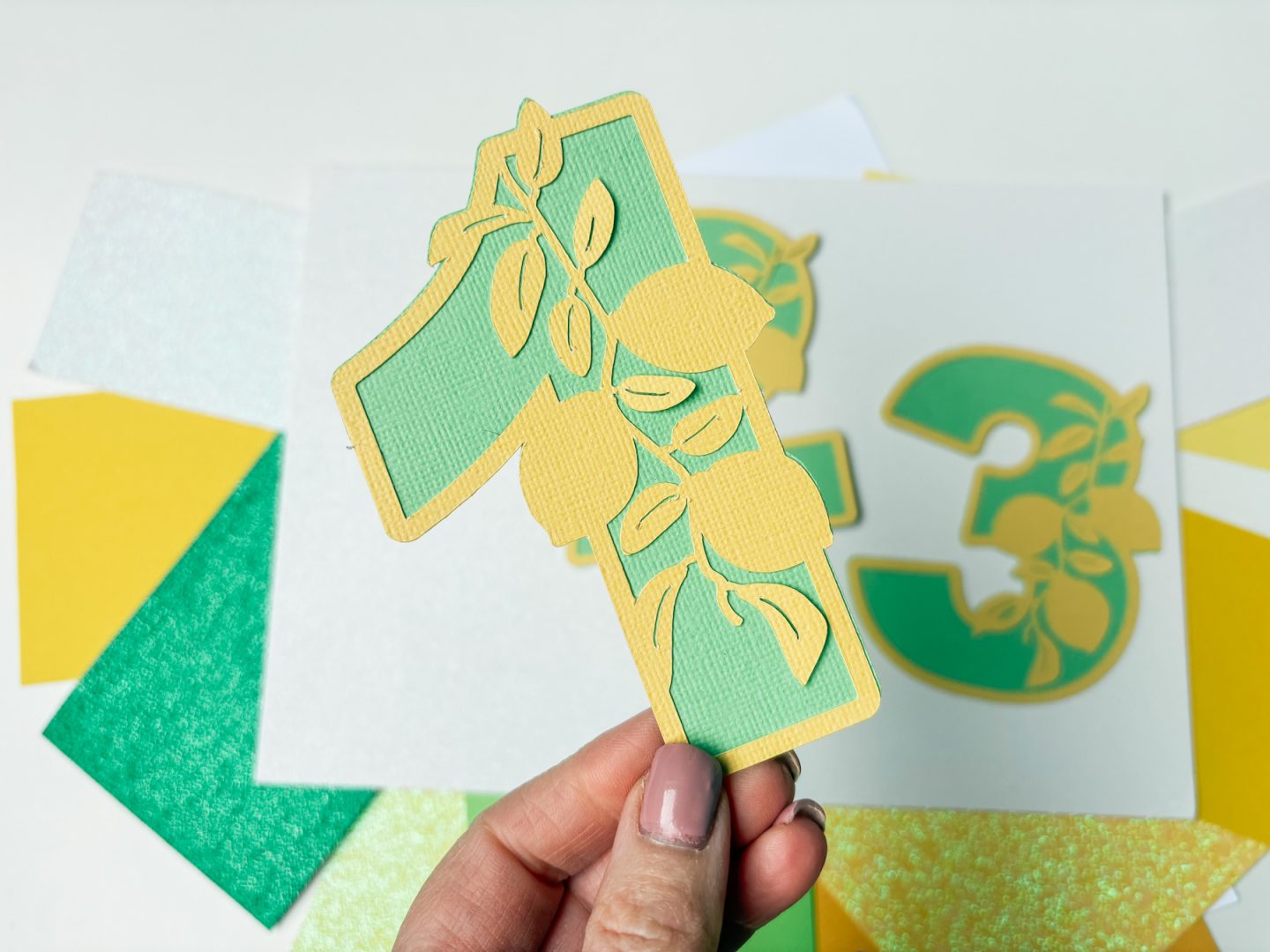
1. Textured Cardstock (Best for Top Layers)
When I want a premium finish, this is American Crafts Textured solid core cardstock, which is always my go-to option.
- Around 216 GSM
- Solid core cardstock
- Slight texture for a professional look
- Ideal for visible layers in Cricut designs
2. Budget Cardstock (Best for Layering)
For everyday Cricut projects, especially when using multiple layers, I use more affordable A4 cardstock.
- Around 160–180 GSM
- Smooth finish
- Available in multi-colour packs
- Great for practising and bulk crafting
This is perfect for beginners who want to keep costs low while learning. But combining textures works so well.

3. Thick Cardstock (Best for Card and Cake Toppers and Bases)
For projects that need structure and strength, heavier cardstock works best.
- Around 250–300 GSM
- Strong and durable
- Ideal for cake toppers, card bases, and 3D projects
Thicker cardstock can be harder to cut on intricate designs, so it’s best used for simpler shapes. I used thick cardstock for the card base above and love the combination of textures.
4. Glitter Cardstock for Cricut
Glitter cardstock is a great way to add detail and make your Cricut projects stand out.
- Around 300 GSM
- Non-shed glitter finish
- Perfect for accents and decorative elements
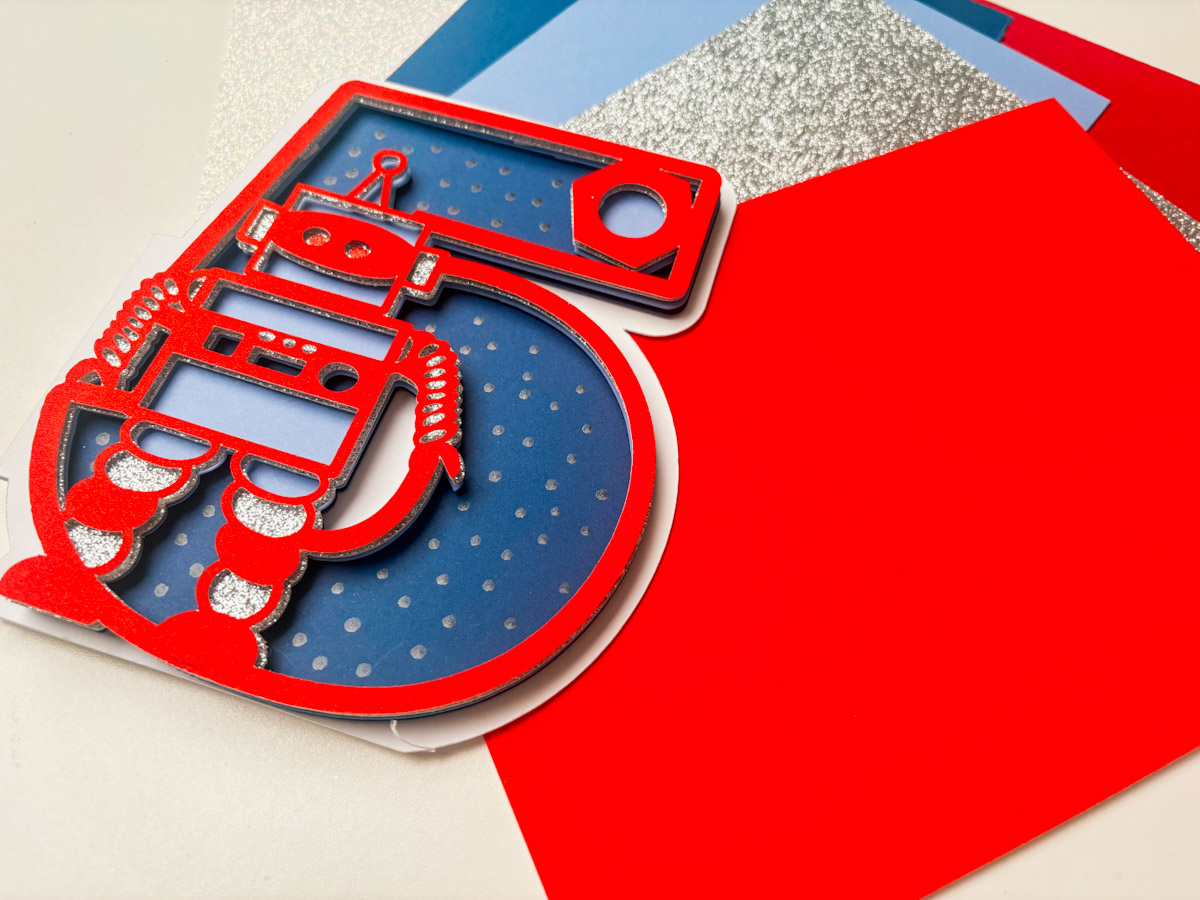
Avoid the shed glitter cardstock and the double-sided glitter cardstock, as both can damage your cutting mat and affect cutting performance. Get our robot alphabet and number set here.
5. Printable Cardstock for Cricut
If you’re using Print Then Cut or creating your own designs, printable cardstock is essential.
- Around 160 GSM
- Smooth finish for clean printing
- Feeds easily through most printers
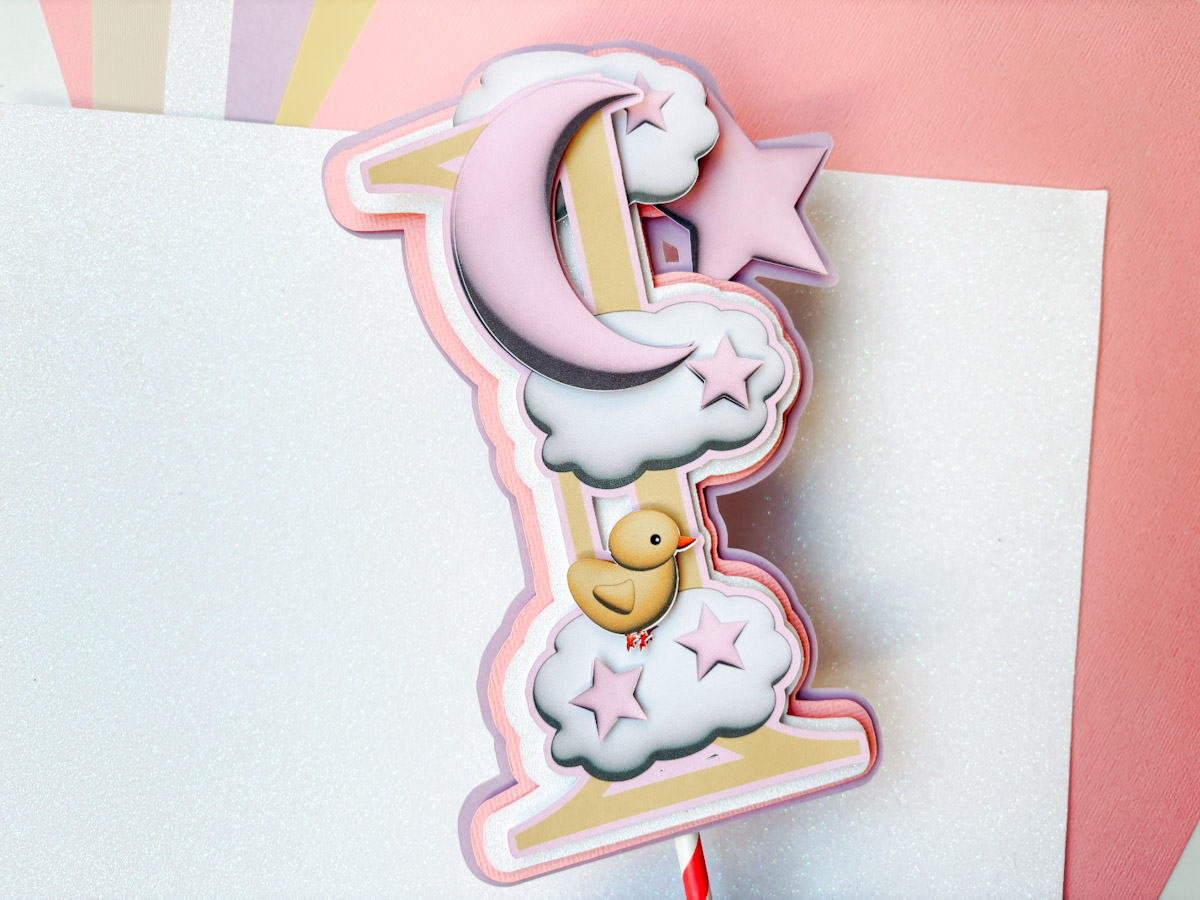
This is ideal for stickers, printable cake toppers, and custom designs.
Common Cricut Cardstock Mistakes (And How to Avoid Them)
If your Cricut isn’t cutting cardstock properly, it’s often down to a few simple issues that are easy to fix.
- Using non-solid core cardstock, which shows white edges
- Choosing the wrong GSM for your project
- Using shed glitter cardstock that damages your mat
- Not securing cardstock properly on the cutting mat, I always use a green cutting mat and a brayer. Then I reverse weed my mat. To do this, flip the mat and gently peel the project away. Be careful not to bend the mat in half; just gently bend it.
Fixing these mistakes will instantly improve your Cricut results.
What Cardstock Should Beginners Buy First?
If you’re just starting out with Cricut, you don’t need to buy everything at once, and keeping it simple will help you learn faster.
- 200 GSM solid core cardstock as your main material
- 160–180 GSM cardstock for layering
- Non-shed glitter cardstock for accents
This combination will cover most Cricut beginner projects and give you flexibility as you improve your skills.

Cricut Cardstock FAQ
These are some of the most common questions beginners ask when choosing cardstock for Cricut.
- What is the best cardstock for Cricut beginners? Solid core cardstock around 200–216 GSM is the best choice for most Cricut projects.
- Can Cricut cut 300 GSM cardstock? Yes, Cricut machines can cut 300 GSM cardstock, but it works best for simple shapes and thicker project bases.
- What cardstock works best for Cricut layering? 160–180 GSM cardstock is ideal for layering because it cuts easily and stacks well.
- Should I use textured or smooth cardstock with Cricut? Both work well, and mixing textures can make your Cricut projects look more professional.
Choosing the Best Cardstock for Cricut
Choosing the best cardstock for Cricut doesn’t have to be complicated once you understand the basics. Focus on using solid core cardstock, choose the right GSM for your project, and mix different textures to create a more professional finish without overspending.
If you’re still unsure what cardstock to use for Cricut or need help with your settings, feel free to leave a comment. You can also explore more tutorials on Extraordinary Chaos to help you learn Cricut Design Space, improve your crafting skills, and start creating your own designs with confidence.
