
I’ve used the Cricut range for a long time, so when the Cricut Joy Xtra arrived in my craft room, I was genuinely excited to see how it would fit into my everyday crafting. And honestly? It hasn’t disappointed. Want to know more? Grab a coffee, and I will share my Cricut Joy Xtra Review with you.
The first thing you notice about the Joy Xtra is how small and compact it is. It doesn’t take over your desk, it’s easy to move around, and it’s perfect if, like me, you craft in a busy space with lots of craft supplies. Despite its size, it cuts beautifully, cleanly, fast, and consistently, which is exactly what I need when I’m filming tutorials and creating projects.

What You Will Find Here
What the Cricut Joy Xtra Can Do
The Cricut Joy Xtra is a versatile little machine. It can cut vinyl, iron-on, cardstock, printable sticker paper and a wide range of everyday craft materials. One of its biggest upgrades is support for Print-Then-Cut, which makes it brilliant for sticker-making, planner pieces, layered cake toppers, and detailed scrapbook elements.
It can also draw and write with Cricut pens, which is lovely for adding messages, outlines and personal touches to cards and projects. You can use standard cutting mats or Smart Materials, depending on how you like to work.
For a compact machine, it’s surprisingly capable, far superior to its sister, the Cricut Joy, and fits really nicely into a creative setup where space, speed, and simplicity matter.

Cricut Joy Xtra Setup: From Box to First Cut
One of the things I really appreciate about the Cricut Joy Xtra is how easy it is to set up. This is not a machine that sits in its box for weeks because it feels complicated. From opening the box to making my first cut, the whole process was straightforward and beginner friendly.
The machine itself is light, so lifting it out and finding a space for it is effortless. Once plugged in, setup is done through Cricut Design Space on your computer, tablet or phone. The software walks you through the process step by step, including connecting the machine, loading a blade, and running a test cut.

I use my Joy Xtra with a laptop in my craft room, and it connected quickly without any issues. The on-screen instructions are clear, and even if this is your first Cricut machine, it doesn’t feel intimidating. Within a short time, I was cutting my first project and getting on with creating. If you want to print and cut, you must calibrate your machine, but that takes 10 minutes tops.
Loading materials is simple, especially when working with A4 cardstock and sticker paper. Whether you’re using a mat or Smart Materials, the Joy Xtra feeds them smoothly and lines them up well, which really helps when you’re working on print then cut projects.
For me, the biggest win is that setup doesn’t break the creative flow. I can sit down, turn it on, and start making almost straight away, which is exactly what I want when I’m filming tutorials or squeezing craft time into a busy day.
See My Video Review of the Cricut Joy Xtra
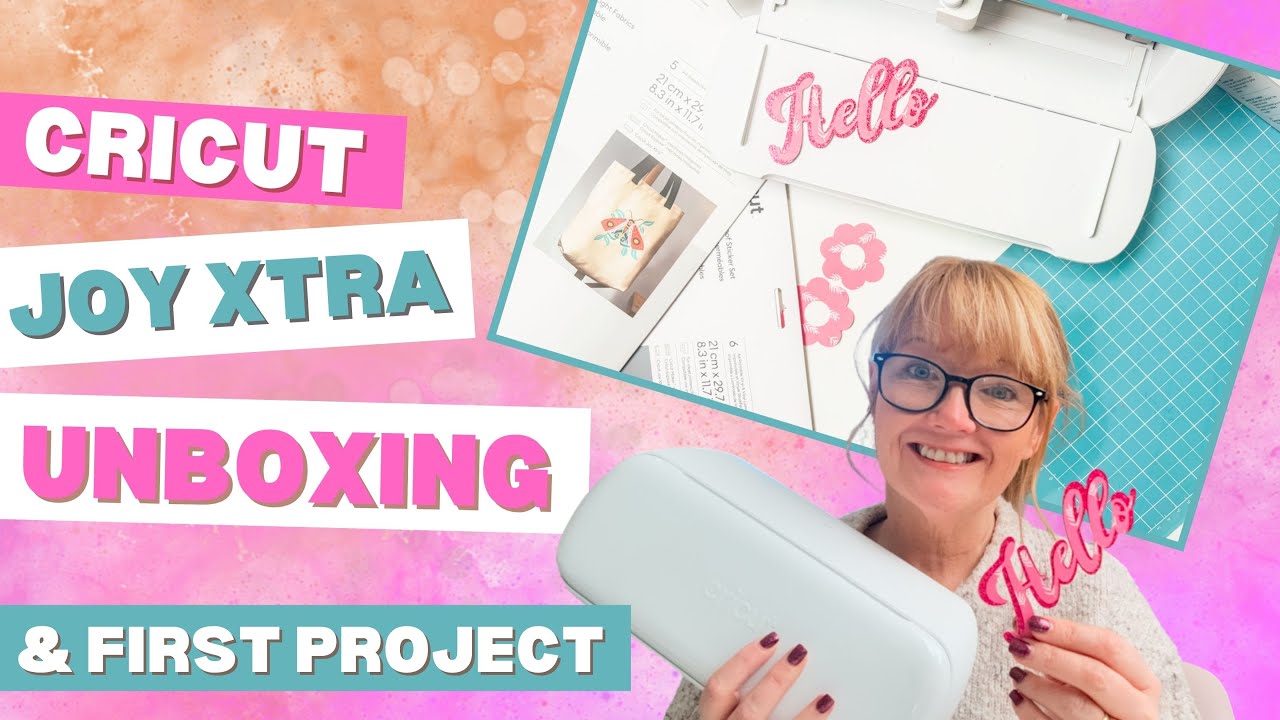
From Stickers to Sparkle: Why I’m Loving the Cricut Joy Xtra
I’ve used my Joy Xtra for stickers, print-then-cut projects, card making, cake toppers, and scrapbooking, and it handles all of them with ease. It cuts standard cardstock really well, and I’ve been especially impressed with how nicely it handles glitter cardstock, which can be tricky on smaller machines. I mainly use A4 cardstock because it’s more economical, and I use a lot of cardstock, and the Joy Xtra fits perfectly into that workflow.
While it’s not designed to replace a Cricut Maker, I’d honestly say it holds its own for everyday crafting and would easily replace the Maker. For the types of projects I create most often, it does everything I need it to do quickly and without fuss, and it’s half the price of a Cricut Maker; that makes it a great alternative.

Why I Think It’s Perfect for Card and Cake Topper Makers and Sticker Crafters
If your main projects are cards, glitter card designs, print-and-cut stickers, cake toppers, and scrapbooking, the Joy Xtra is a fantastic choice. It’s quick to set up, easy to store, and doesn’t feel like overkill for smaller, regular makes. I reach for it constantly because it makes crafting feel simple and enjoyable, not like a big production.
This machine suits the way I craft for Extraordinary Chaos. Lots of tutorials, lots of repeat projects, lots of ideas that start small and turn into full collections.
Pros and Cons From My Craft Room
Pros
- Compact and lightweight, great for smaller craft spaces
- Cuts quickly and accurately
- Handles cardstock and glitter cardstock very well
- Supports Print Then Cut for stickers and detailed projects
- Works beautifully with A4 materials
- Ideal for everyday crafting, cards and paper projects
Cons
- Smaller cutting area than Explore or Maker machines
- Not suitable if you want to engrave, cut wood, or work with heavy materials

Size and Price Details
The Cricut Joy Xtra is designed for smaller craft spaces and busy desks. It measures approximately 31.7 cm wide, 15.2 cm deep and 13.9 cm high. It weighs just under 3 kg, so it’s easy to move around, store on a shelf, or take out only when you need it.
Despite its compact size, it still handles A4 materials comfortably, which is perfect if, like me, you mainly work with standard UK cardstock and printable sticker paper.
In the UK, the machine usually sits in the £180-£250 range, depending on offers and bundles. Considering what it can do, especially print-and-cut in such a compact machine, I think it’s a really reasonable price point for crafters who focus on paper, vinyl, and sticker projects.

My Final Verdict: A Little Machine That Makes a Big Difference
The Cricut Joy Xtra has quickly become one of those machines I don’t even think about reaching for, because it’s always there, always ready, and always delivers. It fits beautifully into my everyday crafting, whether I’m designing stickers for a new project, cutting glitter card for cake toppers, or putting together card fronts and scrapbook pages.
What I love most is that it removes the barriers to being creative. It doesn’t take up space, it doesn’t take ages to set up, and it doesn’t feel overwhelming. It just lets me sit down and make. For the kind of projects I create and share here on Extraordinary Chaos, that is exactly what I want from a cutting machine.
If your creative world is full of cards, stickers, print then cut projects and paper crafts, the Joy Xtra is a genuinely brilliant addition to your craft room. Small, speedy, and far more powerful than it looks.
