
I get a lot of emails asking me the following questions. Most of them are lovely and ask for help, and we won’t mention the ones that aren’t so lovely! Anyhow, I thought it would help to create a troubleshooting page to answer all those questions. Please let me know if I missed anything.
What You Will Find Here
Resetting Your Password
If you are not getting a password reset when you request it, your site is blocking my reset. Email me asking for a password reset. Rude emails go straight to spam. Most of you are lovely, kind people, and thank you for that kindness; it means a lot. I will get a reset out to you ASAP. I do it as quickly as I possibly can, but bear with me in case I am out.
Do Not Click On These Images
These are spam ads, I complain to my ad agency every day, yet they still appear. It is very upsetting when I get rude emails as I do everything in my power to stop them. If they have a little cross in the right hand corner, they are not my site offering freebies, they are spam.
Where To Download My Free Alphabets And Files
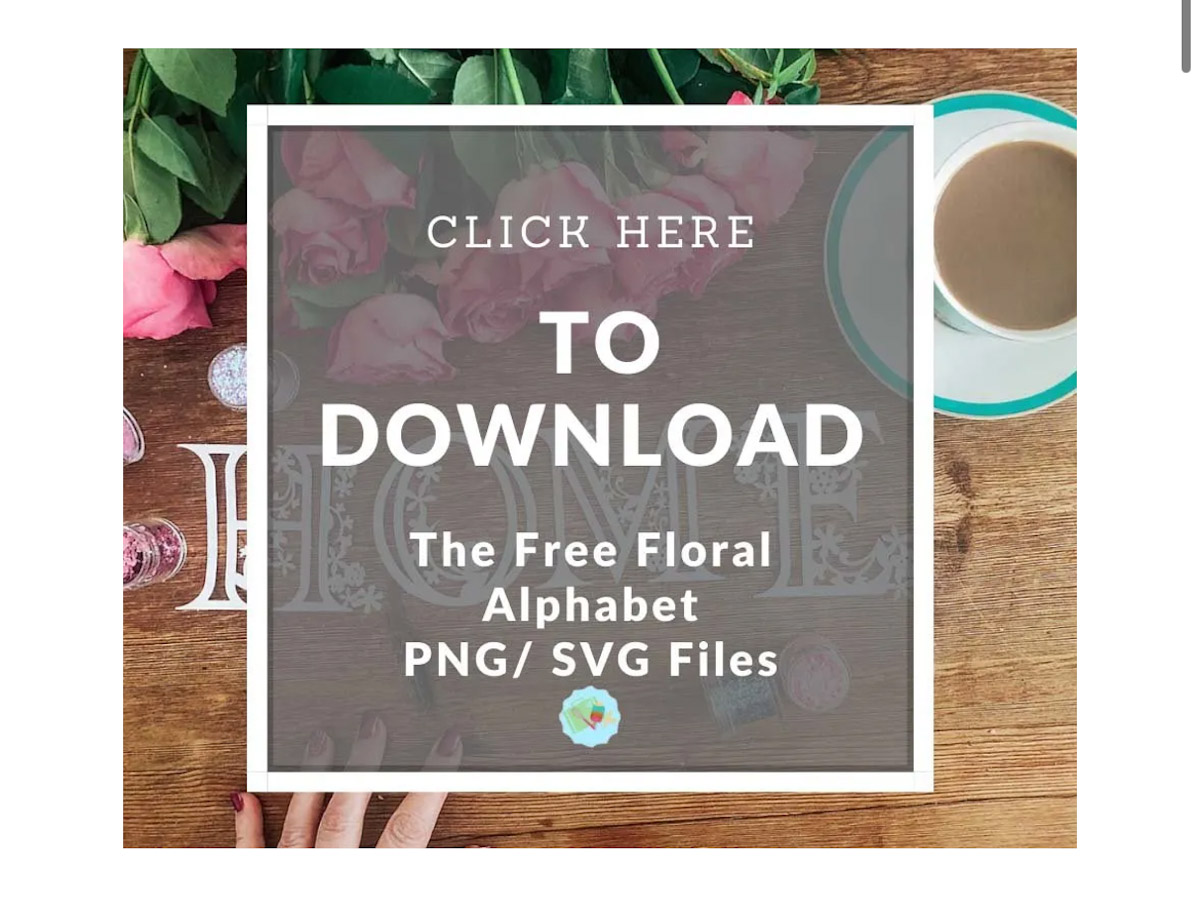
If you’re on this page because you can’t find the download of a free alphabet? Go back to the project page and look for the banner image that says subscribe here or click to download, get the files here, or words to that effect.
The image will always have an image of the file in the background and look like the image below. You can click on the image or there will be a link above. There are also links to help you upload to Cricut Design Space; there are all clearly labelled. If you are unsure, just click on the image, this will take you to my shop.
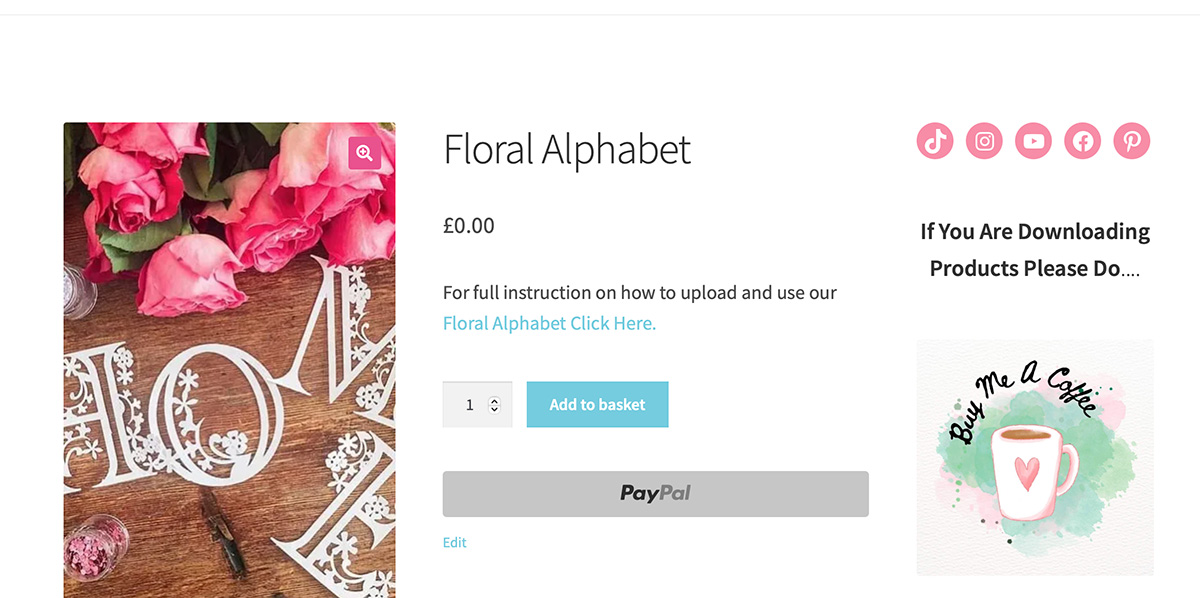
When You Are In The Shop
You will see the file you require to get the free (or paid) file, click the blue add to basket button.
How To See Your Basket
Click on the basket on the top right corner and you can see your basket, from here click view basket of checkout.

Your Shopping Cart
Now you can see your shopping cart and order; if you click on another product on my email or website, you can keep adding to your cart until you are ready to check out. Note, you must always check out free SVGs of the week, as they are only live for a week.

Scroll Down To Click To Proceed To Checkout
If you cant see the proceed button, just scroll down.
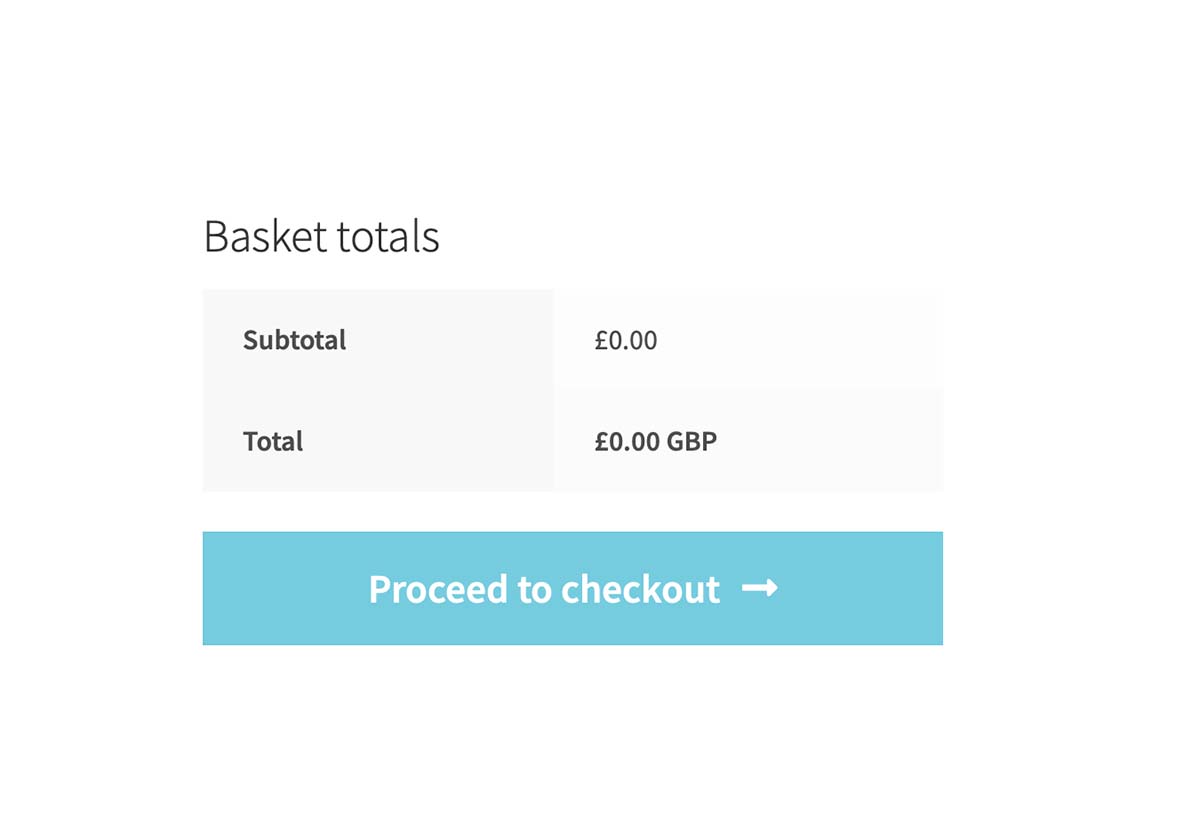
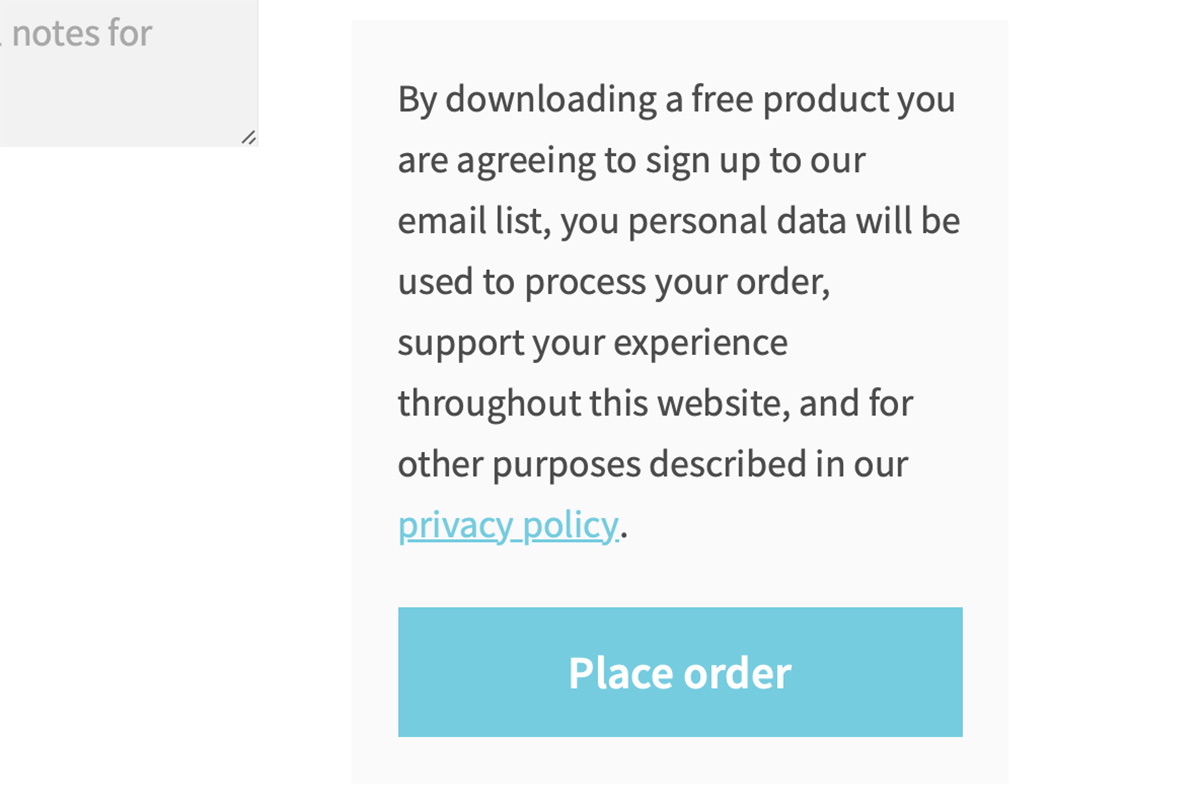
Click Place Order
By doing this, you are agreeing to sign up for my free emails and files.
The Download Page
This is the critical page; I do not email your file; you can download it here. Look at the image below; just below that, there is a blue button with the name of the file. Click that to download your file.

Finding Your Previous Downloads
Click my account and click on downloads; here, you will find all the files you have ever downloaded. (The free SVG will all have costs attached as these need to be downloaded within a week, so download immediately)

You can re download them by clicking on the blue button.

If you Can’t Leave Me A Coffee
If this fails, it sometimes does, so you can donate a coffee directly to my PayPal. My address is extraordinarychaosblog@gmail.com.
Thanks and I hope I have answered all of your questions, if not email me at travelingchristie@gmail.com and let me know.

Can I please subscribe for the Easter egg svgs – I don’t seem to be able to see the link that you say I should use xxx Tia
Hi Margaret I have emailed you, thanks Sarah x
Hi. I have tried print then cut on my HP Envy printer and it just chews up the sticker paper. Do you happen to know a hack that can get around this issue?
I would be really grateful for any advice.
Many Thanks
Catherine
Hi Catherine I find mine chews up sticker paper if it is too thick, I can use the cricut sticker paper on mine but can use Cricut printable Vinyl and Evergreen sticker paper from amazon works for me https://www.amazon.co.uk/gp/product/B01AC4K7XI/ref=as_li_qf_asin_il_tl?ie=UTF8&tag=extraordina08-21&creative=6738&linkCode=as2&creativeASIN=B01AC4K7XI&linkId=8d97c6b7d4c13c09610485f16336c35c x
When I go to the cart it says to enter email and password, which I have done but says wrong password (h—-). The form is filled out with my info but keeps says to sign in
I have ordered some free SVG files and paid for some coffees, but am still waiting to be able to download them. My account just says processing. Surely there is nothing to ‘process’? You don’t need to get payment for free SVGs. Other sites that offer free SVGs to download send them immediately as do paid sites….
Thank you for sharing all the beautiful work you do in so many free files. People need to learn to appreciate someone who gives them a gift instead of complaining and hurting their feelings. It is so easy to ask a question politely. The only issues I have ever had with your website is user error. If I can’t figure something out, that is on me, not you. If I wouldn’t lose the bookmark, I would bookmark this page so I could refer to it, but I guess I will just keep stumbling along until I remember where to find what I was looking for and enjoying the surprises I find while looking.
In the VIP section of Cricut Craftfest 2026 the svg letter V comes in as a png.
All the others look good.
Thanks for letting me know I will take a look. Sarah
Hi Sarah,
Just curious. Are you away? I have not gotten a newsletter the last 2 weeks. I can understand you needing time off!! I just hate to miss anything! I have checked my spam folder also. Let me know if I need to sign up again. Thanks.
Blessings,
Joan
Hi Joan, I am having a problem with my email system unsubscribing people, and it seems you were unsubscribed. I have re-subscribed you and sent out this week’s email and am trying to get it fixed, which is proving a nightmare. I send my email out at 12 noon UK time every Saturday, even if I am away. If it happens again, let me know. But it might be worth saving this email address to favourites mail@extraordinarychaos.com